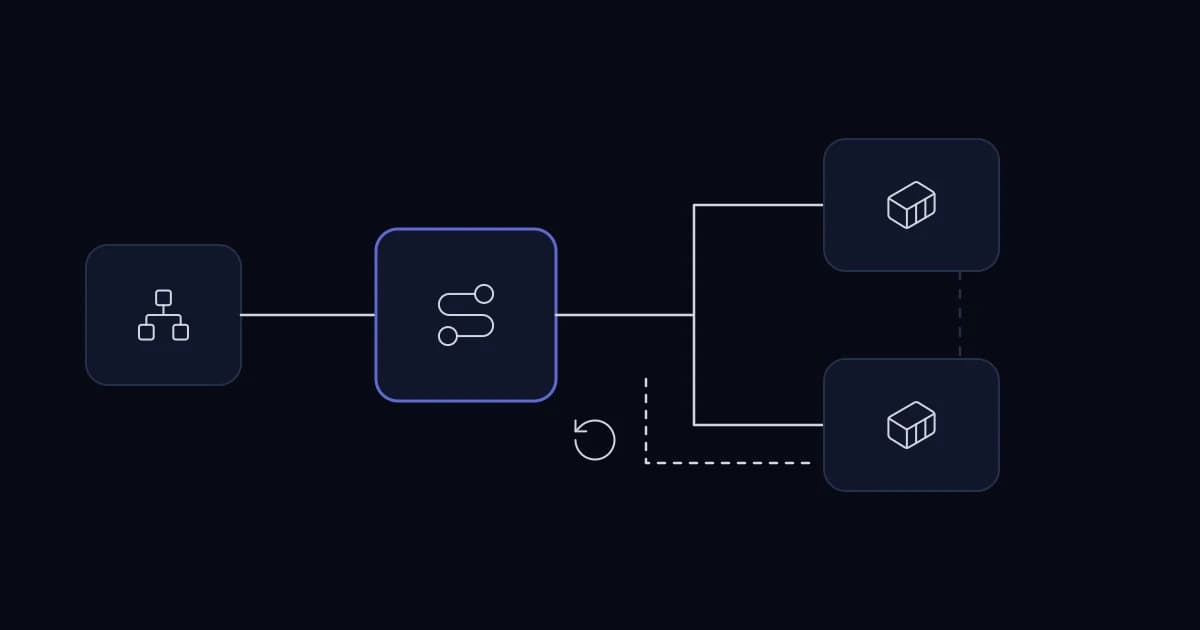
For a Dockerized application behind nginx, deploy a versioned image, prove the new instance is ready, switch traffic and keep the previous compatible version available until the release is verified. A rollback is real only if data written during the new release remains readable by the old one.
Build once, promote the same artifact
Use a reproducible build and pin the released image digest or immutable version. A multi-stage Dockerfile can leave build tools out of the runtime image. Do not rebuild from a moving branch between staging and production and call the results identical.
Distinguish liveness from readiness
A process can answer a TCP probe while its database connection, migrations or critical dependency are unavailable. Readiness should test enough of the application to justify receiving traffic, without making the probe expensive or dependent on every optional external service. Then run a synthetic customer journey after the switch.
build image -> start new instance -> readiness passes
-> switch nginx upstream -> verify key journey -> retire old instance
A release checklist tied to one customer journey
Choose one representative workflow, such as signing in and submitting a request. Before switching traffic, verify the new image starts, dependencies answer and the database schema is compatible. After switching, run the workflow from outside the host and observe response time and error rate. A container health check that calls only localhost is insufficient evidence of the customer path.
Keep credentials out of the image and logs. Rotate secrets through the deployment environment, and confirm the new and old app versions can both read the active secret format during rollback. Record the image digest, migration version, deployment time and operator.
A rollback rehearsal
In staging, deploy the new image, create a record through it, then switch nginx back to the previous image. Confirm that the previous version can read and safely update that record. If it cannot, the release needs a compatibility migration or a documented restore plan; a command that points nginx at an old container is not enough.
Drain long-running requests and workers deliberately. Terminating the old container immediately may interrupt a report or leave an accepted job unrecorded. Define graceful shutdown and ensure jobs can be retried without duplicate business effects.
Coordinate schema and background workers
The old and new app may both run during a rolling deployment. Use additive schema changes first and delay destructive cleanup. Check whether queue workers consume jobs produced by either version. A new payload shape can fail on an old worker even when the web app looks healthy.
If traffic switching fails, reverse the upstream change and inspect logs and traces. A short maintenance window can be safer than a complicated high-availability rollout for a small internal system.
Sources and further reading
Services This Relates To
Written by KYCONNECTS Engineering.