For an nginx 502 or 504, identify the failing upstream and compare its response with the gateway deadline. Do not raise every timeout first: a longer wait can turn a fast failure into an expensive one and increase resource pressure.
Read the gateway evidence
Capture the time, request path, upstream address, status and nginx error message. A connection refused suggests the application process is absent or bound to the wrong address. A timeout waiting for headers points toward a slow or saturated handler. An invalid upstream response is a different class of problem. nginx typically returns 502 for a refused, reset or invalid upstream response and 504 when a connect or read timeout expires.
Test the upstream directly
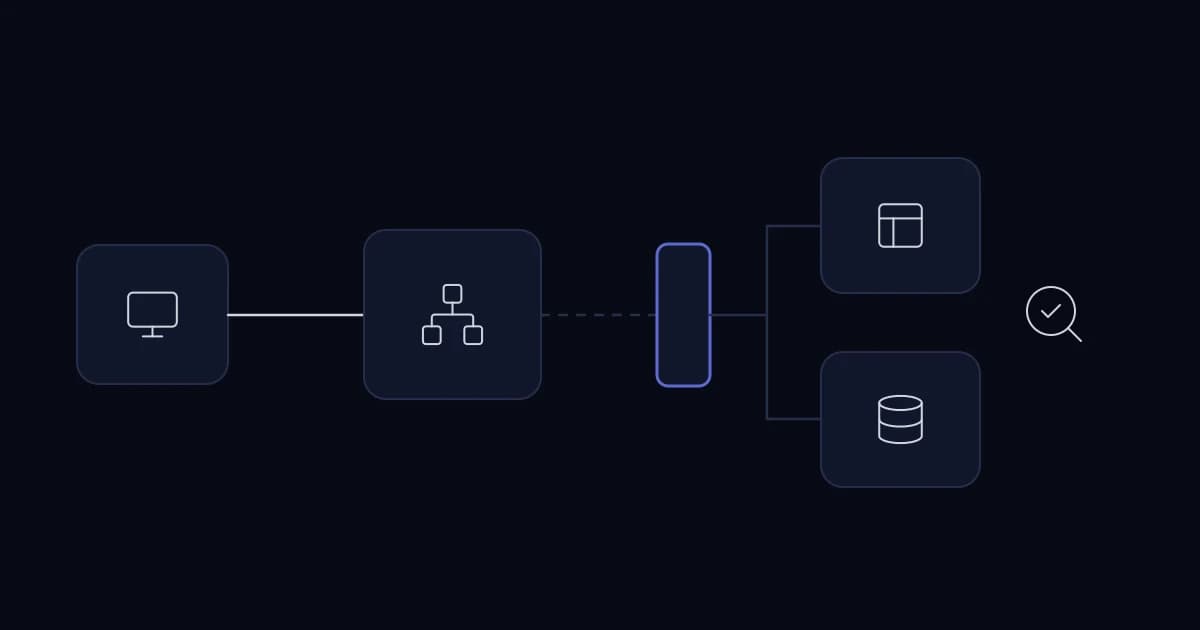
client -> nginx -> app worker -> database / external API
Test each boundary with the same request ID and deadline.
From the proxy host, call a bounded health endpoint on the upstream address. Inspect application logs and process restarts at the same timestamp. For Node.js, look for event-loop blocking or memory pressure; for Laravel, check PHP worker saturation, queue use and database waits. A health endpoint that returns 200 while every real request waits on a database is not enough.
Keep timeout ownership explicit
Compare client, nginx, application and downstream deadlines. The outer deadline should not expire while inner layers continue expensive work without cancellation. A request that legitimately takes minutes belongs in a background job with status, not in an arbitrarily extended proxy timeout.
After fixing the cause, replay the failing journey and watch error rate, latency and worker saturation. If failures began immediately after deployment, use a tested rollback path while preserving evidence. A single transient error may not justify architecture work; repeated incidents with the same signature do.
Interpret the difference cautiously
A 502 often means nginx could not obtain a valid response from an upstream; a 504 commonly indicates a gateway timeout. Neither status identifies the root cause alone. Read the corresponding error log and upstream timing fields, then compare the app's own logs at the same timestamp. The precise configuration and failure phase matter.
An upstream may be healthy for a small health request but exhausted by a report query. Compare a cheap endpoint with the failing route. If only one route is slow, inspect its query plan and downstream calls. If every route fails after a deploy, inspect process startup, binding address, environment and migrations first.
Prevent the second outage
Record the route, upstream address, request ID, app version, worker count, database wait and external dependency state. Turn the observed cause into a specific check: queue-age alert for blocked workers, readiness for failed startup, query regression test for a slow report, or a timeout budget for a remote API.
Changing proxy_read_timeout (or fastcgi_read_timeout for Laravel behind PHP-FPM) can be appropriate for a known streaming response, but it should follow a deliberate contract. For long exports, a background job with a status endpoint is clearer and frees scarce web workers. For a stalled database, a longer timeout merely keeps more clients waiting.
The runbook should end with a customer-level verification, not a log line disappearing. Test the formerly failing journey from outside the server and confirm the error rate stays down under representative concurrency.
Sources and further reading
Services This Relates To
Written by KYCONNECTS Engineering.