MonitorPro
Workforce monitoring for Windows teams, hosted and run by KYCONNECTS on a monthly subscription. Screenshots, screen recording, live view, activity and URL logging, productivity scoring and attendance, with no server for you to buy or maintain.
Product film
A walkthrough of MonitorPro.
Recorded on a working deployment. Names, hosts, addresses and screen contents are blurred. About this film
Architecture
How MonitorPro works.
- Devices
- Live view
- Captures
- Reports
- Admin
Device list
Online, idle and offline state per machine, scoped to one company
Live view
Peer-to-peer HD stream with a single-viewer lock
Capture history
Screenshots and recording segments on a searchable timeline
Activity & reports
Application, window title and URL records with productivity scoring
What It Is
MonitorPro pairs a Windows agent with a web dashboard. The agent records what happens on managed endpoints and reports over TLS to the MonitorPro platform, which KYCONNECTS hosts and operates. Companies subscribe monthly, so there is no server to buy, install or maintain. It was built for operations teams that need verifiable activity records: BPO floors, remote and distributed teams, and any business that wants to see how the working day is spent.
What it captures should be stated plainly rather than implied, because it is the basis on which you decide whether to deploy it at all. Alongside screenshots and recordings, MonitorPro records window titles and full browser URLs. That is a strong monitoring capability and the most privacy-sensitive part of the product. It is also why the access model matters as much as the capture: which roles can see what is a per-service grant, live view is locked to one viewer at a time, and every administrative action lands in an audit log that cannot be edited.
Retention is enforced by scheduled cleanup rather than left to fill a disk. Screenshots and recordings default to 30 days and activity logs to 90, all configurable. Data in transit is protected by TLS, and live view media by WebRTC's own encryption. Storage-level encryption of the database and media volumes is not something the application itself currently provides — we would rather say so here than let you assume it.
Capabilities
Scheduled Screenshots
Timezone-aware capture intervals with per-company defaults, plus on-demand and fleet-wide bulk capture, over a searchable history.
Screen Recording
Recording segments uploaded, indexed and played back from the dashboard, with capture settings held per device.
Live View
HD screen over peer-to-peer WebRTC with a single-viewer session lock, so two people cannot watch the same machine unknowingly. Falls back to MJPEG where a direct peer connection cannot be formed.
Application & Window Activity
Application name and window title, batched from the agent and resolved to readable names rather than raw process identifiers.
Browser URL Logging
Browser name and the full visited URL, captured without deploying an extension to every browser on every machine.
Productivity Categorisation
Applications and URLs classified as productive, neutral or unproductive, with the categories and scoring configurable per company.
Idle Detection
A configurable inactivity threshold separates active time from idle time, so activity reports reflect real work rather than logged-in hours.
Attendance From Session Events
Login, logout, lock, unlock, startup and shutdown are recorded and turned into attendance — no separate clock-in step for anyone to forget.
Shifts & Working Windows
Shift definitions with per-device assignment, and a working-window calculation that both attendance and productivity are measured against.
Reports & Session Timeline
Application usage, website usage, idle time, activity, productivity and recordings, plus a per-device chronology of the working session.
Alerts
Threshold-based alerts configured per company, surfaced in the dashboard with unread tracking.
Device Location & Inventory
Coordinates with accuracy, plus ISP, city and country resolved server-side and kept as history, alongside installed-software inventory per device.
Offline Queue With Sync
Captures buffer on the endpoint when connectivity drops and sync when it returns. A laptop on a train does not leave a hole in the record.
Device Approval Queue
A newly enrolled machine heartbeats so you can see its hardware and agent version, but every monitoring route refuses it until an administrator accepts it. Rejecting blocks the hardware fingerprint, so a reinstall cannot walk back in.
Enrollment Keys With Slots & Expiry
Temporary keys carry a slot count and a required expiry, are shown once and stored only as a hash, and are exchanged at install time for a per-device credential.
Per-Company Isolation
Every request resolves to exactly one company, and a request that cannot be resolved returns nothing rather than everything. Live view has no platform-operator bypass.
Roles & Per-Service Grants
Four roles, plus nineteen individually grantable services so a company or a single user can be given exactly the capabilities they need.
Append-Only Audit Log
Administrative actions are recorded and cannot be edited or deleted — enforced by database triggers, not by convention.
Agent Release Channels
Version pinning and rollback per device, with the installer served by the platform itself.
Hosted and Run by KYCONNECTS
The servers, updates, agent releases and retention cleanup are ours to run. Your team installs the agent and uses the dashboard; there is no server to buy or maintain.
Feature Clips
About thirty seconds each. Select a clip to watch it full size.
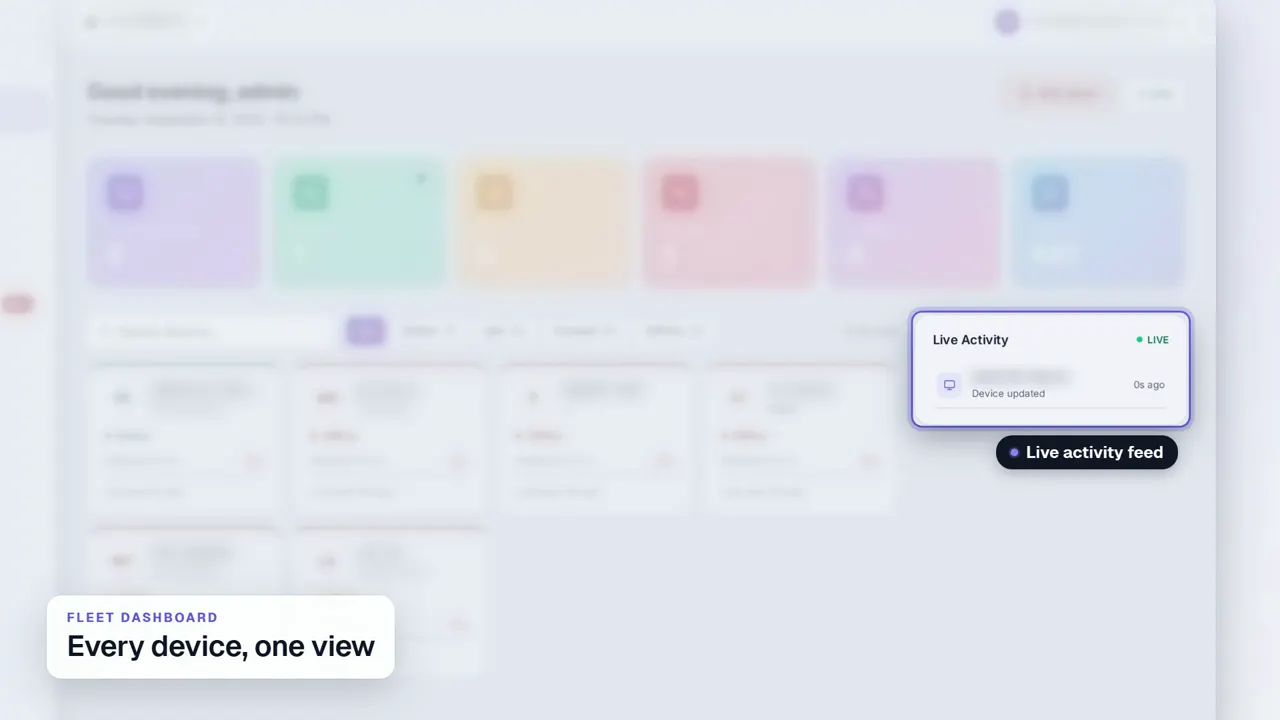 Duration 0:29Play video: Fleet Dashboard
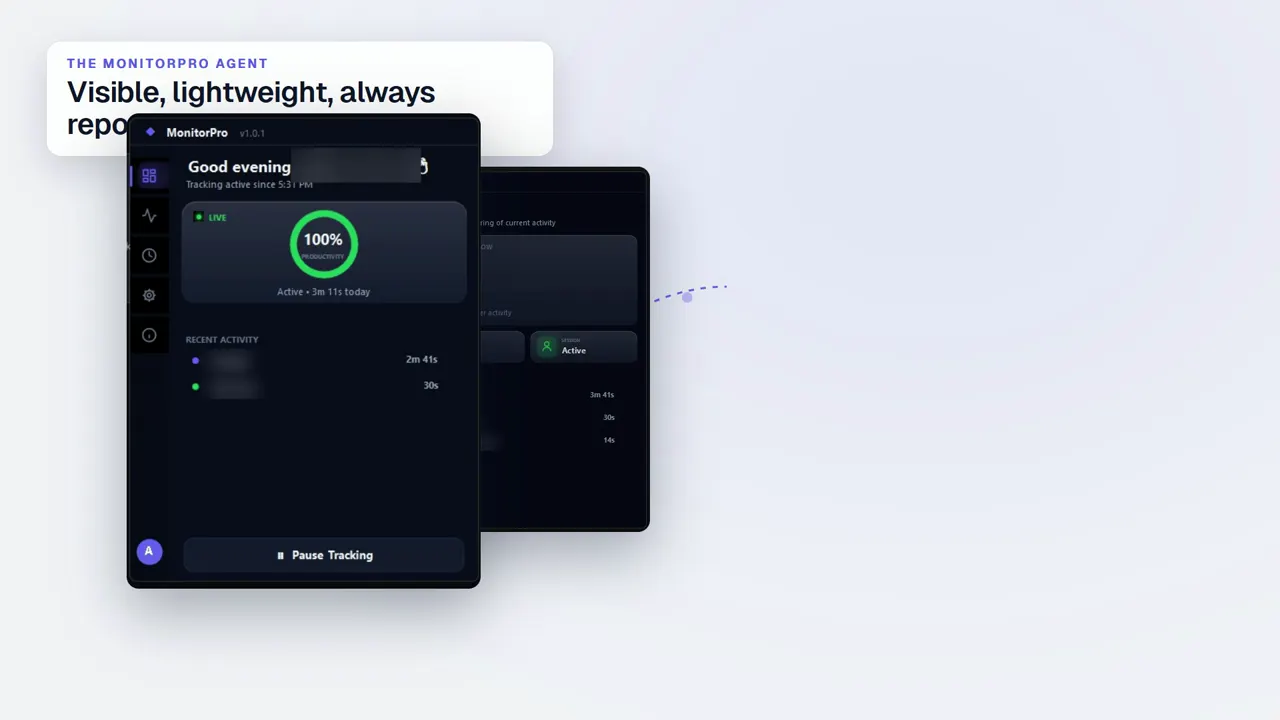 Duration 0:32Play video: Desktop Agent
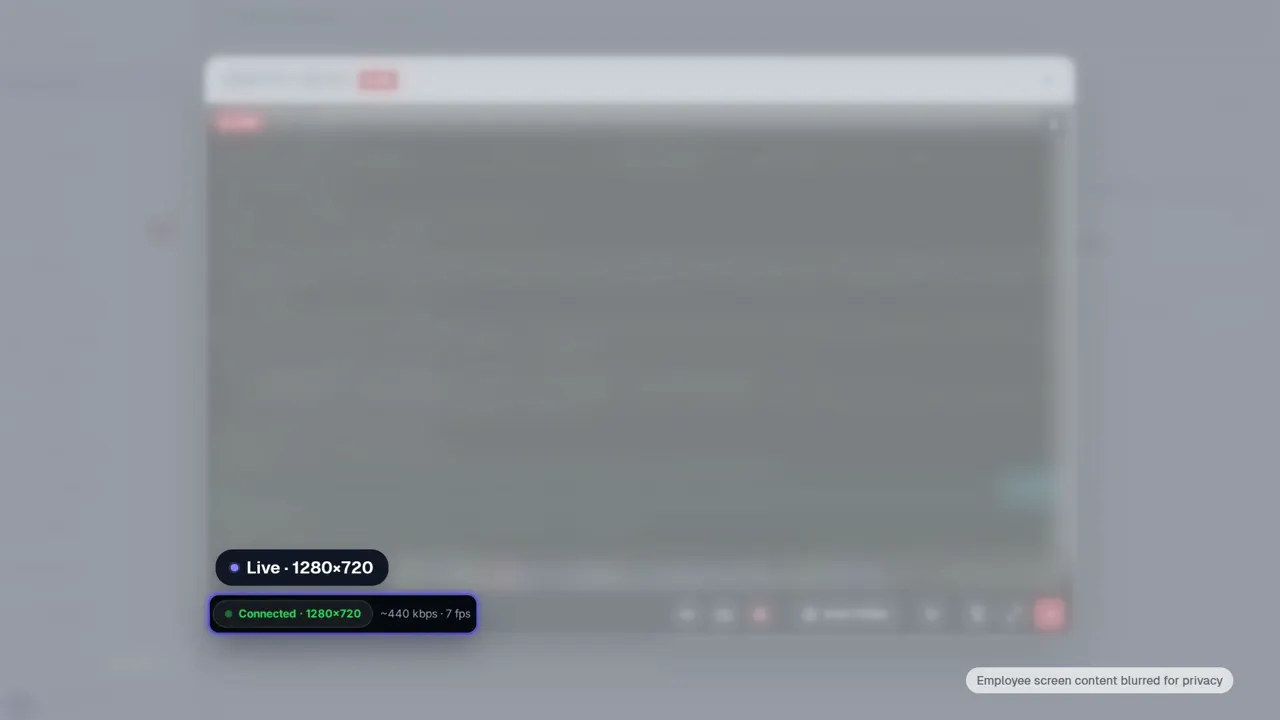 Duration 0:28Play video: Live View
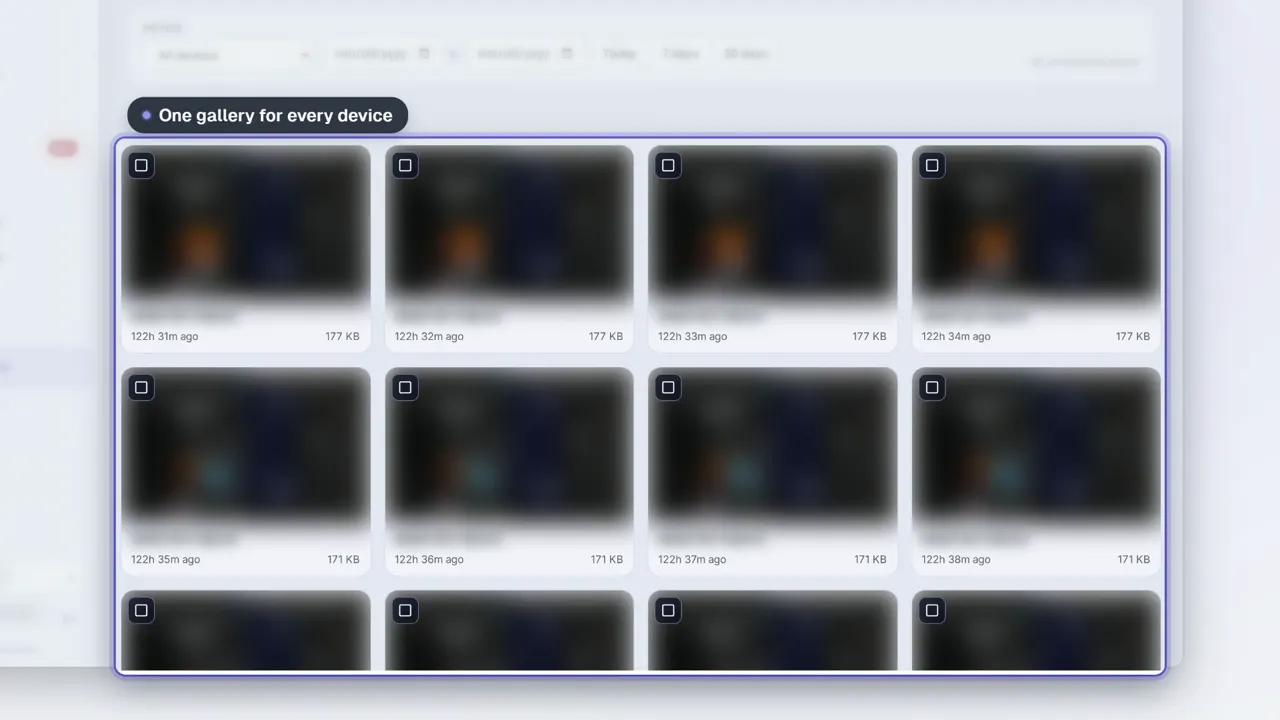 Duration 0:28Play video: Screenshots
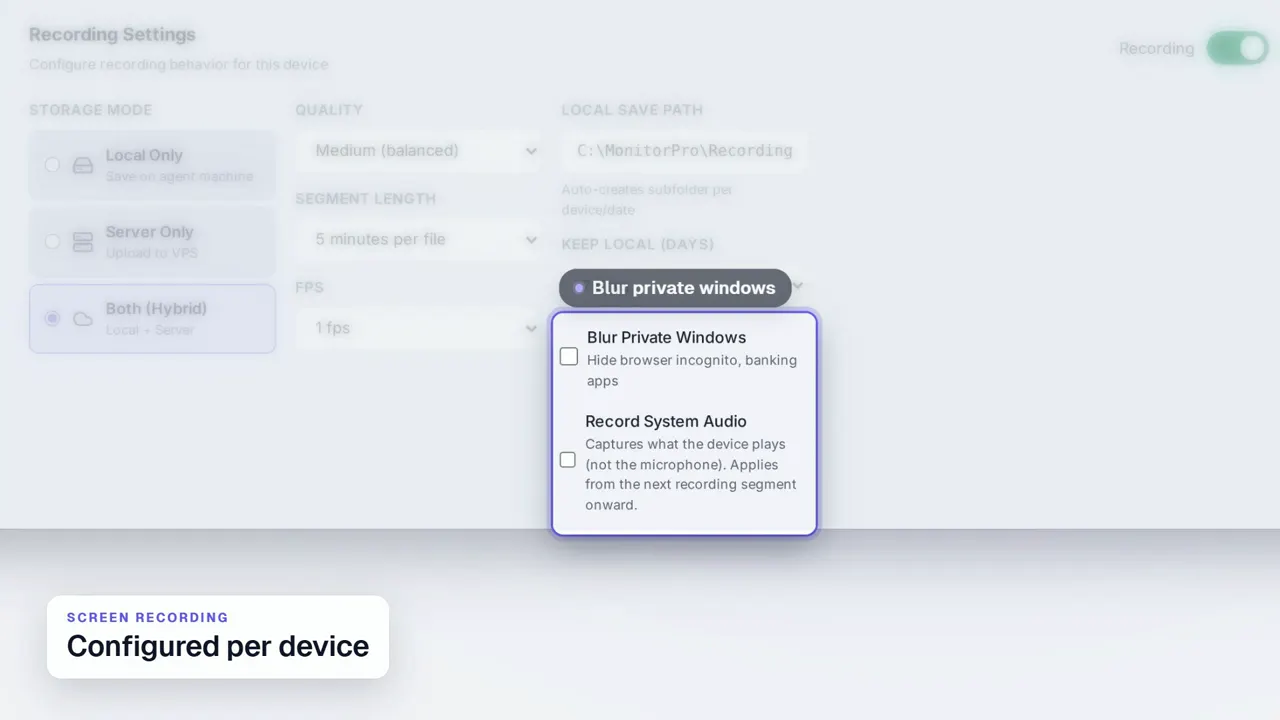 Duration 0:31Play video: Screen Recording
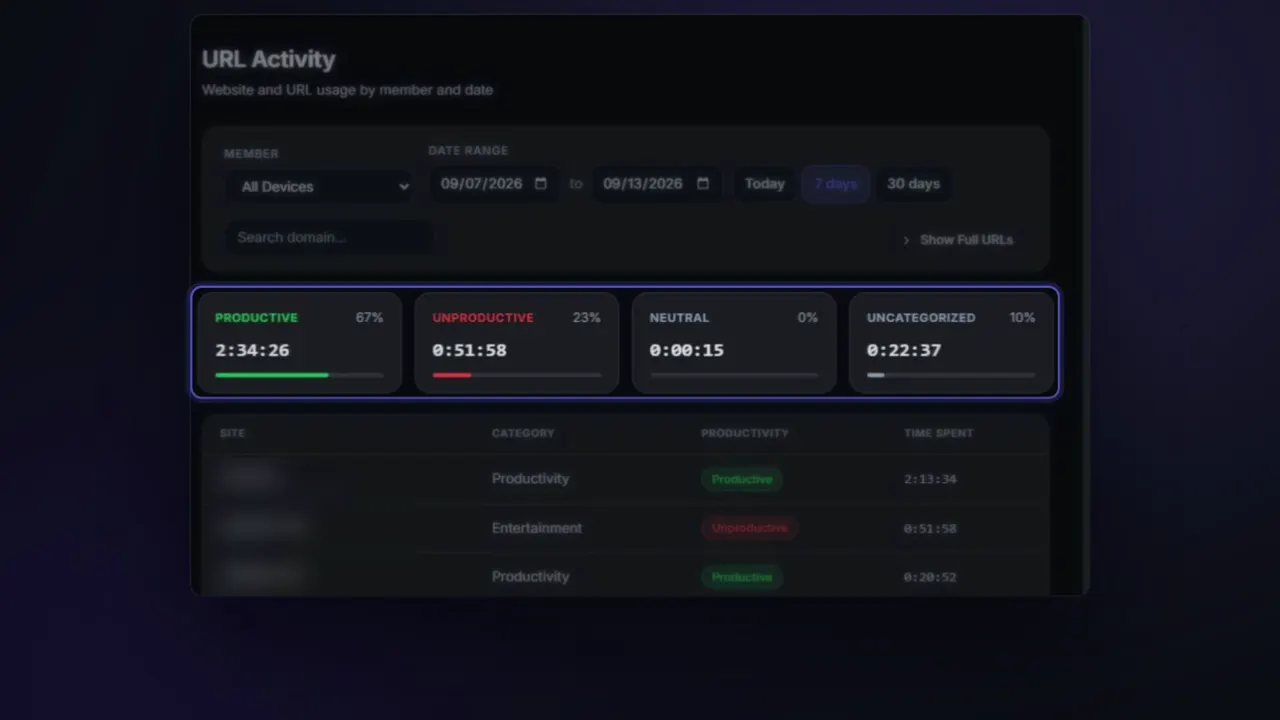 Duration 0:26Play video: App & Website Activity
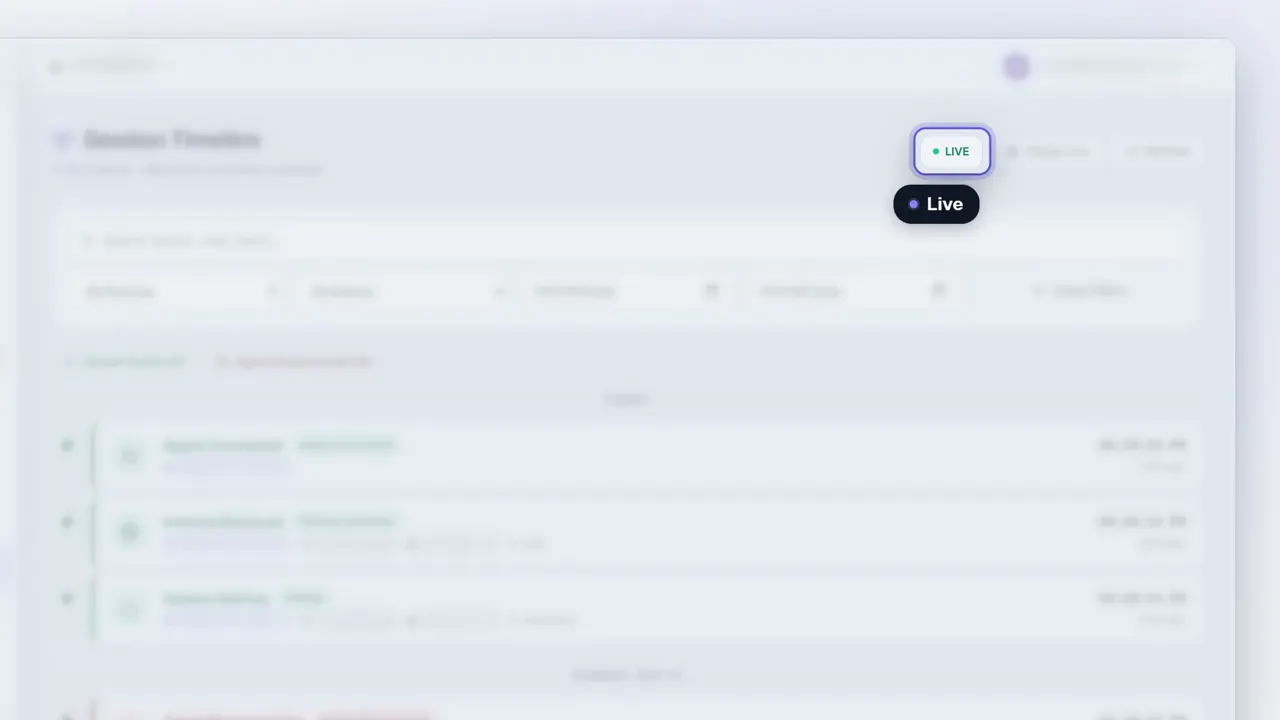 Duration 0:27Play video: Device Deep Dive
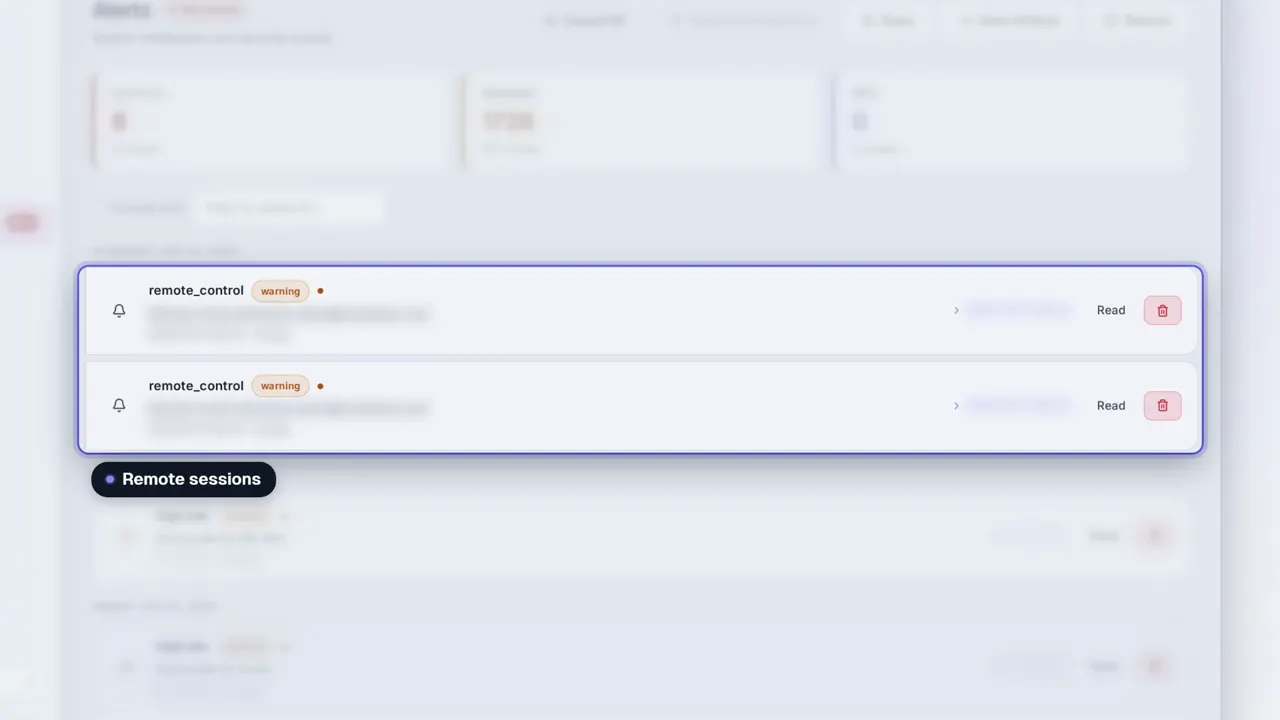 Duration 0:31Play video: Dashboard Alerts
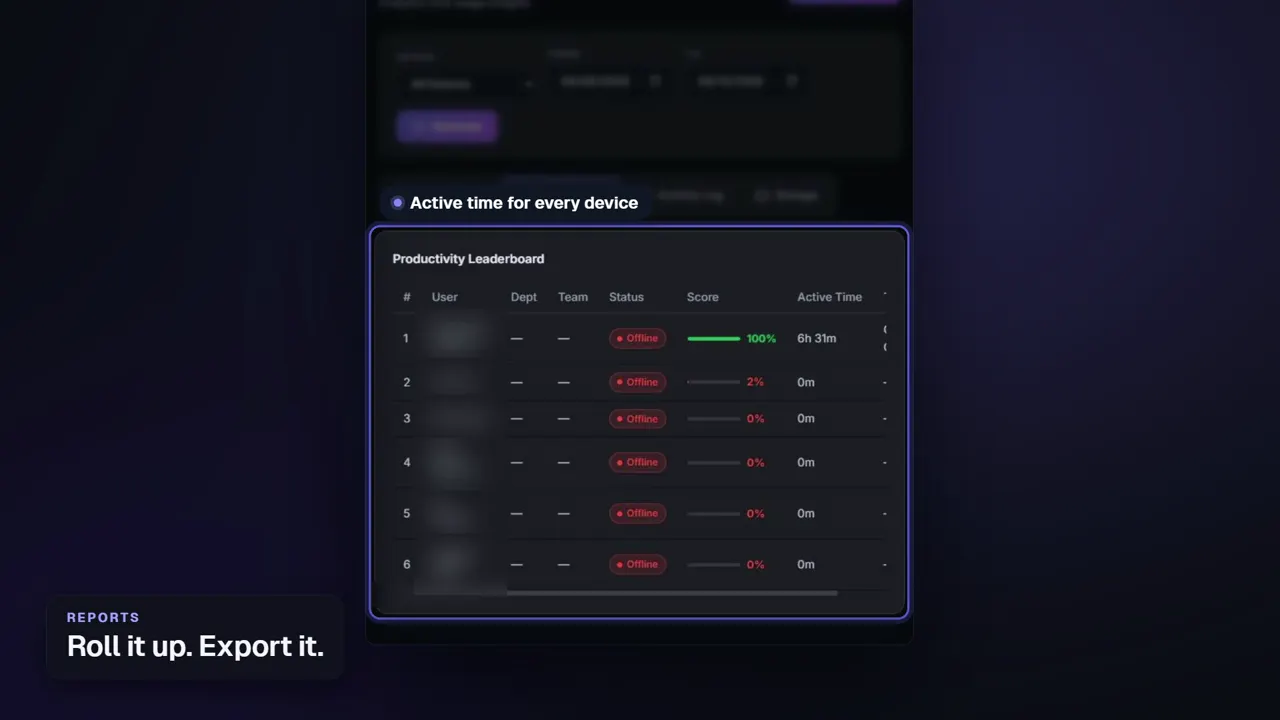 Duration 0:26Play video: Reports
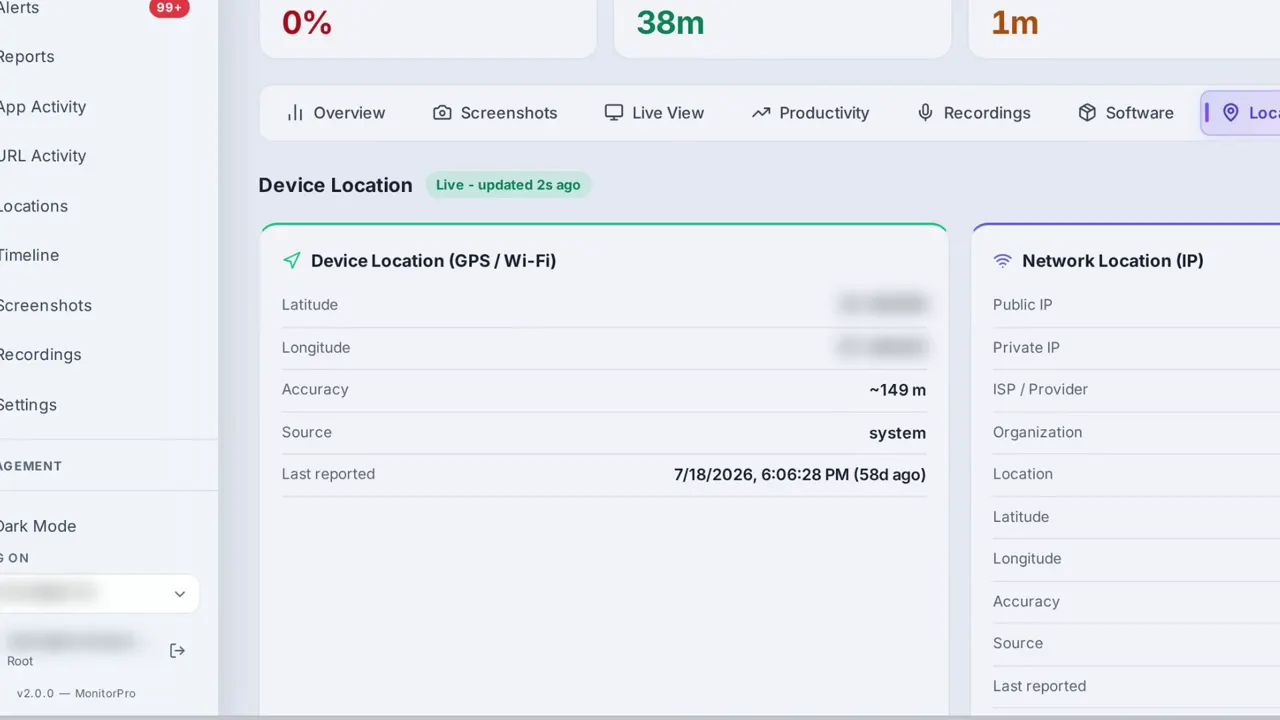 Duration 0:28Play video: Device Location
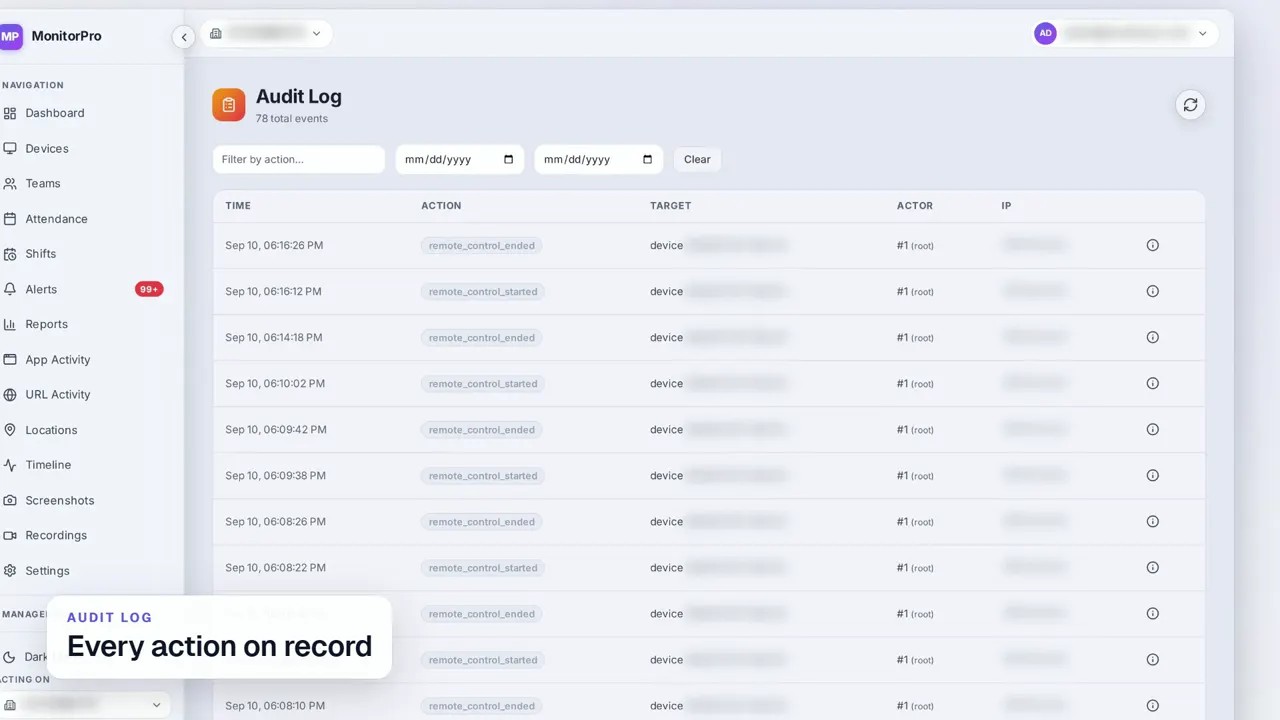 Duration 0:30Play video: Access Control & Audit Log
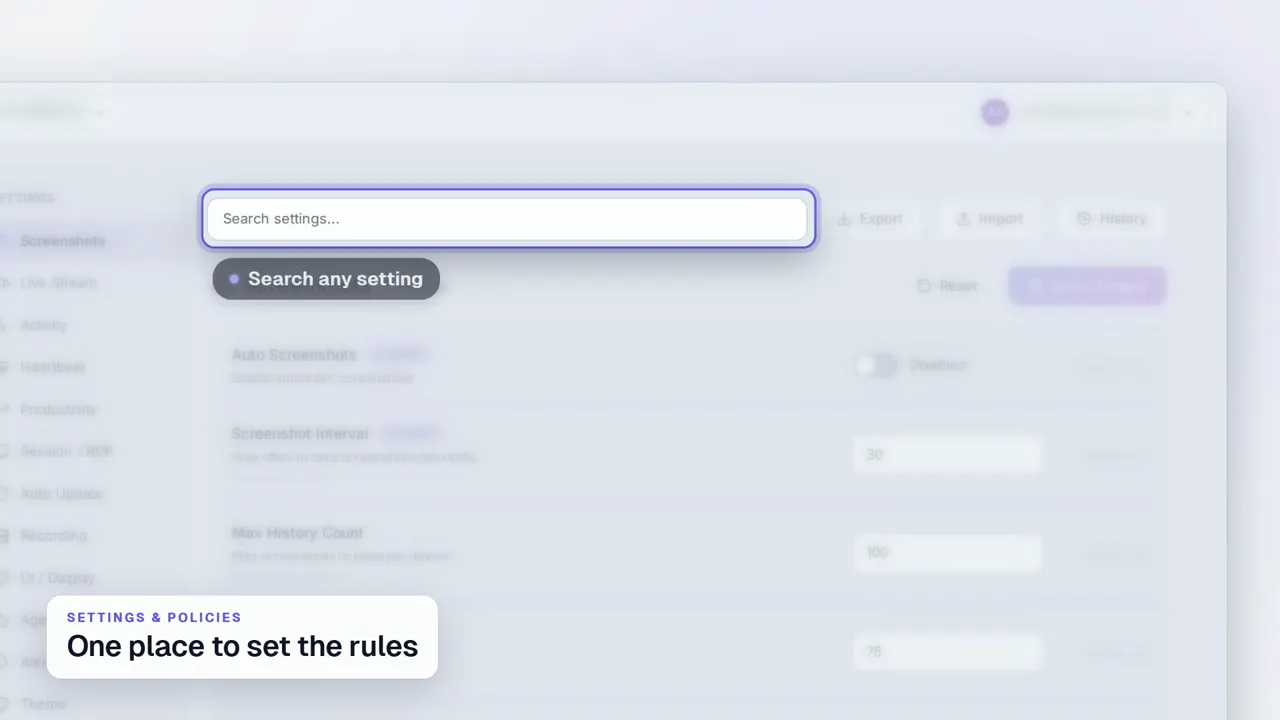 Duration 0:29Play video: Settings & Policies
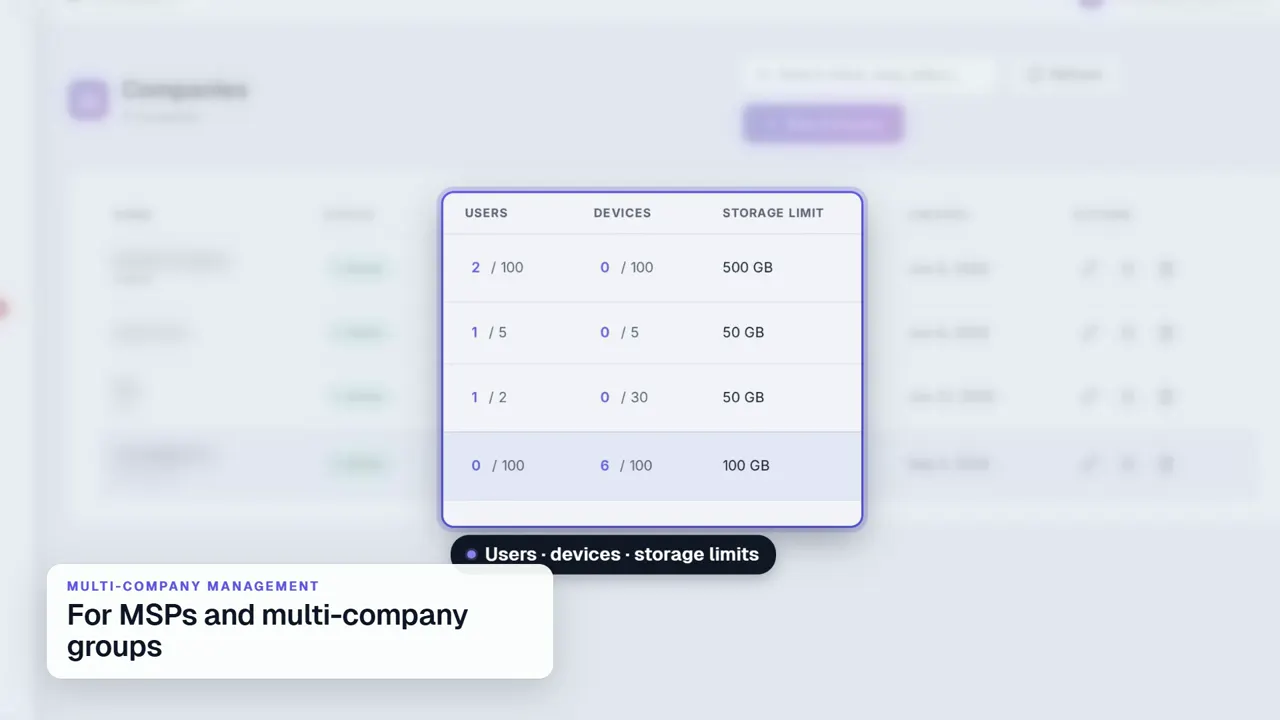 Duration 0:31Play video: Multi-Company Management
Technical Specification
Getting Started
1 · Subscribe
Choose the services and the number of devices on a monthly plan. We set your company up on the platform, kept separate from every other company.
2 · Issue a key
A temporary enrollment key is generated for your company with a slot count and an expiry. It is displayed once; only its hash is stored.
3 · Install & approve
The Windows agent installs interactively or silently, exchanges the key for a per-device credential, and waits in a review queue until someone approves it.
4 · Configure & run
Capture intervals, retention, idle thresholds and productivity categories are set for your company. Your managers work in the dashboard; we run the platform.
See MonitorPro Running on Your Own Endpoints
We typically respond within 4–8 business hours.