Product film
MonitorPro Product Film
2:13 · 1080p · Recorded on a working deployment, with names and screen contents blurred
About this video
Most company devices are out of sight — in branch offices, at home, on the road — and the information about them is usually split across tools: status in one place, screenshots in another, reports in a spreadsheet. The film follows MonitorPro bringing that into one console. It covers the lightweight agent on each Windows device, the fleet dashboard, live screen view with a choice of stream mode, the screenshot history, application and website activity, the per-device deep dive, dashboard alerts, team reports with export, device location, per-service access control and the audit log. Recorded on a working deployment; names, hosts, addresses and screen contents are blurred.
What it shows
- Devices spread across head office, branch offices, homes and the road
- A light agent on every Windows device
- Every device in one fleet view
- Live view of any screen, with a choice of stream mode
- A visual screenshot history of every device
- Where time goes, by application and website
- Everything about one device on one page
- Alerts, team roll-up reports and CSV export
- Where every device is
- Who can do what, and every action on record
More MonitorPro videos
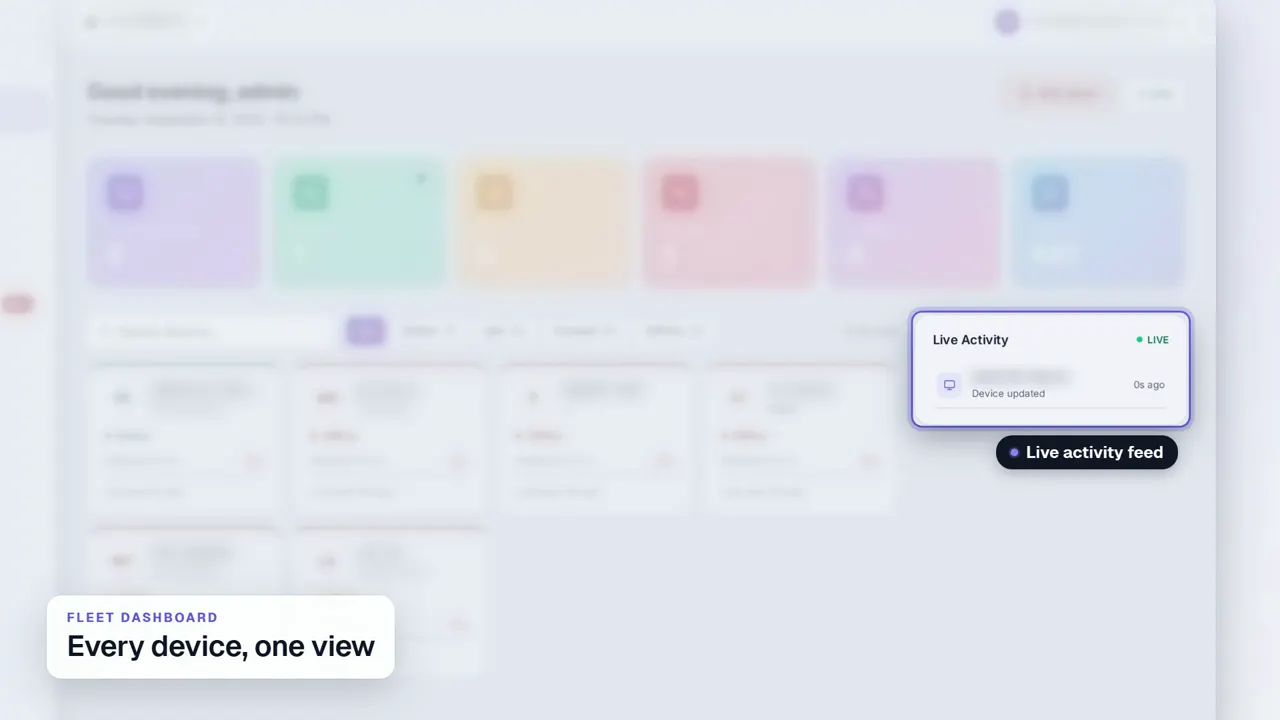 Duration 0:29Play video: Fleet Dashboard
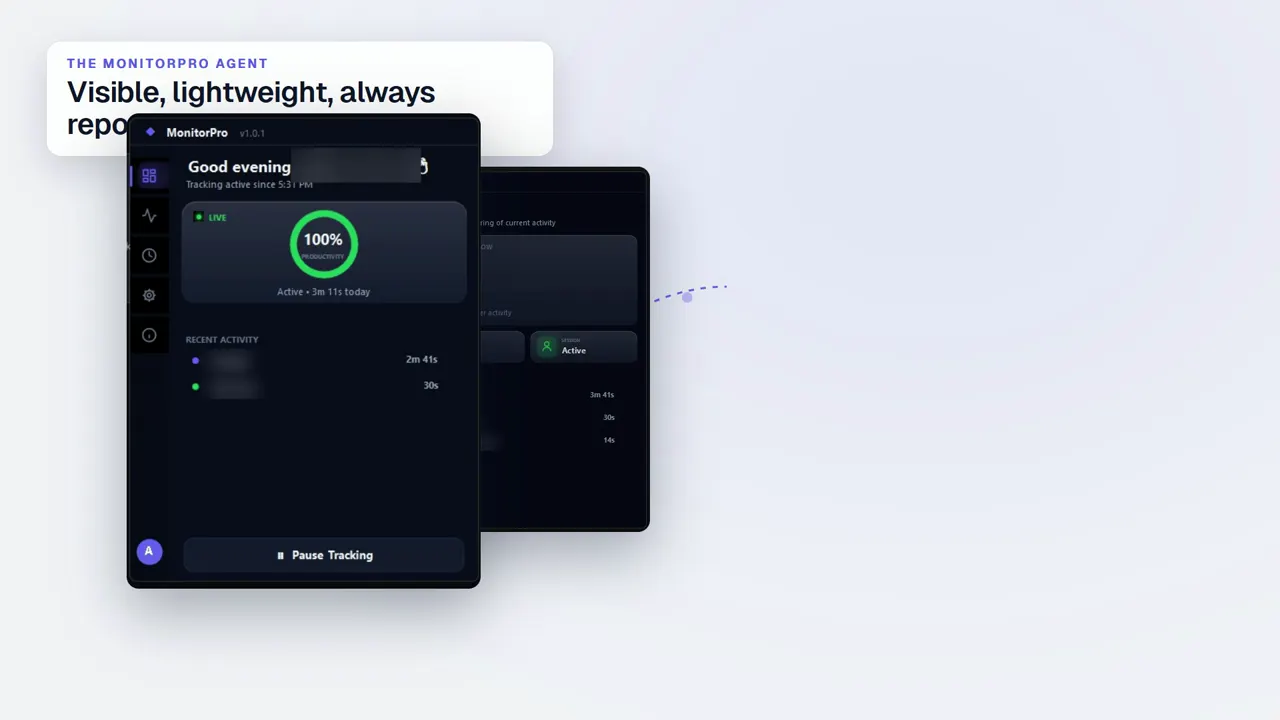 Duration 0:32Play video: Desktop Agent
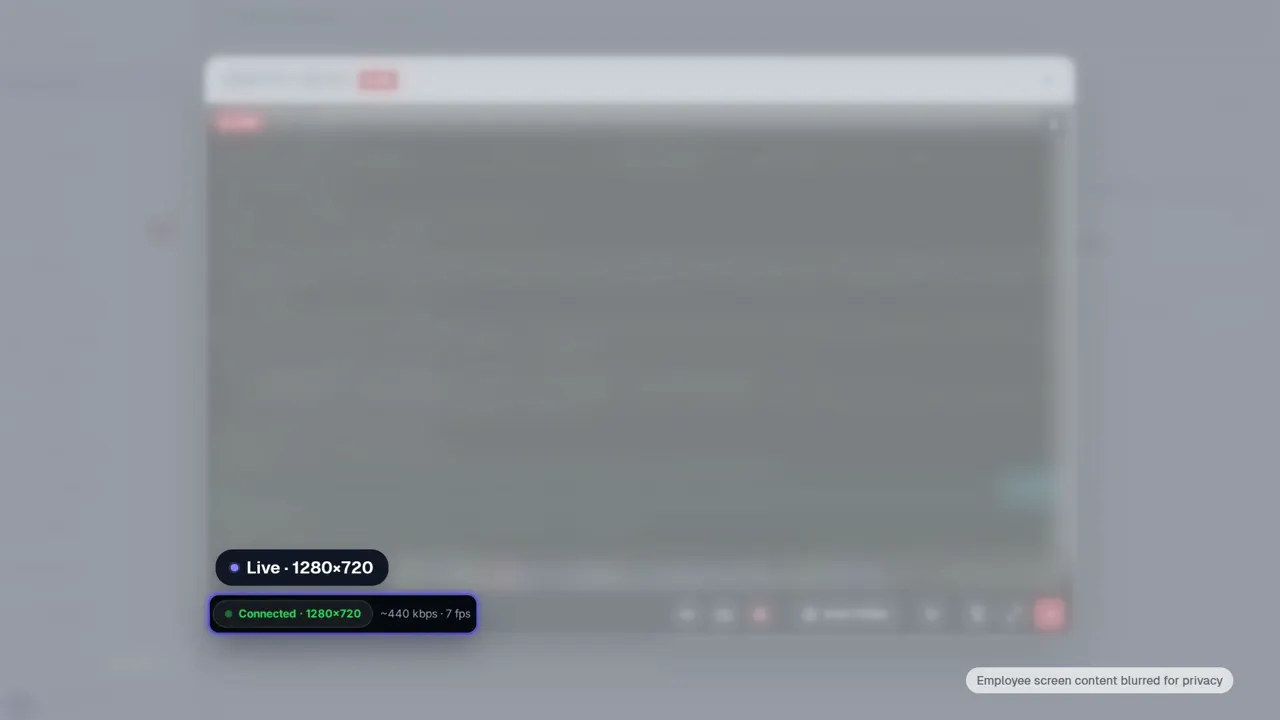 Duration 0:28Play video: Live View
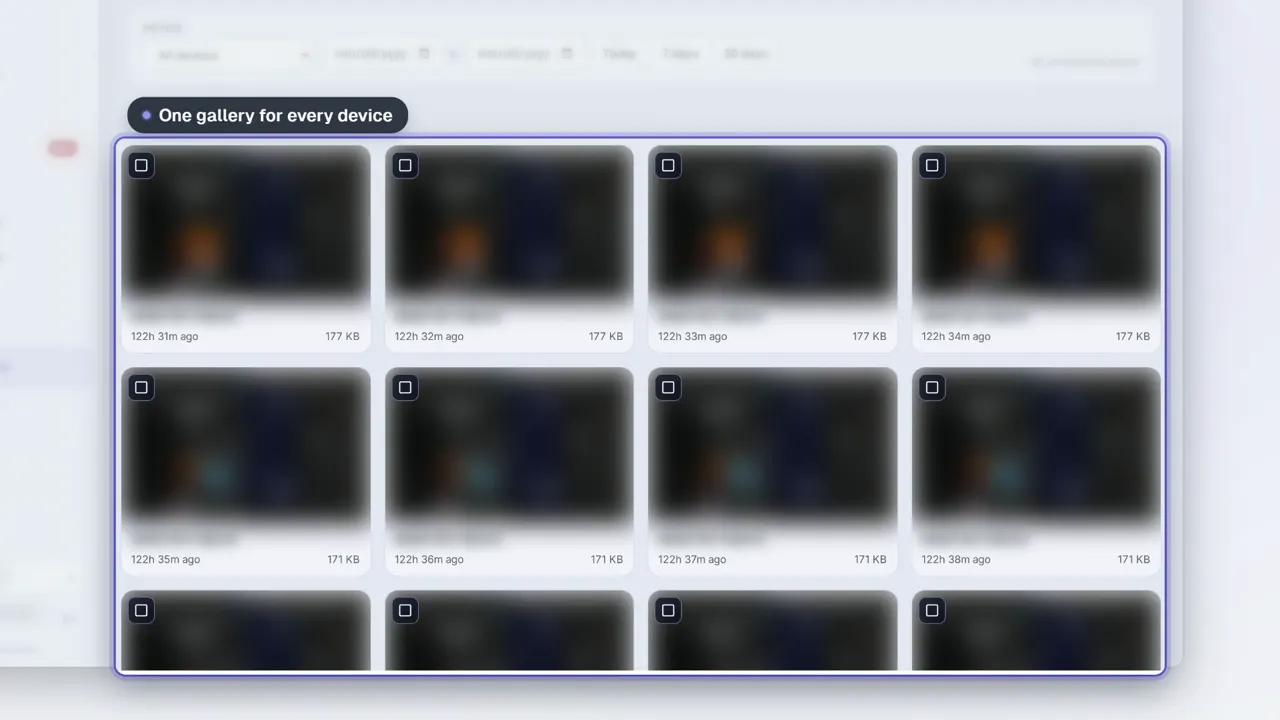 Duration 0:28Play video: Screenshots
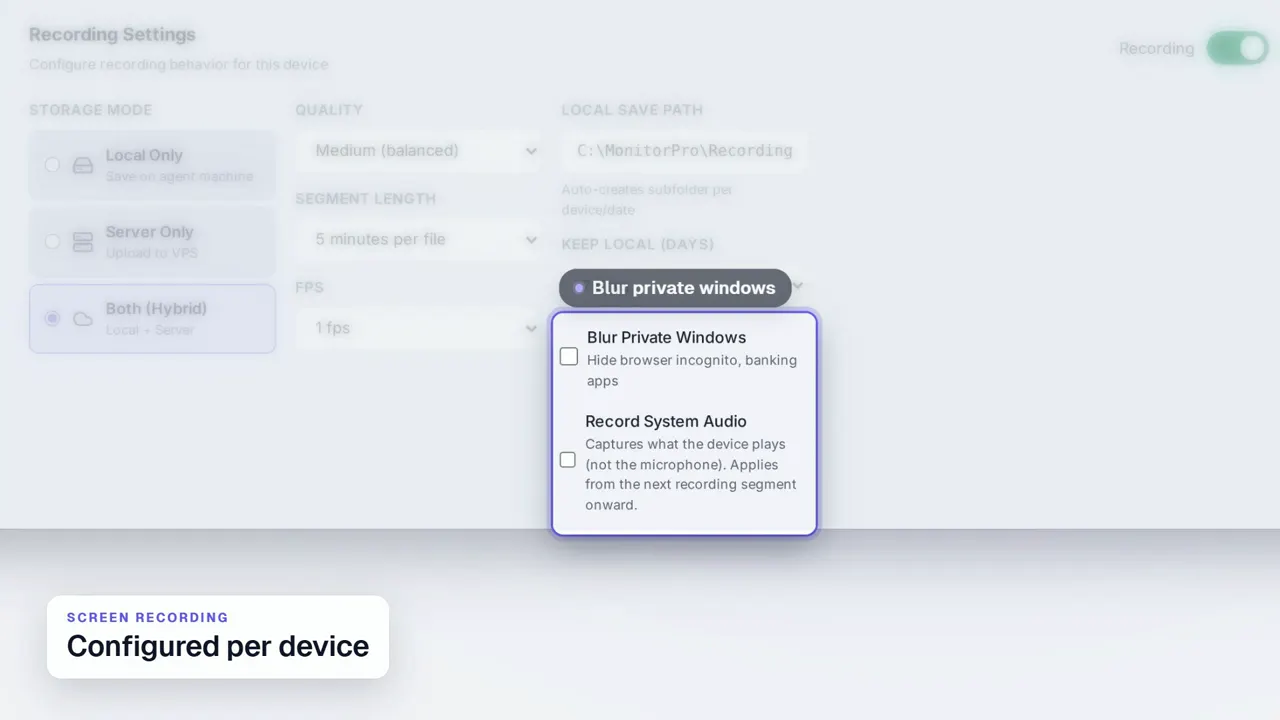 Duration 0:31Play video: Screen Recording
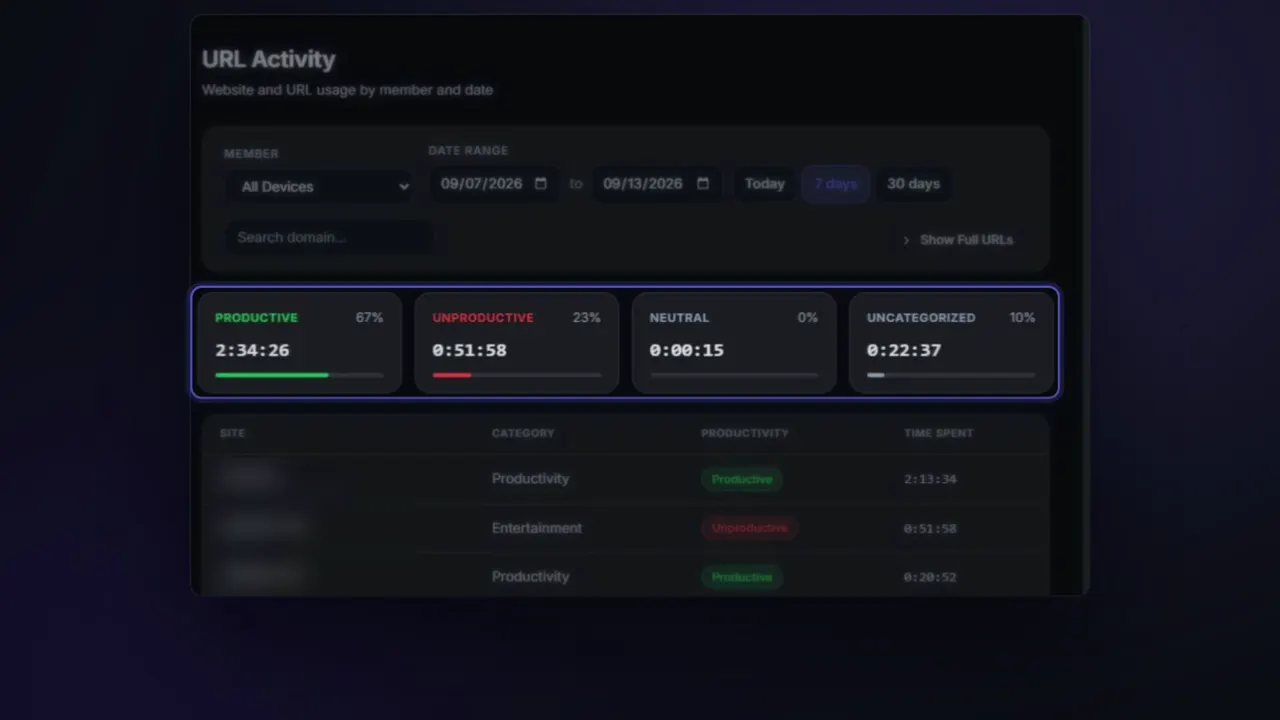 Duration 0:26Play video: App & Website Activity
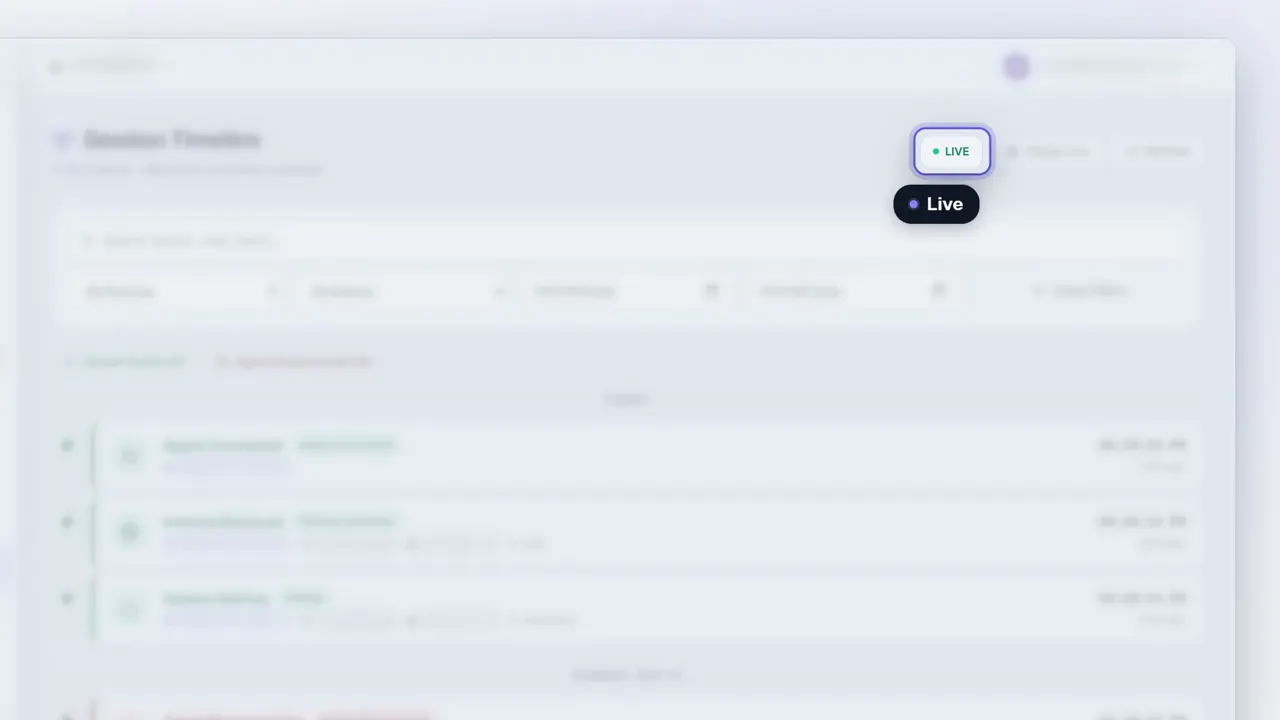 Duration 0:27Play video: Device Deep Dive
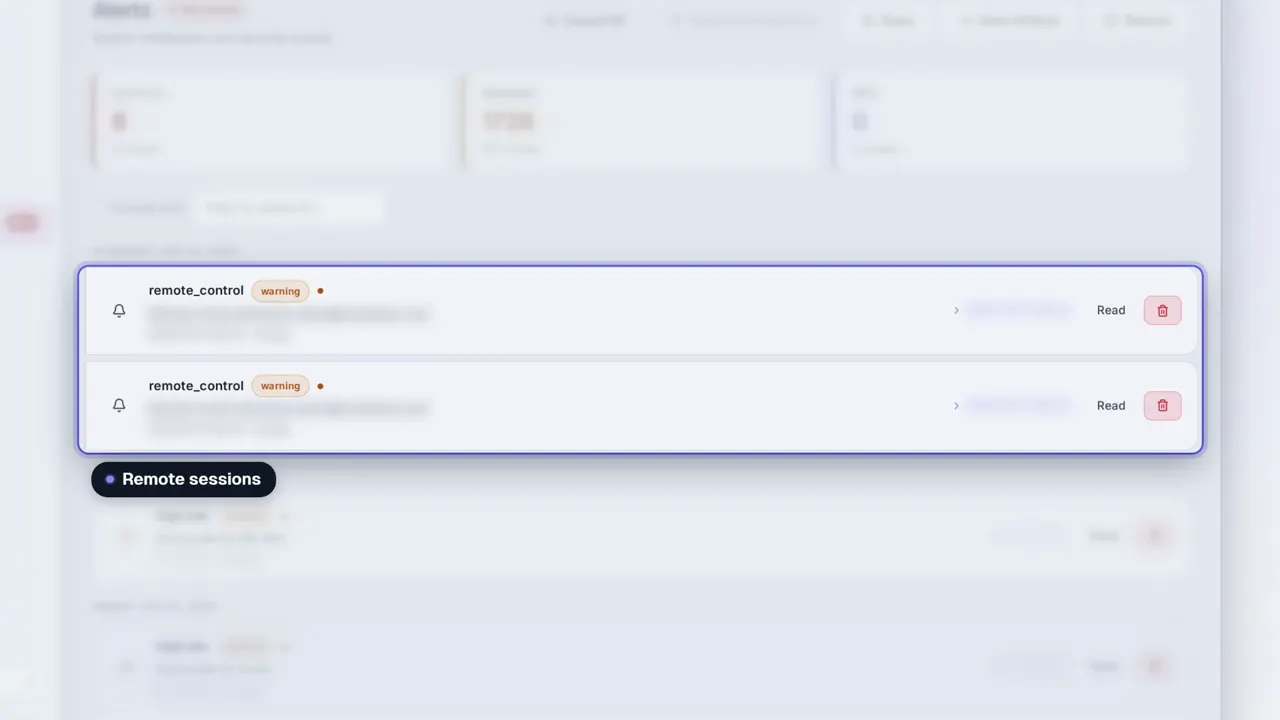 Duration 0:31Play video: Dashboard Alerts
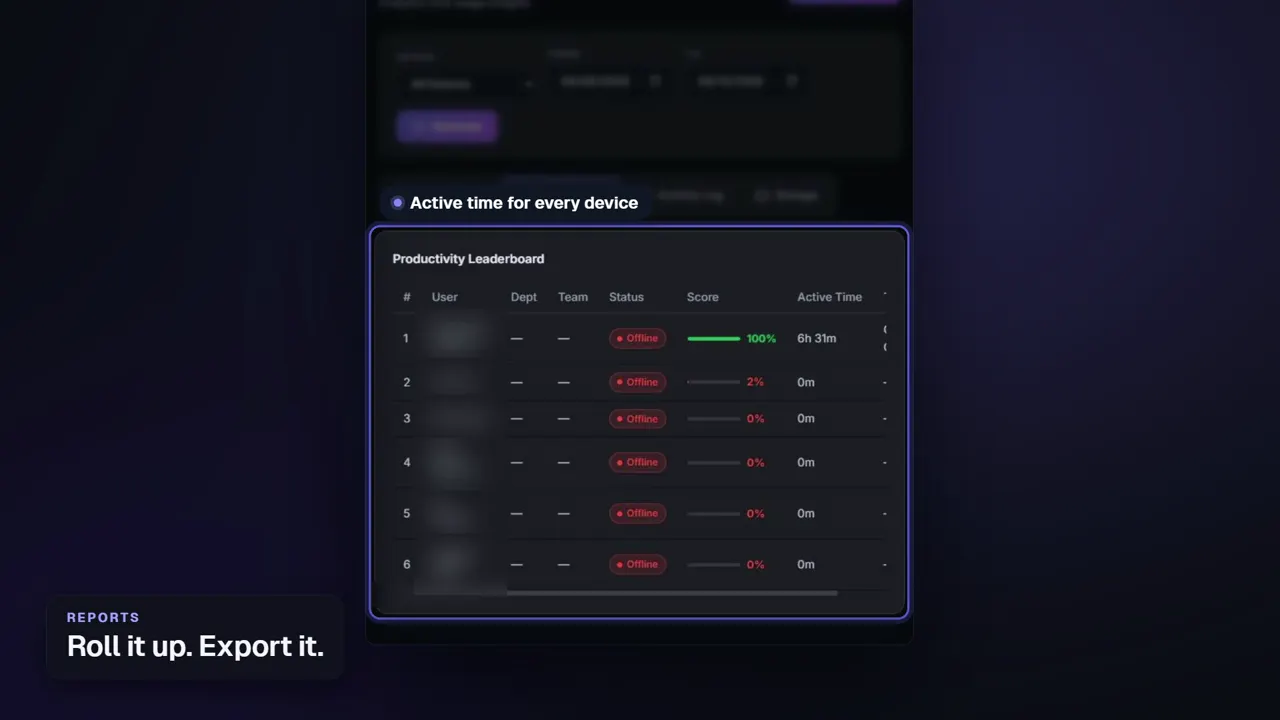 Duration 0:26Play video: Reports
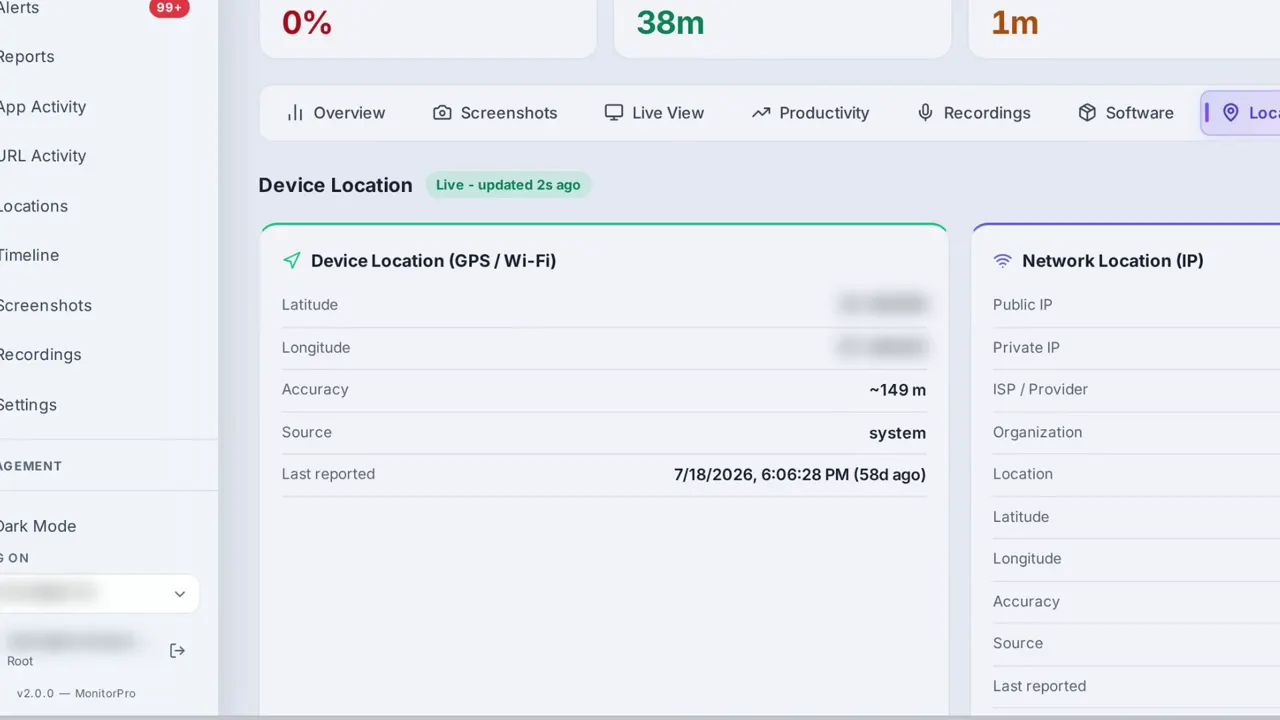 Duration 0:28Play video: Device Location
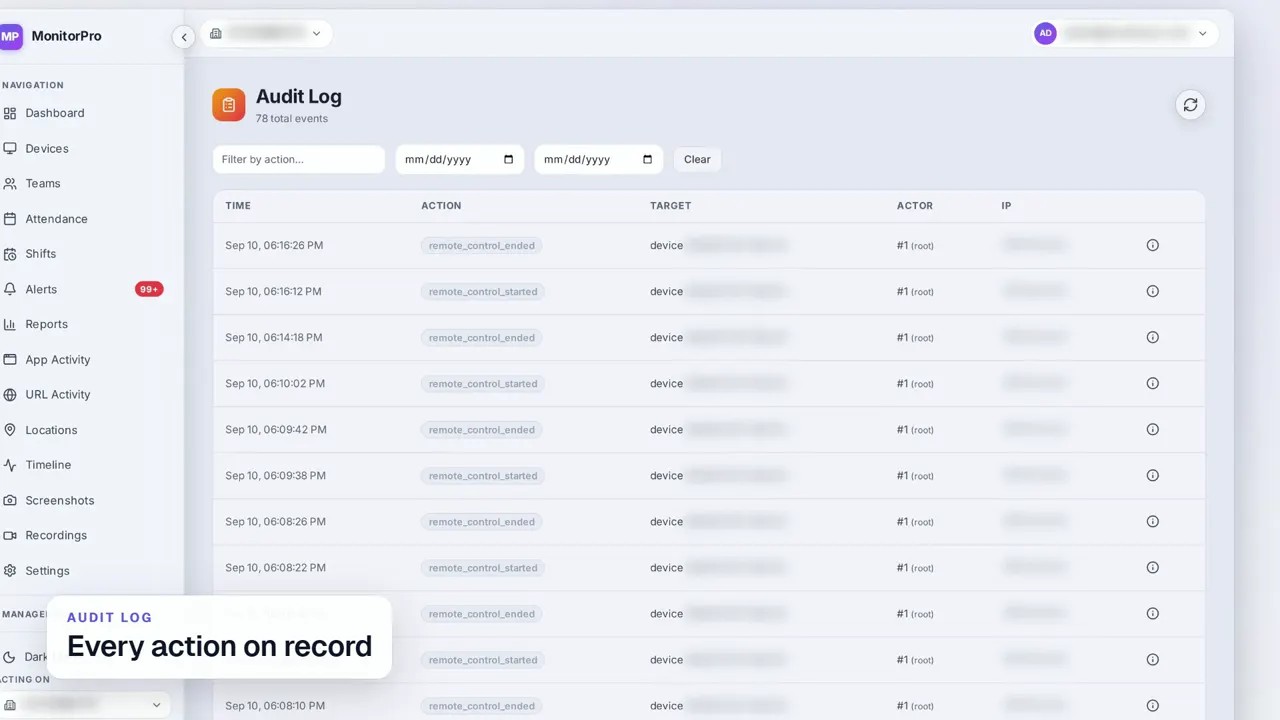 Duration 0:30Play video: Access Control & Audit Log
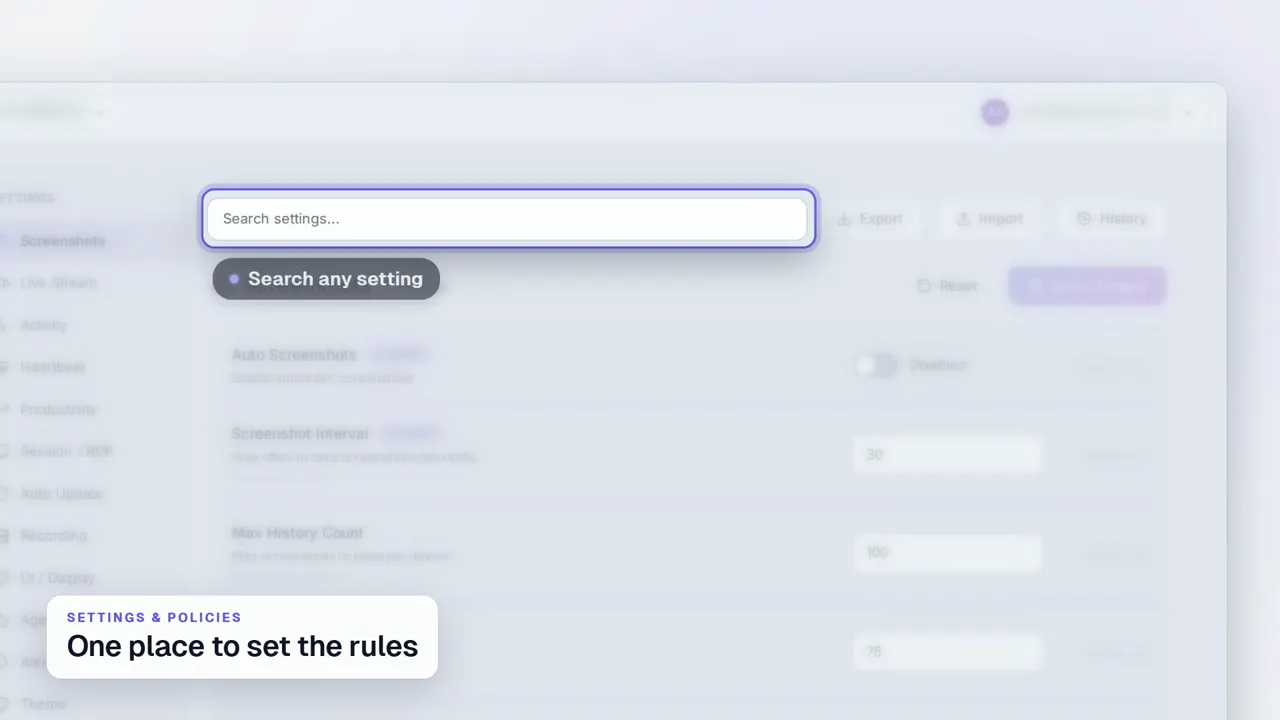 Duration 0:29Play video: Settings & Policies
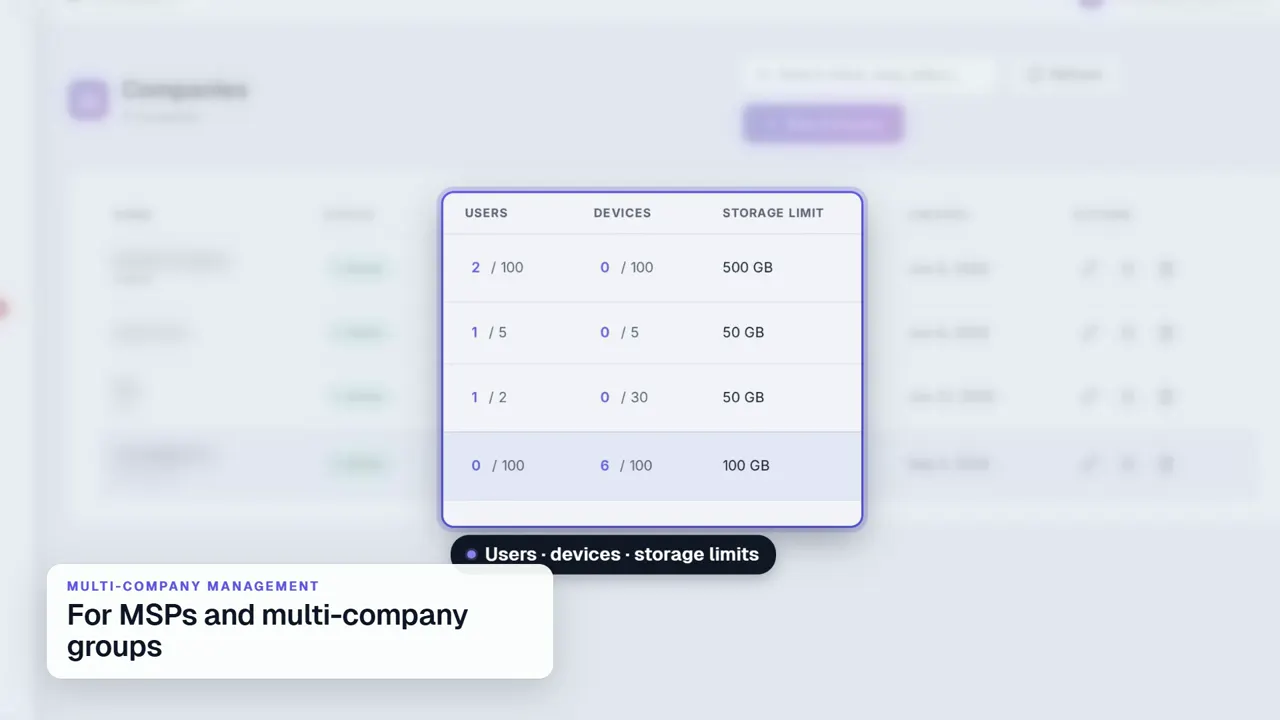 Duration 0:31Play video: Multi-Company Management
See MonitorPro on your own devices.
MonitorPro runs entirely on a server you control. A demo walks through the same screens on a live deployment.