Feature clip
MonitorPro Screenshots
0:28 · 1080p · Recorded on a working deployment, with names and screen contents blurred
About this video
Screenshots give a visual history of every device. The scheduler captures at a set interval, all day or only during specific hours, and runs from the server so it keeps working when the dashboard is closed. A Take Now button captures on demand, and every image lands in one gallery per device that can be opened and stepped through.
What it shows
- A visual history of every device
- Interval capture, all day or during specific hours
- Take Now for an immediate capture
- One gallery for every device
More MonitorPro videos
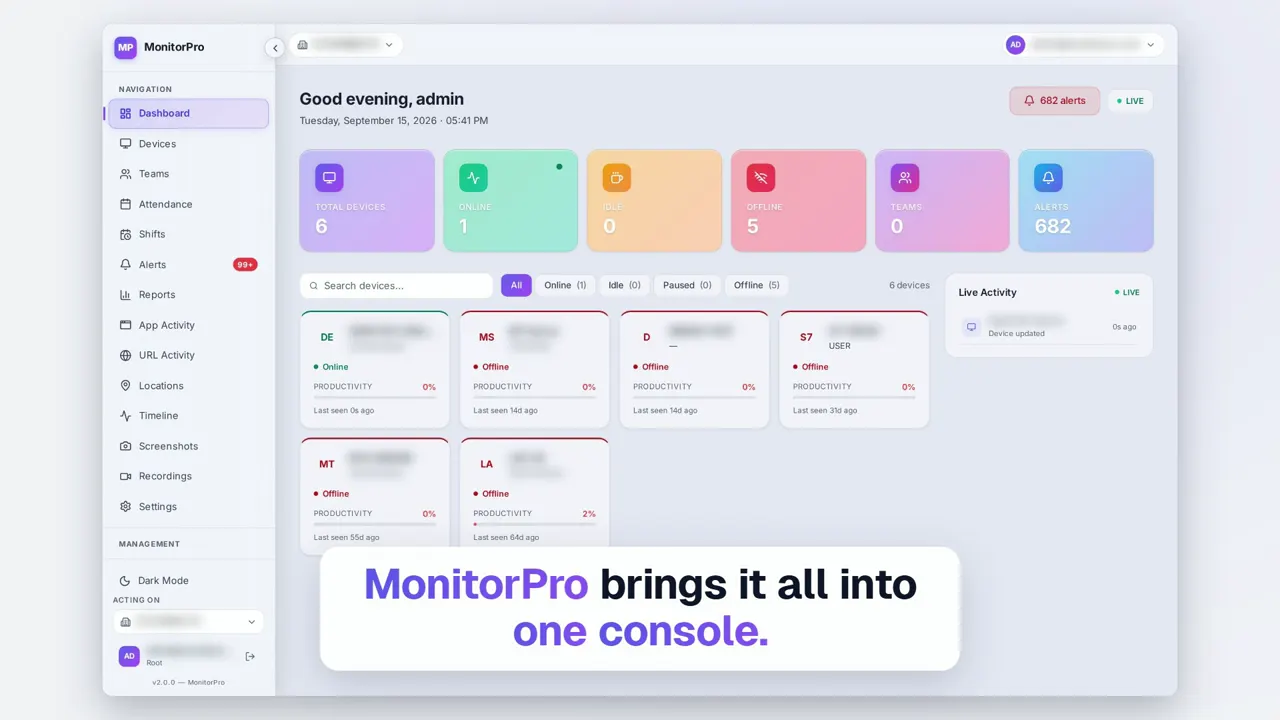 Duration 2:13Play video: MonitorPro Product Film
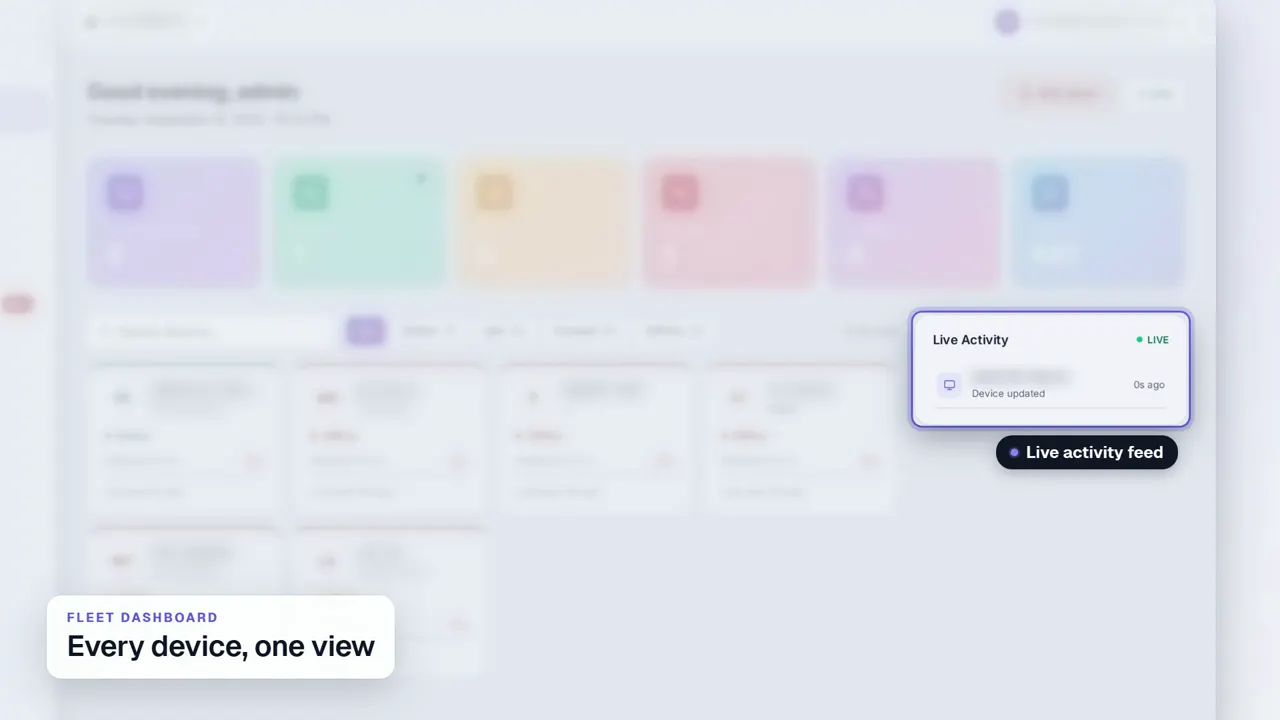 Duration 0:29Play video: Fleet Dashboard
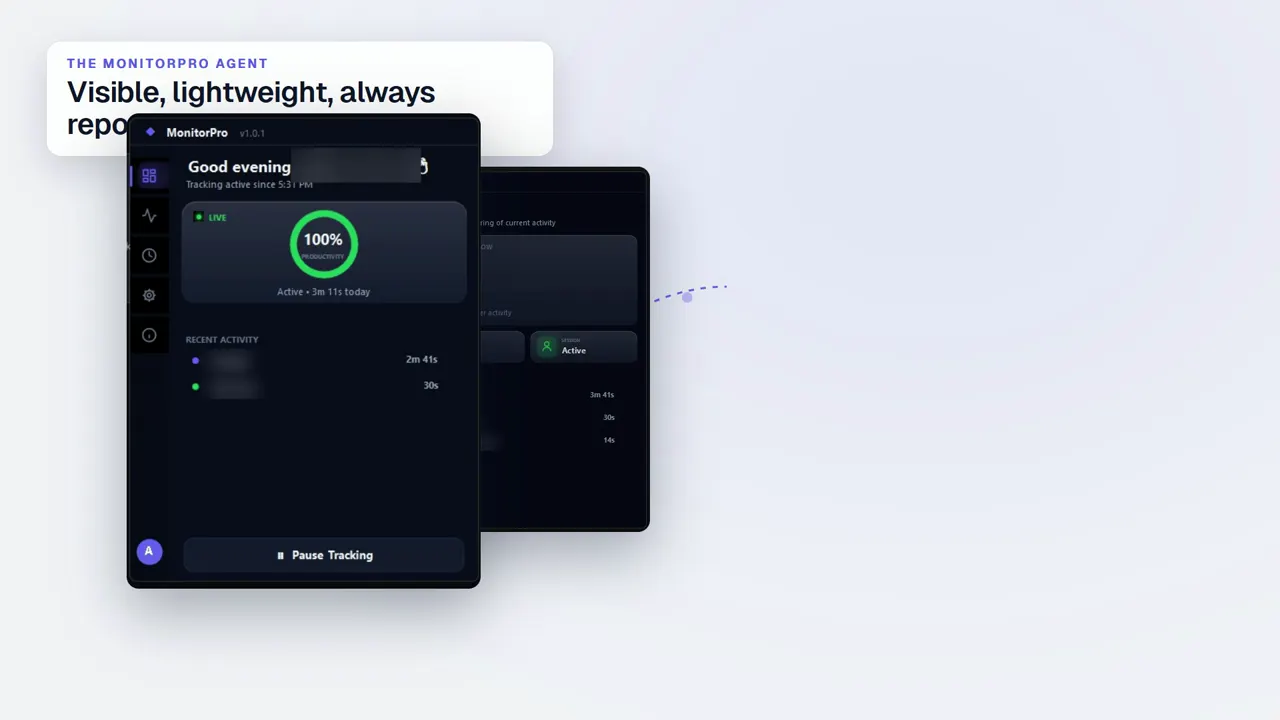 Duration 0:32Play video: Desktop Agent
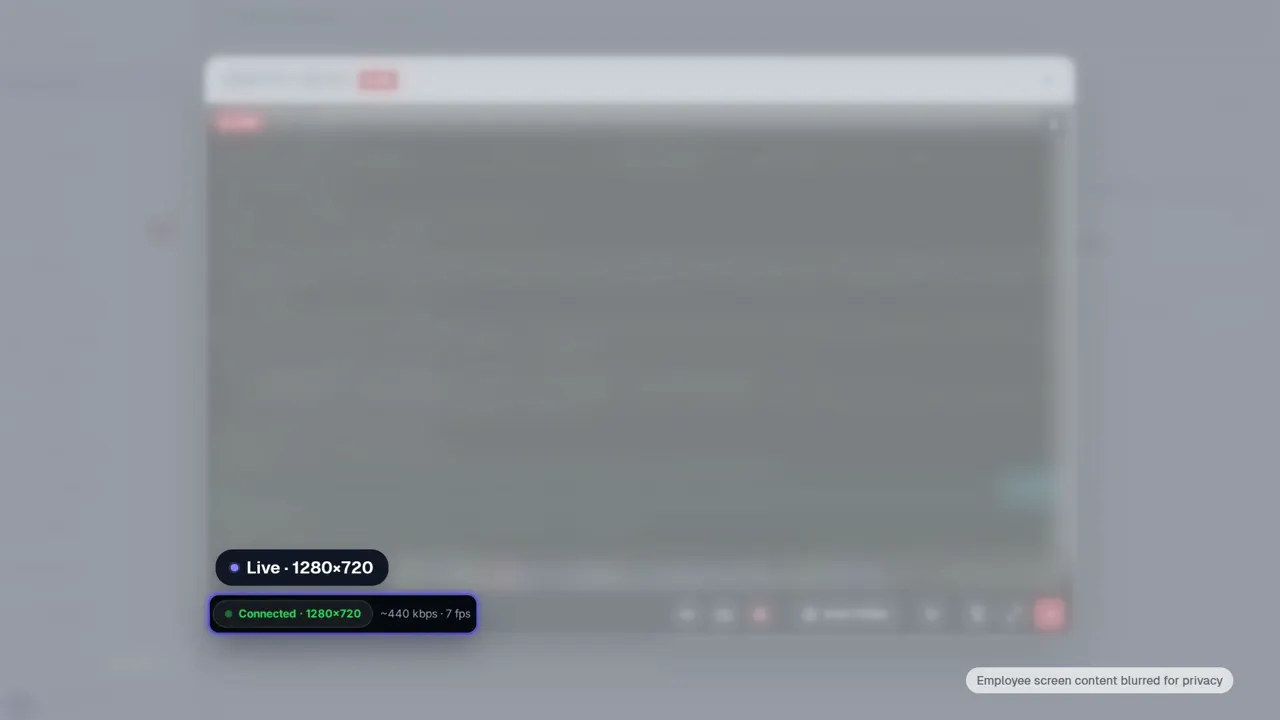 Duration 0:28Play video: Live View
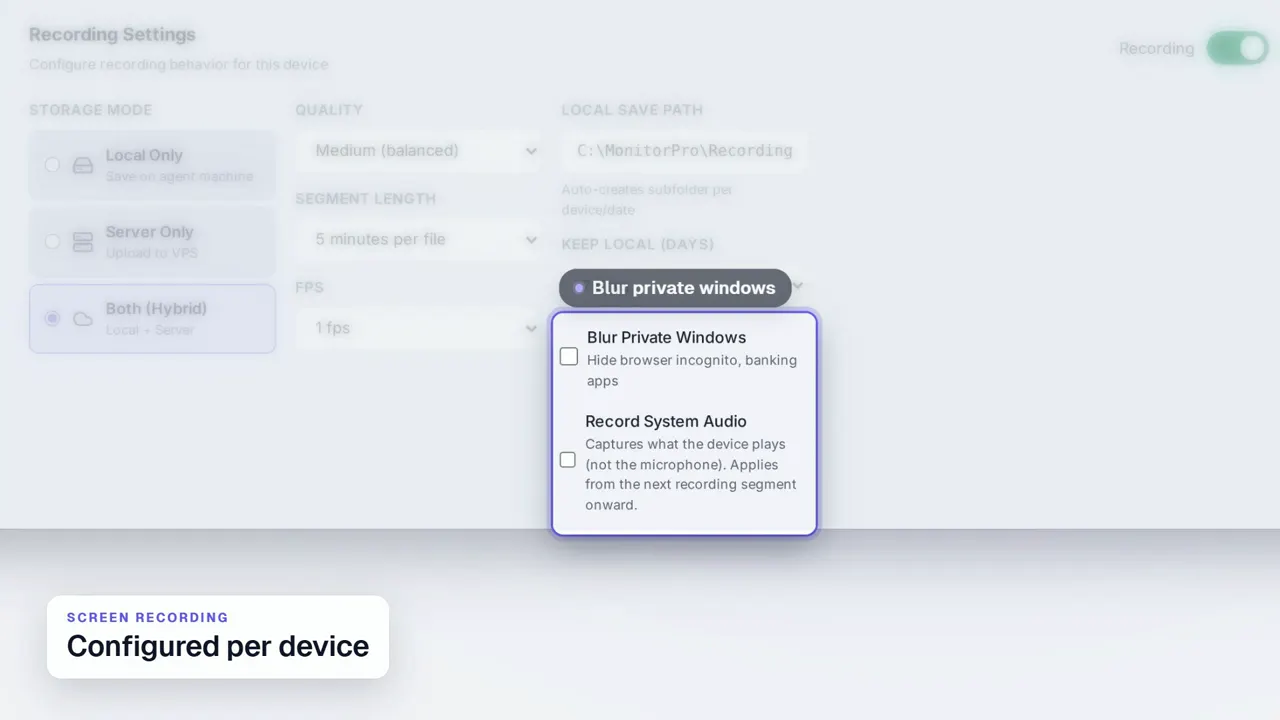 Duration 0:31Play video: Screen Recording
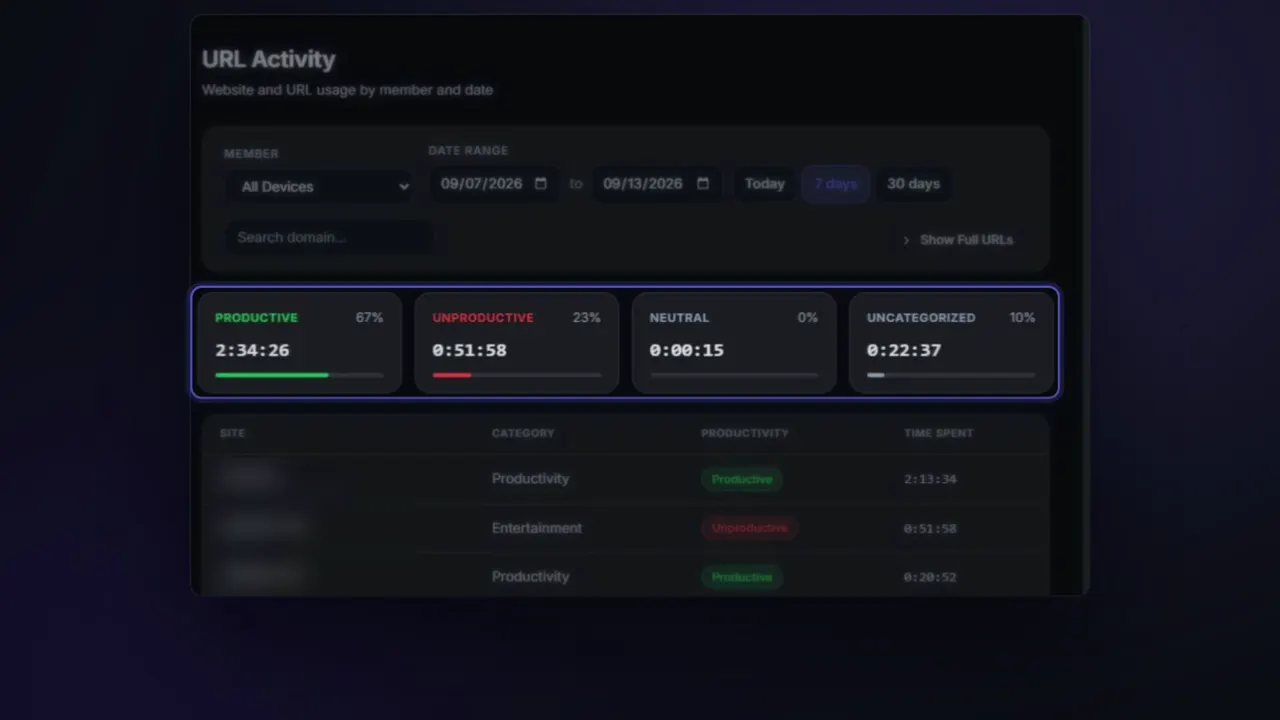 Duration 0:26Play video: App & Website Activity
 Duration 0:27Play video: Device Deep Dive
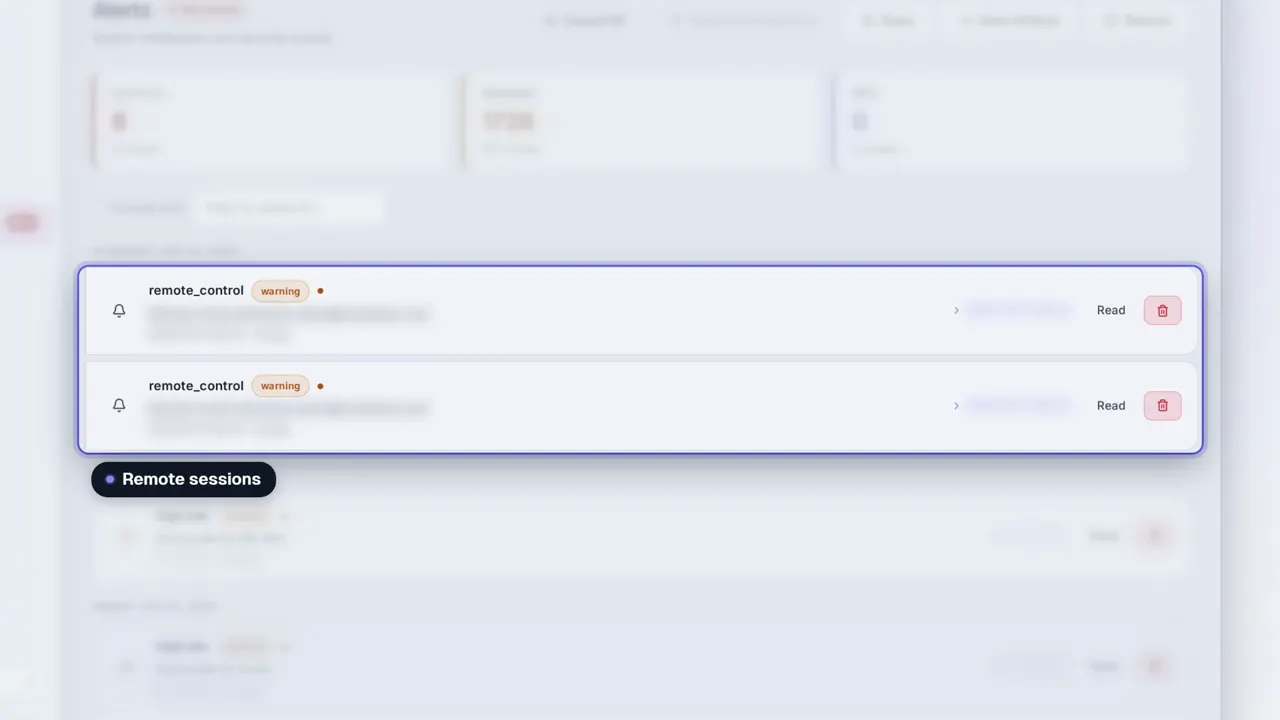 Duration 0:31Play video: Dashboard Alerts
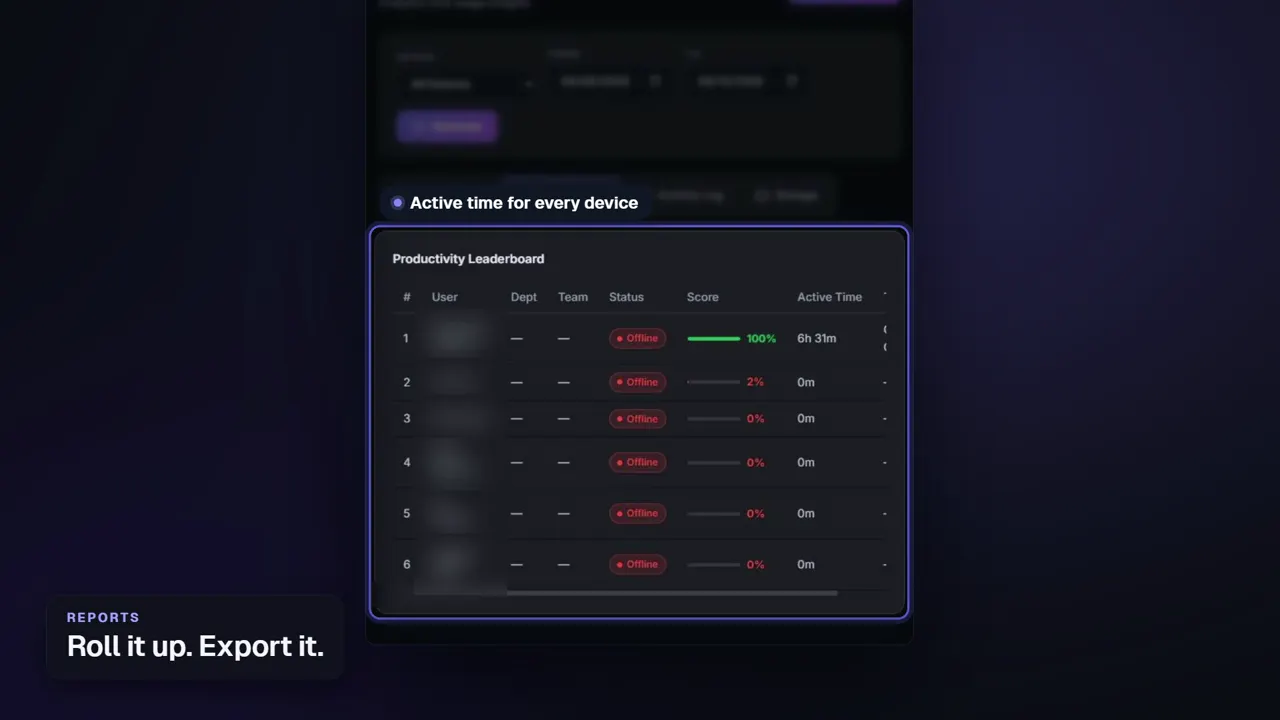 Duration 0:26Play video: Reports
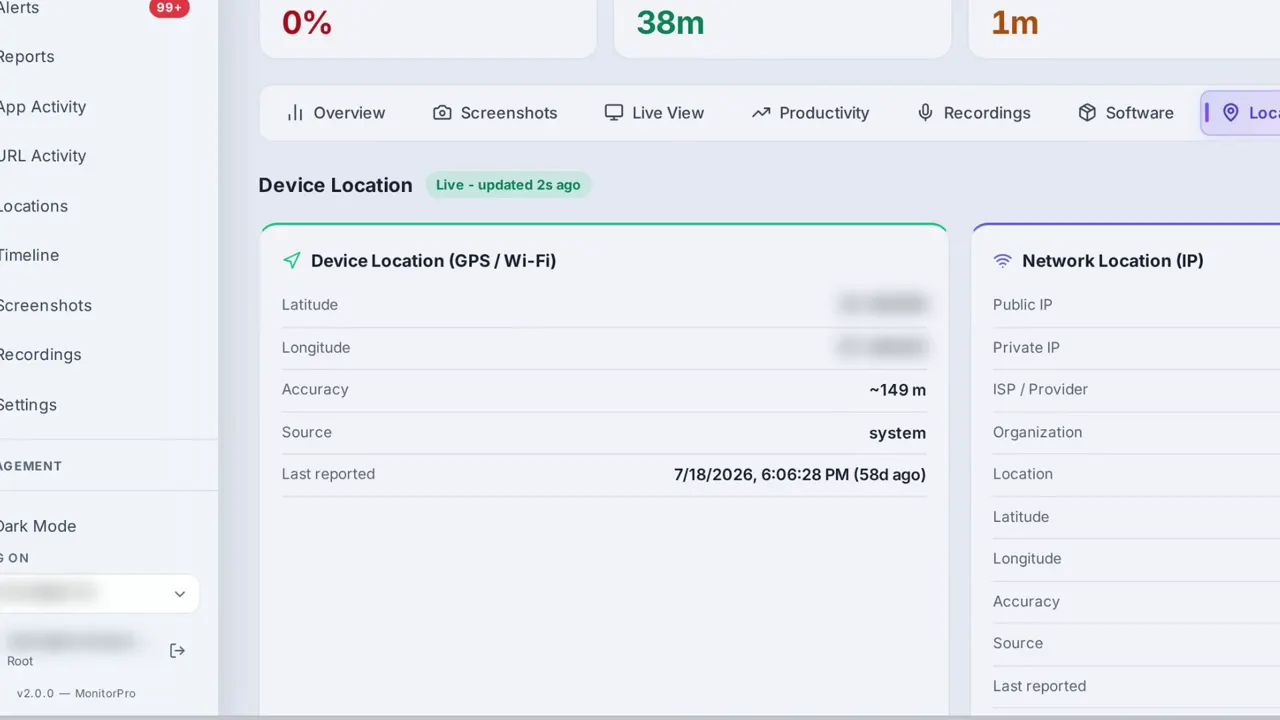 Duration 0:28Play video: Device Location
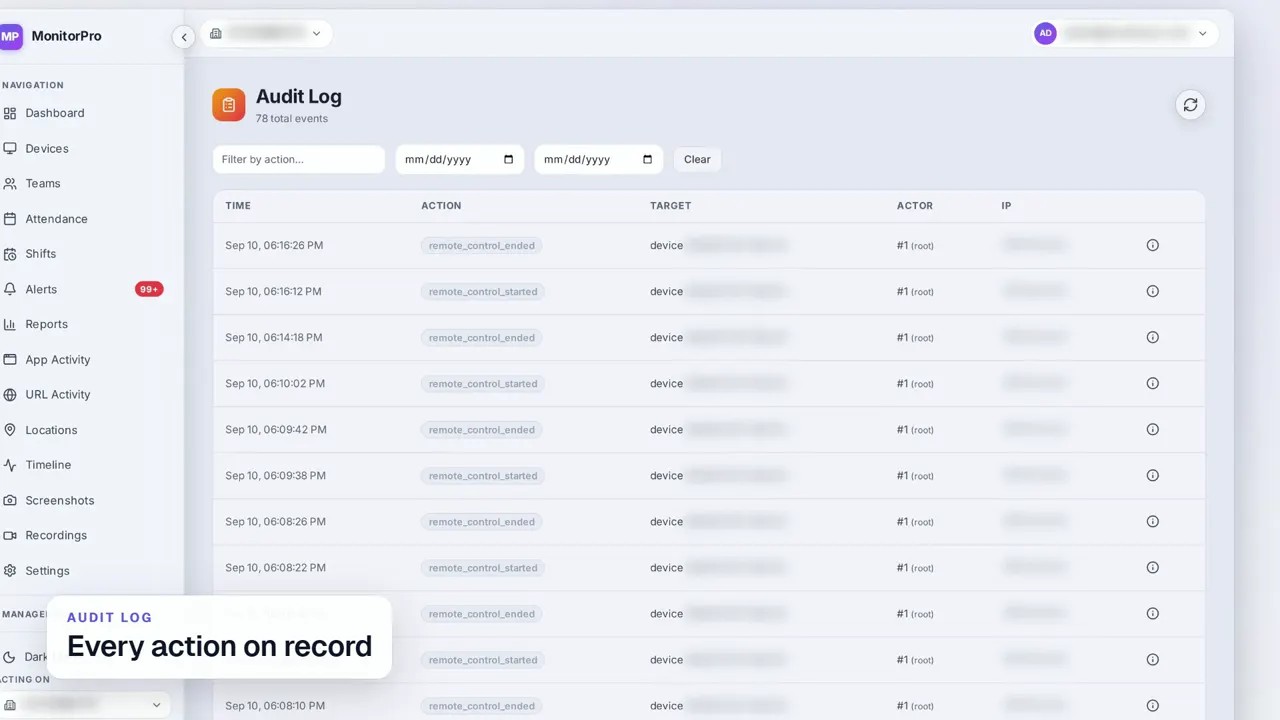 Duration 0:30Play video: Access Control & Audit Log
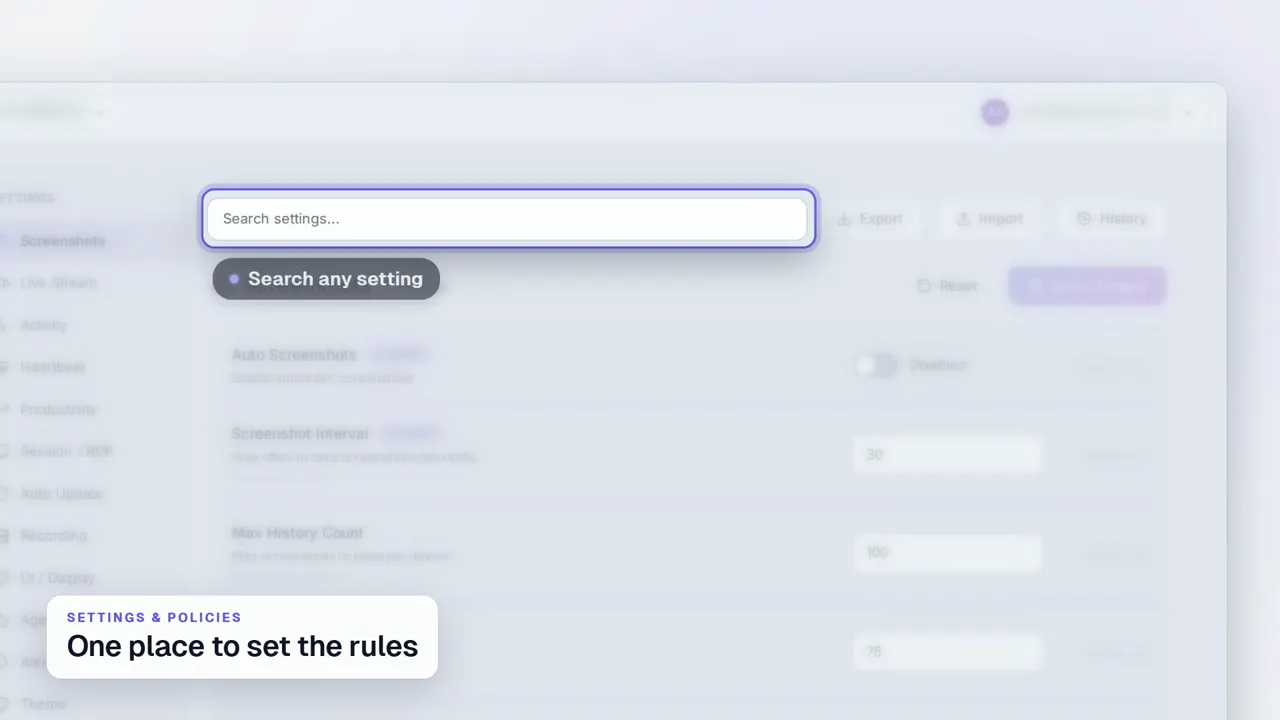 Duration 0:29Play video: Settings & Policies
 Duration 0:31Play video: Multi-Company Management
See MonitorPro on your own devices.
MonitorPro runs entirely on a server you control. A demo walks through the same screens on a live deployment.