Feature clip
MonitorPro Fleet Dashboard
0:29 · 1080p · Recorded on a working deployment, with names and screen contents blurred
About this video
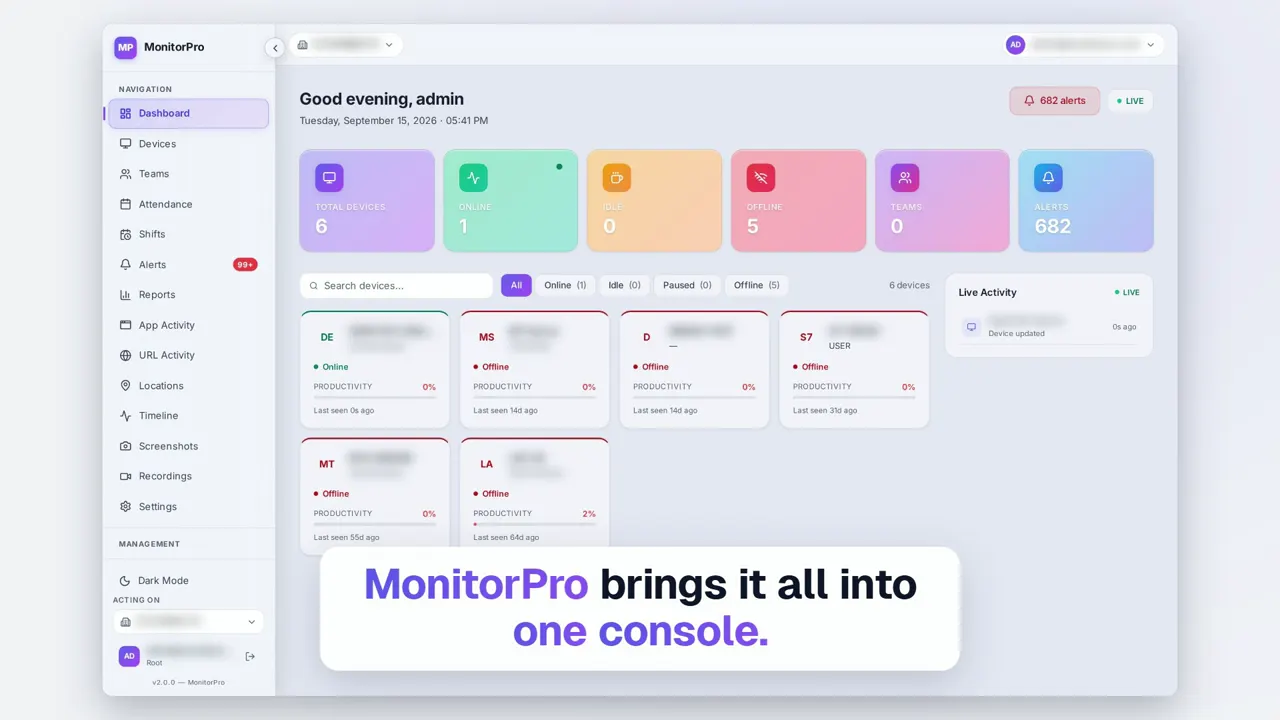
The fleet dashboard answers the first question an operations team asks each day: which machines are online right now. Summary tiles count online, idle and offline devices at a glance, a live activity feed shows what has just changed, and any device card opens that machine's detail in one click.
What it shows
- Every device, one view
- Online, idle and offline counts at a glance
- A live activity feed
- One click to any device
More MonitorPro videos
 Duration 2:13Play video: MonitorPro Product Film
 Duration 0:32Play video: Desktop Agent
 Duration 0:28Play video: Live View
 Duration 0:28Play video: Screenshots
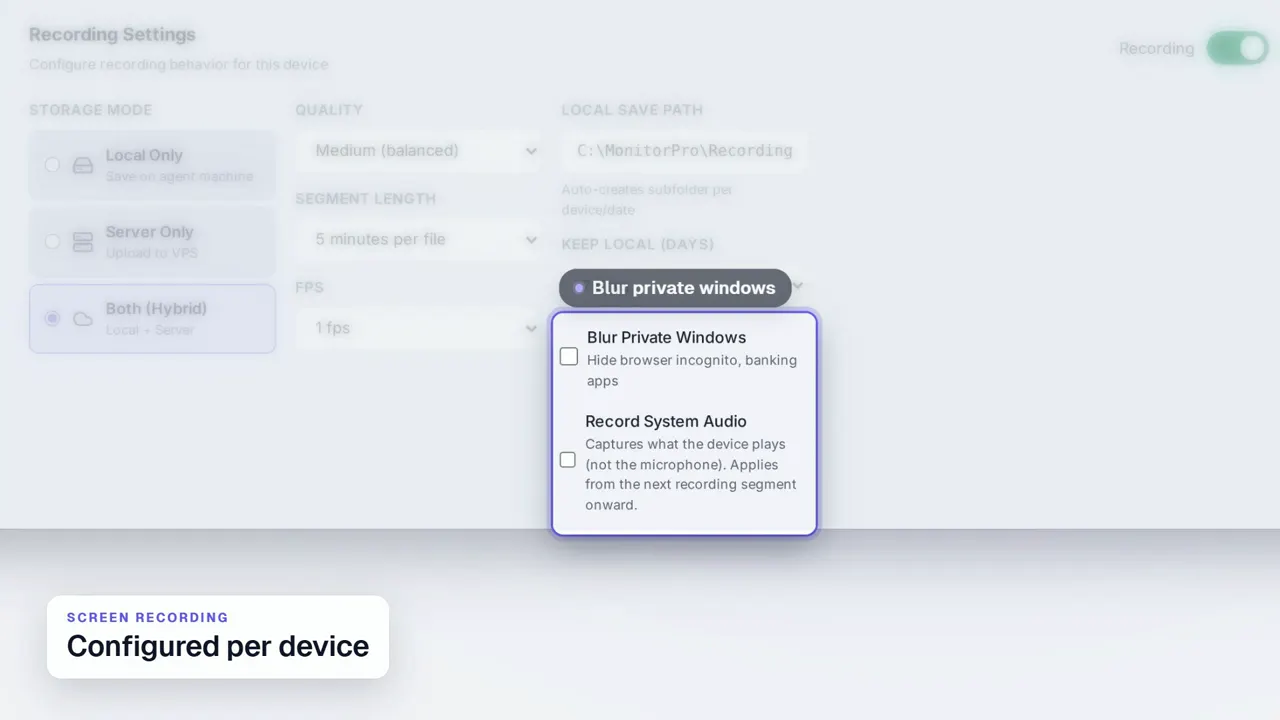 Duration 0:31Play video: Screen Recording
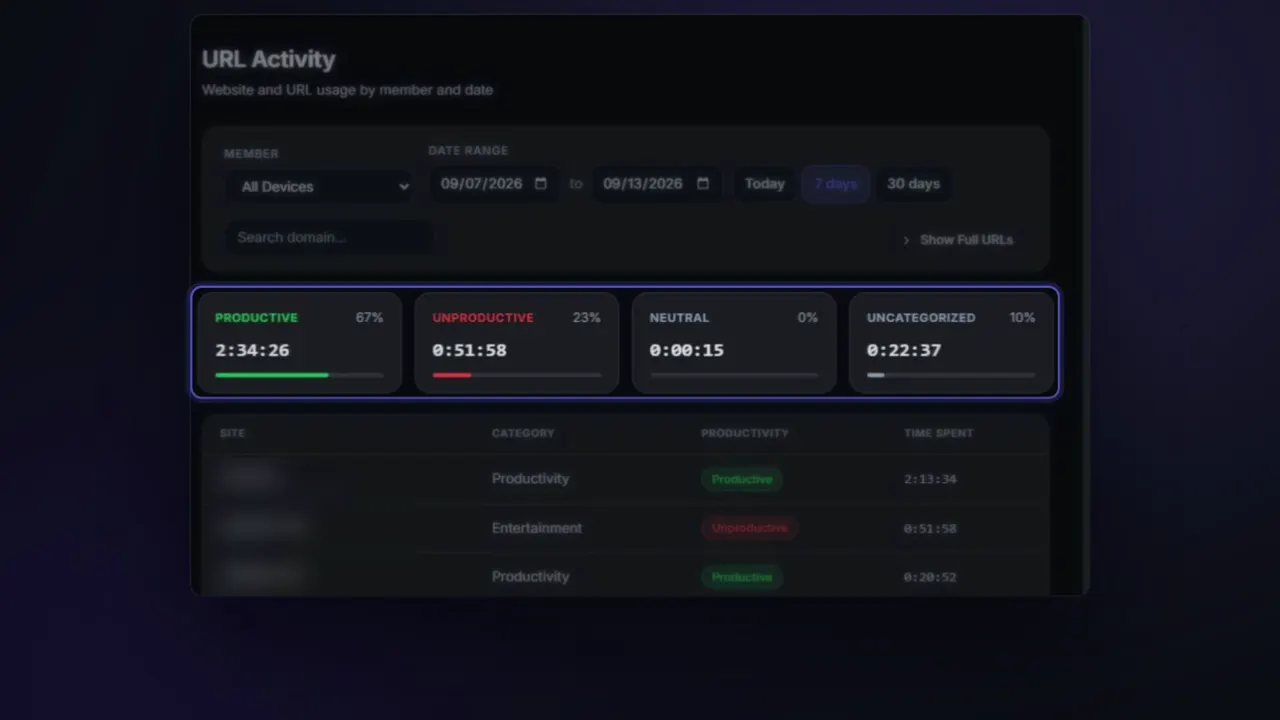 Duration 0:26Play video: App & Website Activity
 Duration 0:27Play video: Device Deep Dive
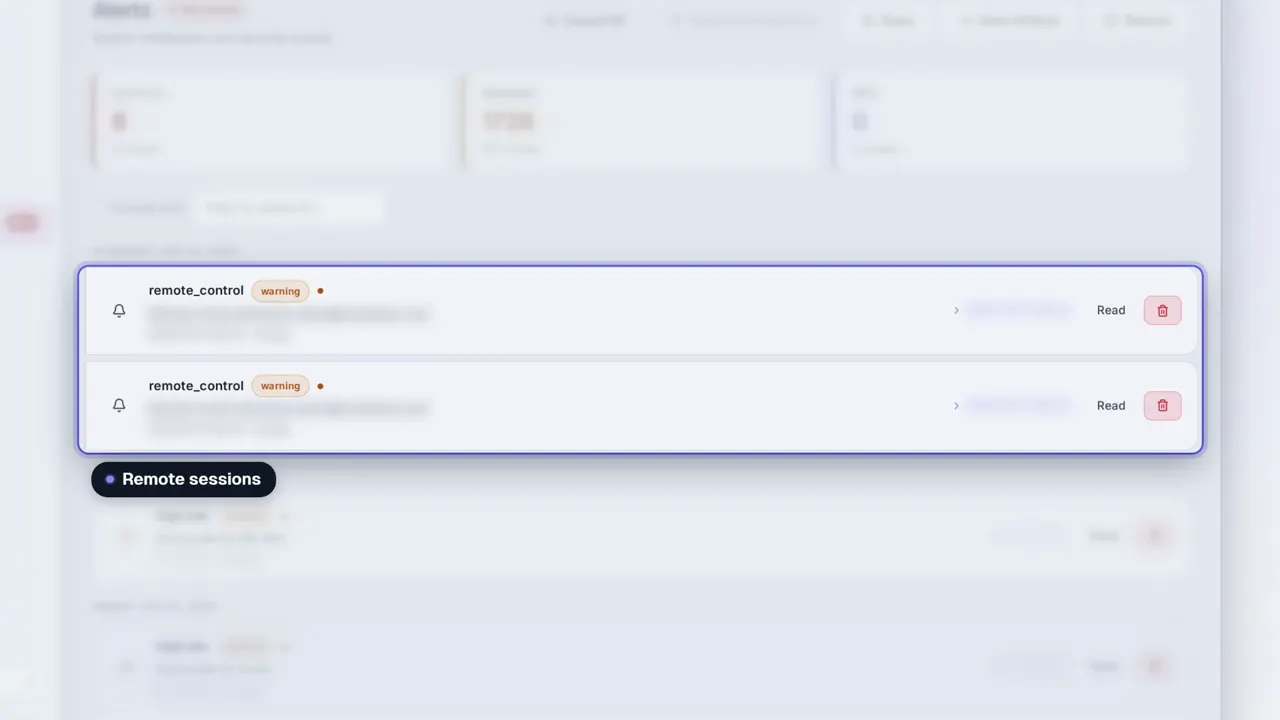 Duration 0:31Play video: Dashboard Alerts
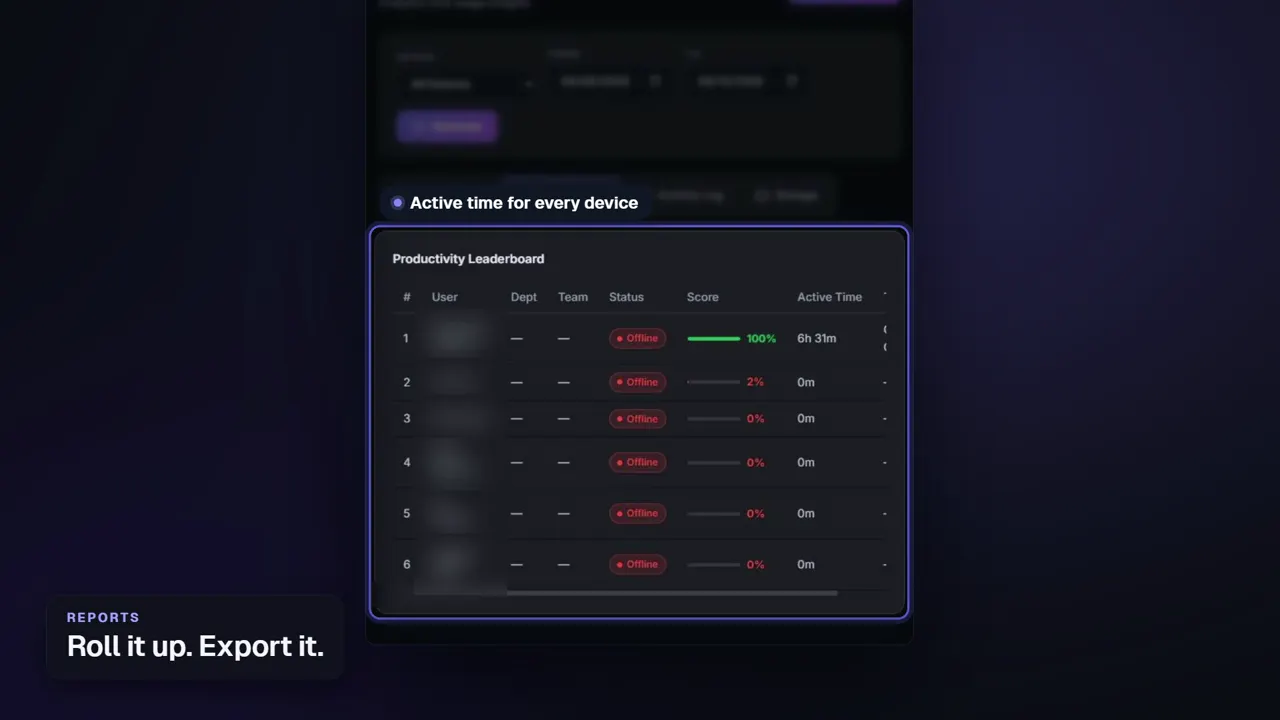 Duration 0:26Play video: Reports
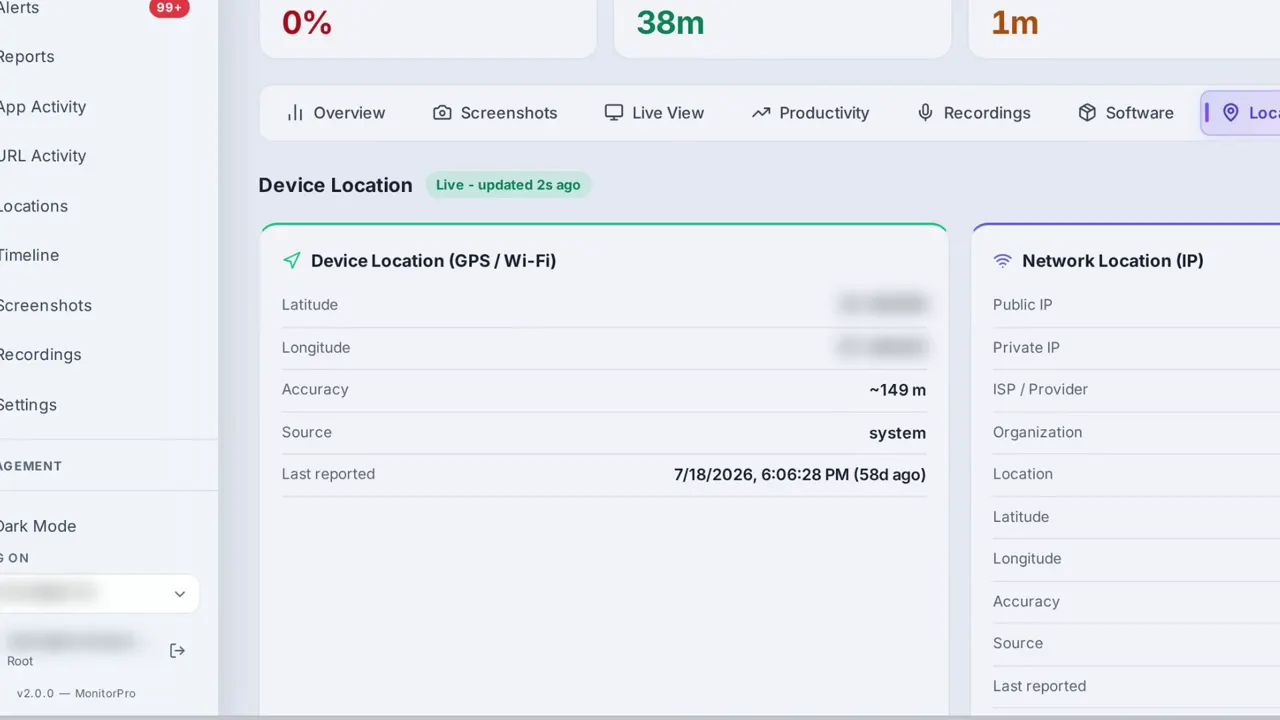 Duration 0:28Play video: Device Location
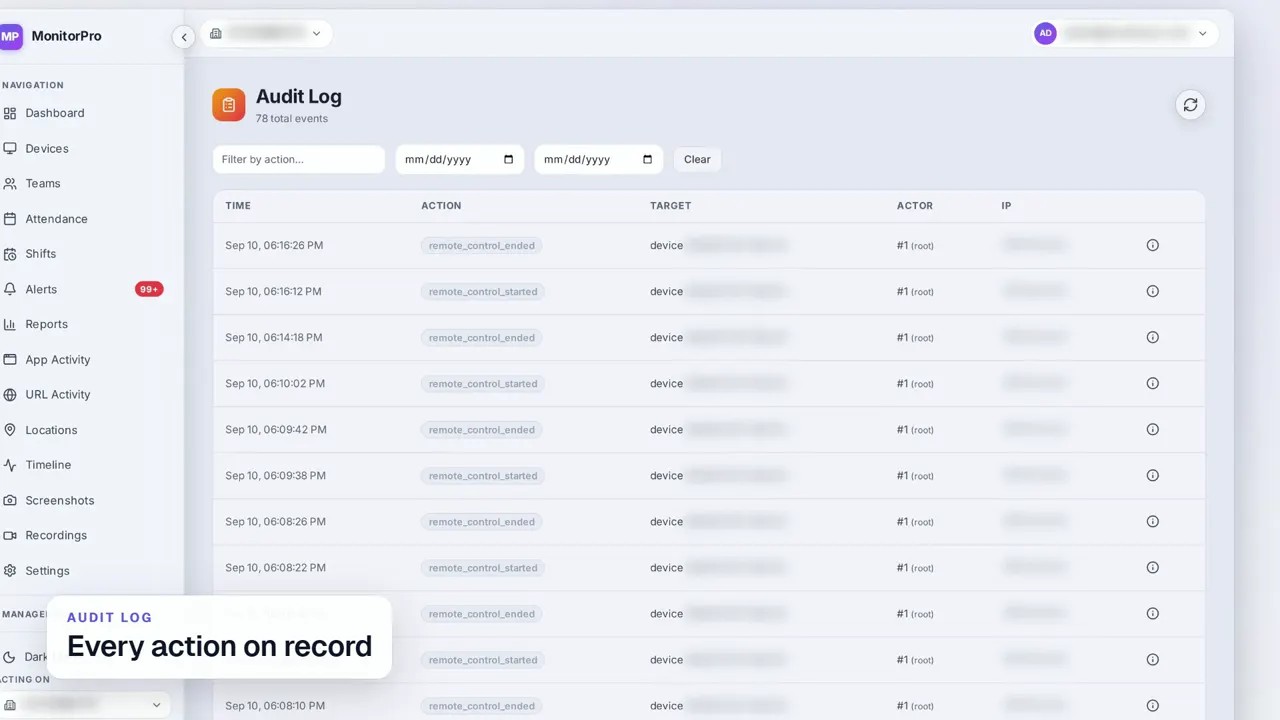 Duration 0:30Play video: Access Control & Audit Log
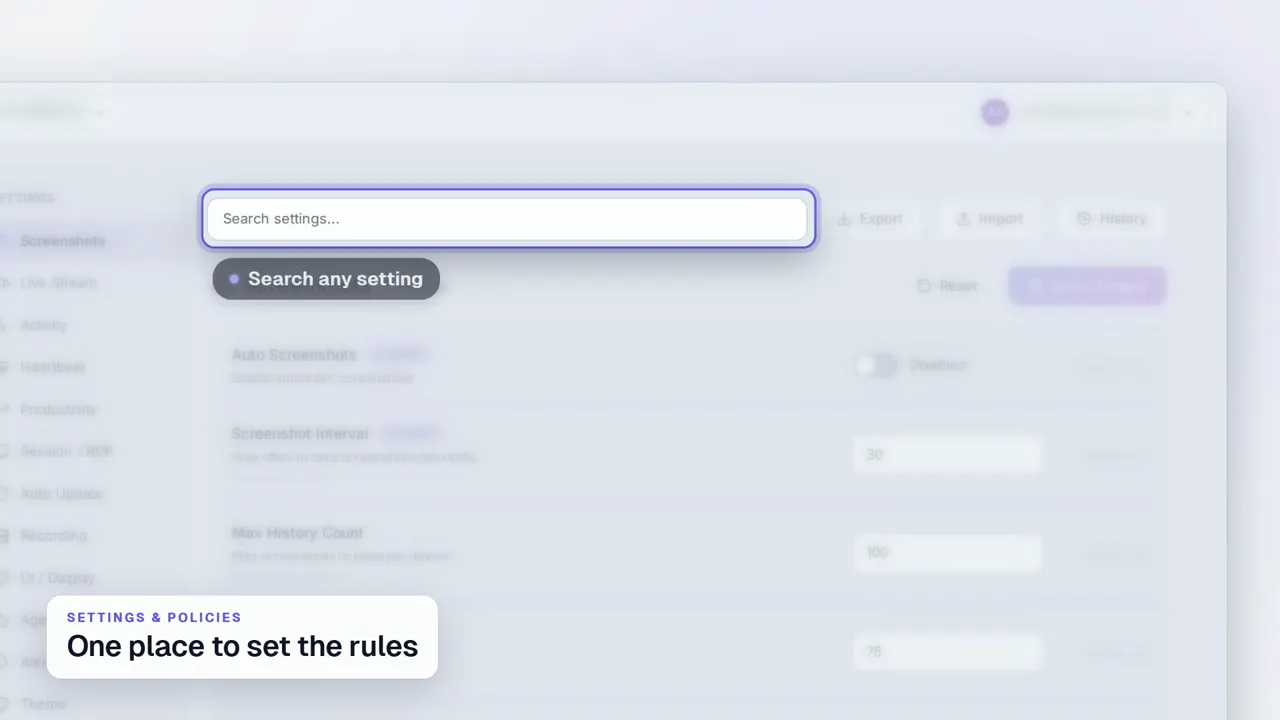 Duration 0:29Play video: Settings & Policies
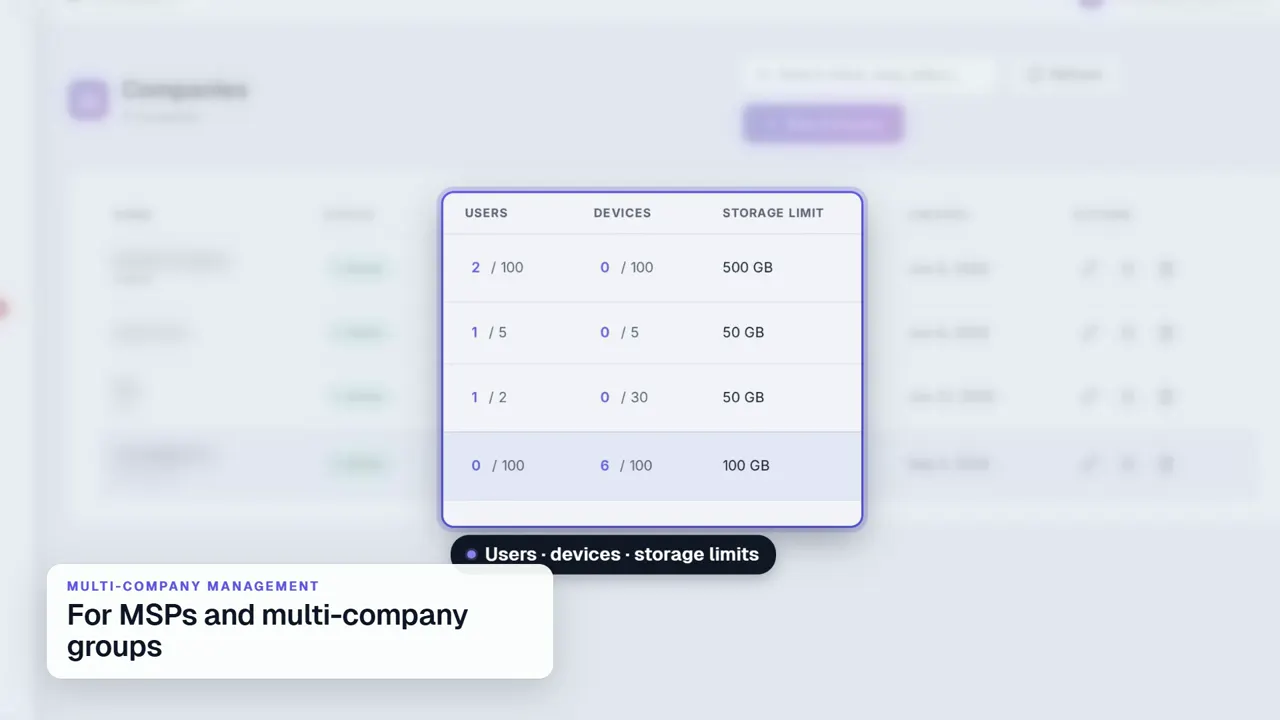 Duration 0:31Play video: Multi-Company Management
See MonitorPro on your own devices.
MonitorPro runs entirely on a server you control. A demo walks through the same screens on a live deployment.