Feature clip
MonitorPro Device Deep Dive
0:27 · 1080p · Recorded on a working deployment, with names and screen contents blurred
About this video
The device deep dive puts everything known about one machine on one page. An hourly heatmap shows when it was active, the installed software inventory lists what is on it, and the live session timeline records each startup, agent connection and network drop or restore in order — so troubleshooting starts from facts rather than guesses.
What it shows
- Hourly activity heatmap
- Installed software inventory
- Live session timeline
- Startup, connected and disconnected events
More MonitorPro videos
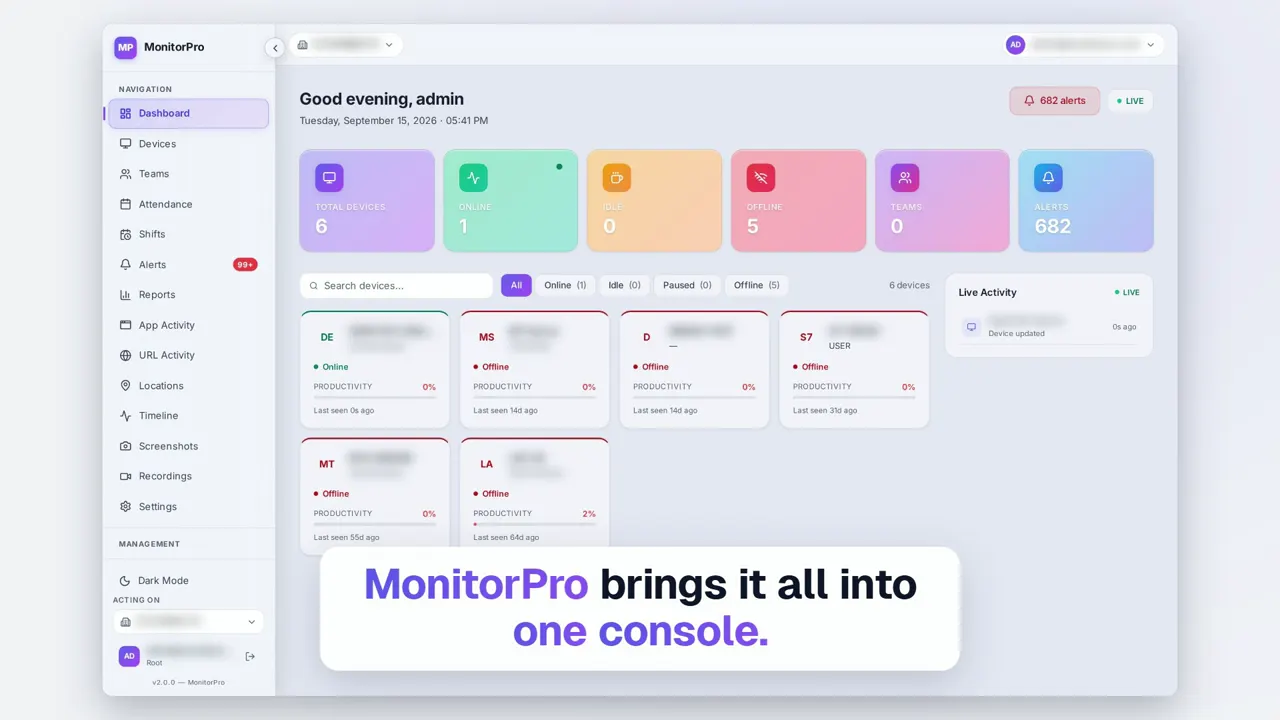 Duration 2:13Play video: MonitorPro Product Film
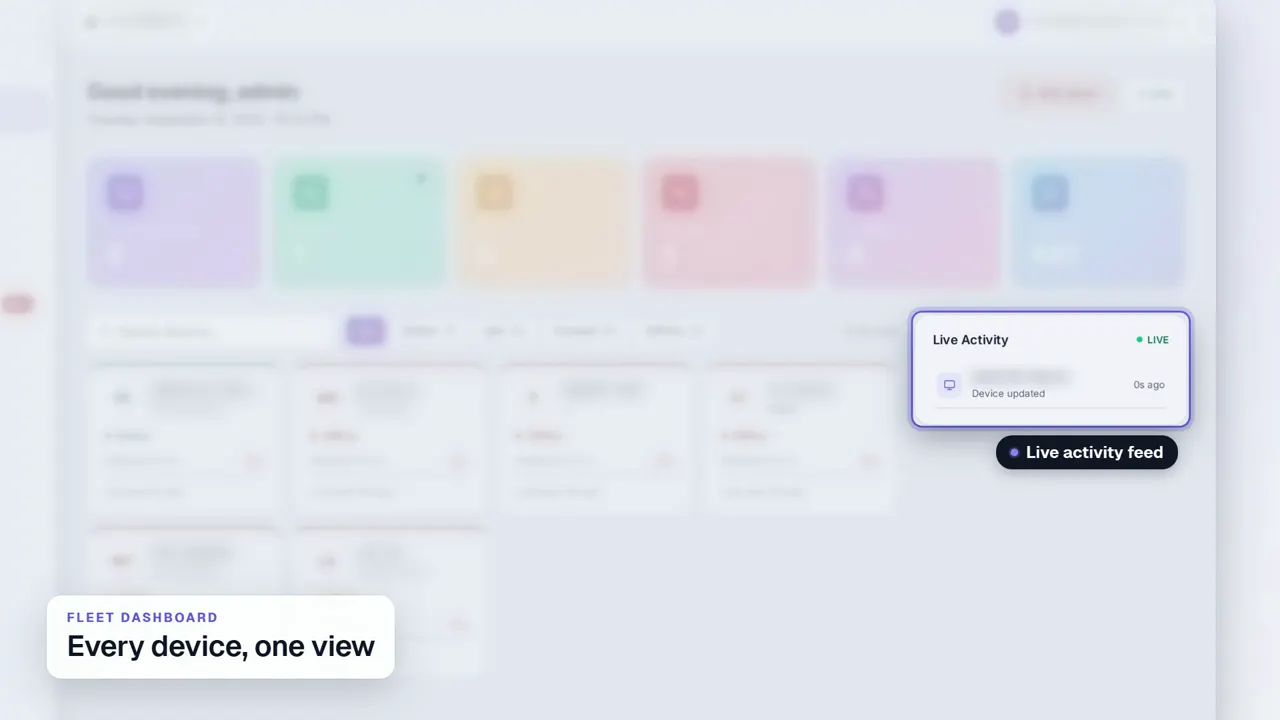 Duration 0:29Play video: Fleet Dashboard
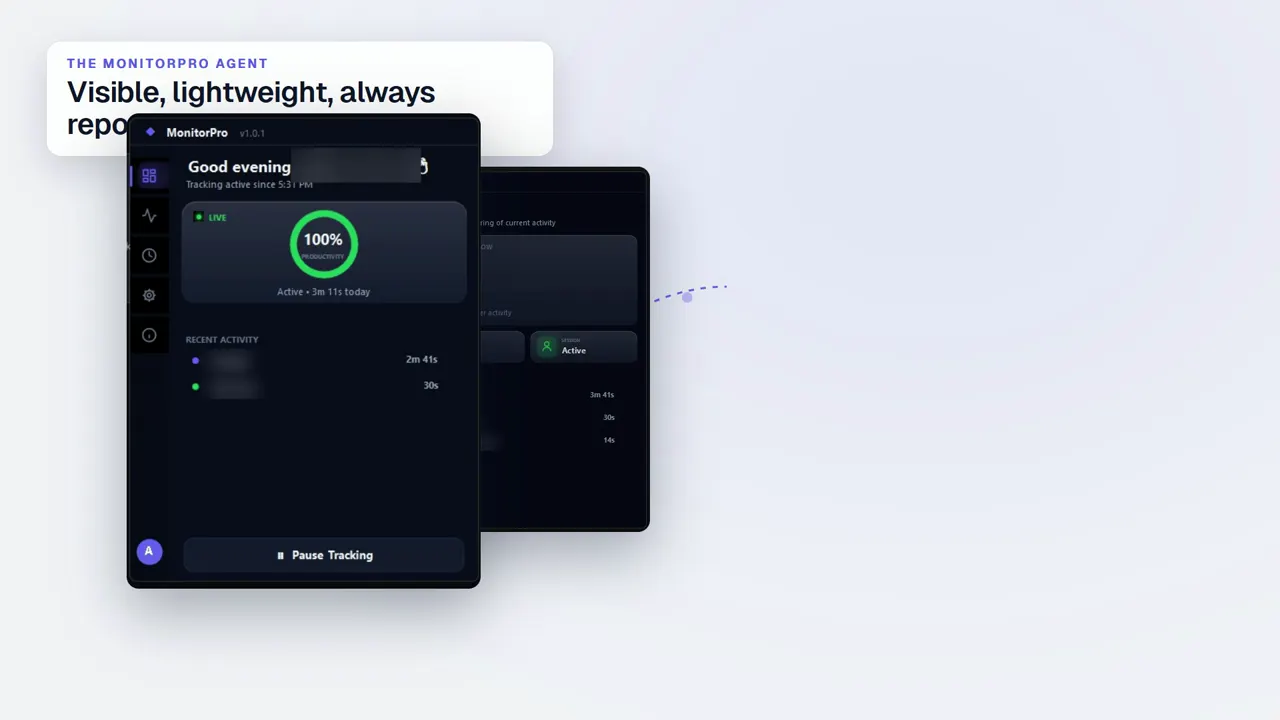 Duration 0:32Play video: Desktop Agent
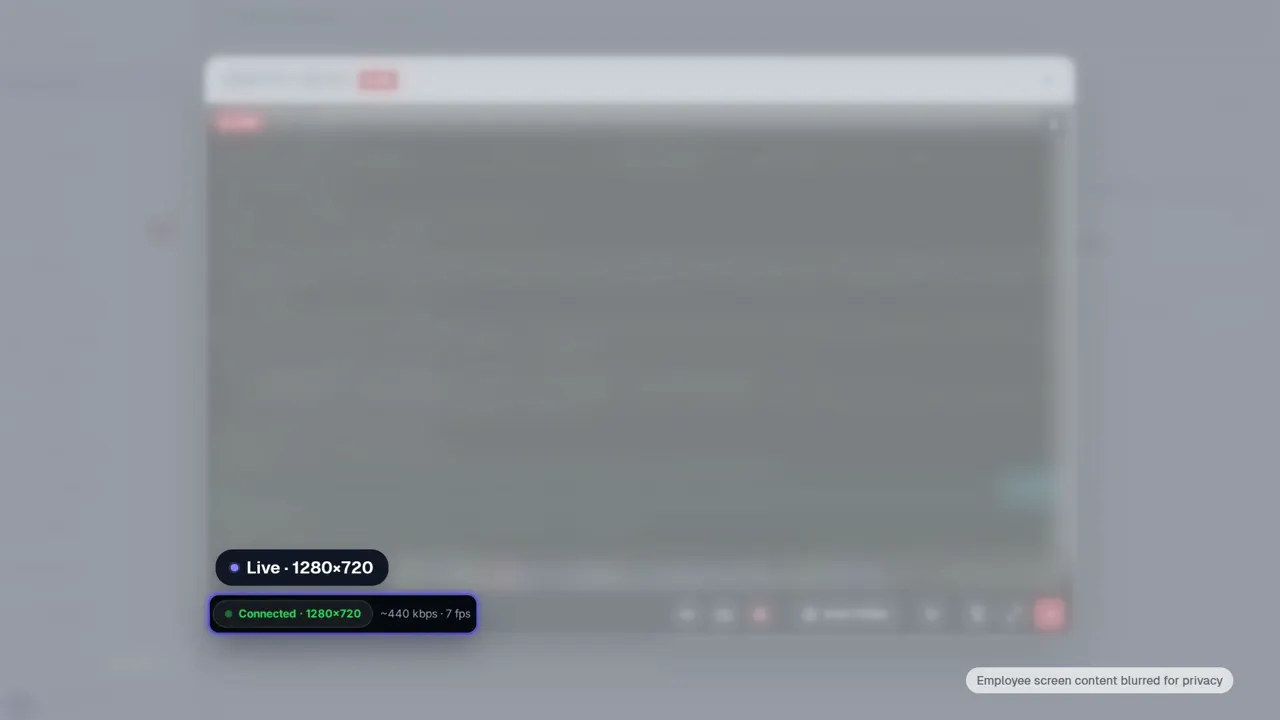 Duration 0:28Play video: Live View
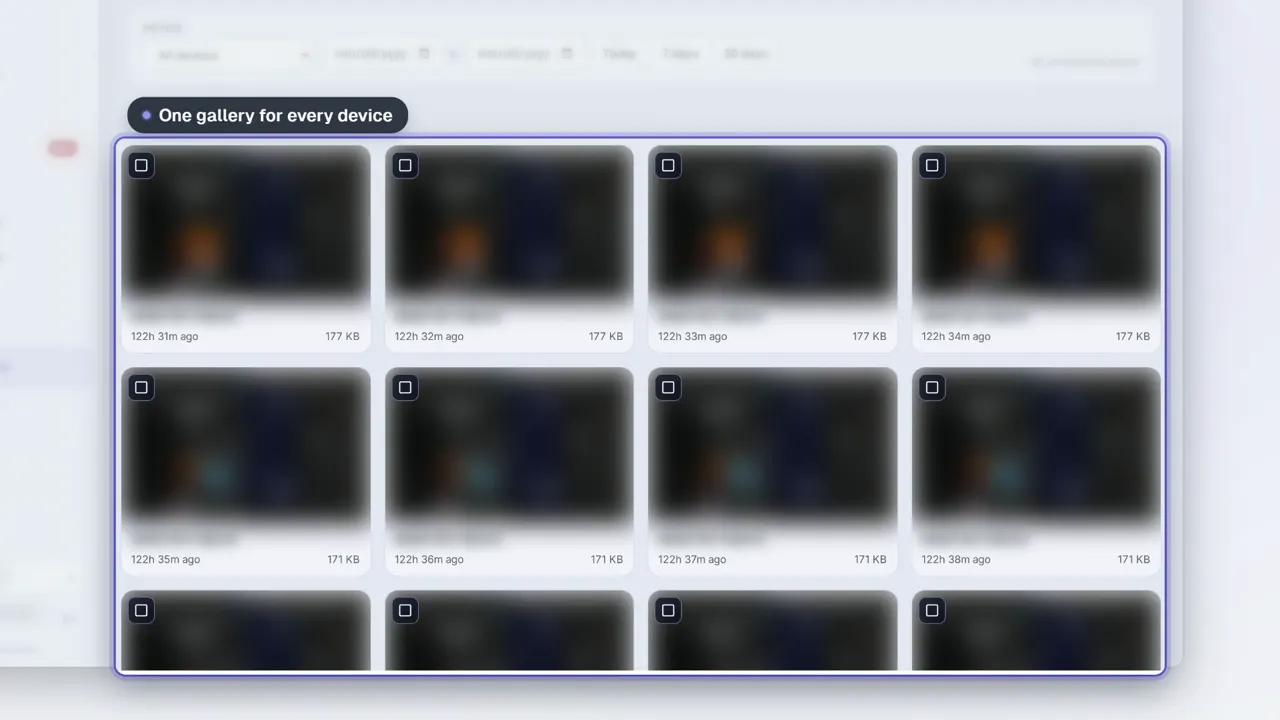 Duration 0:28Play video: Screenshots
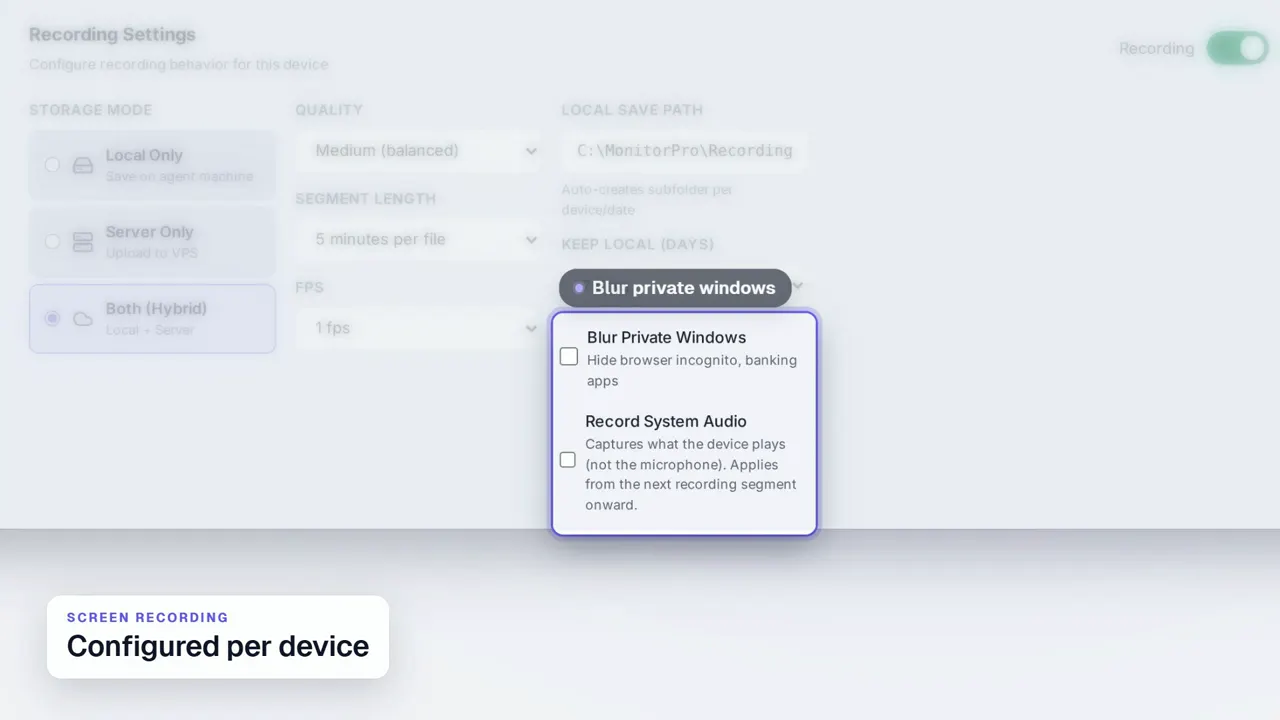 Duration 0:31Play video: Screen Recording
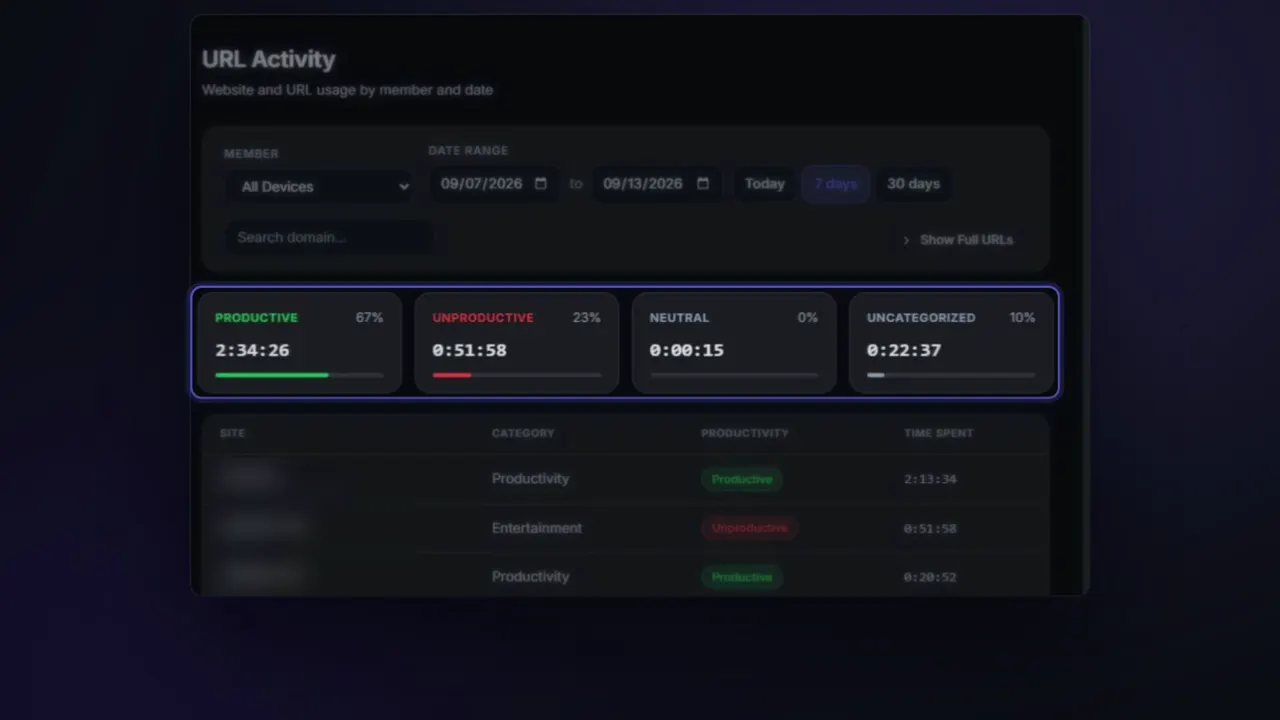 Duration 0:26Play video: App & Website Activity
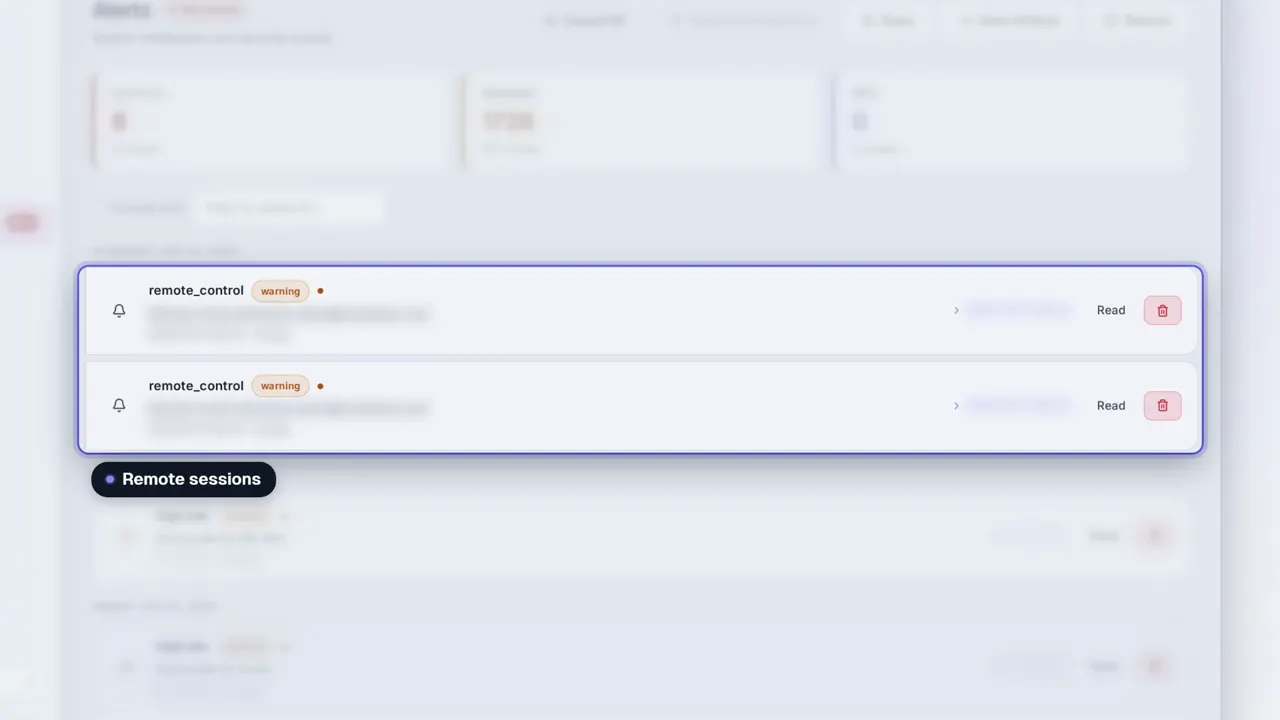 Duration 0:31Play video: Dashboard Alerts
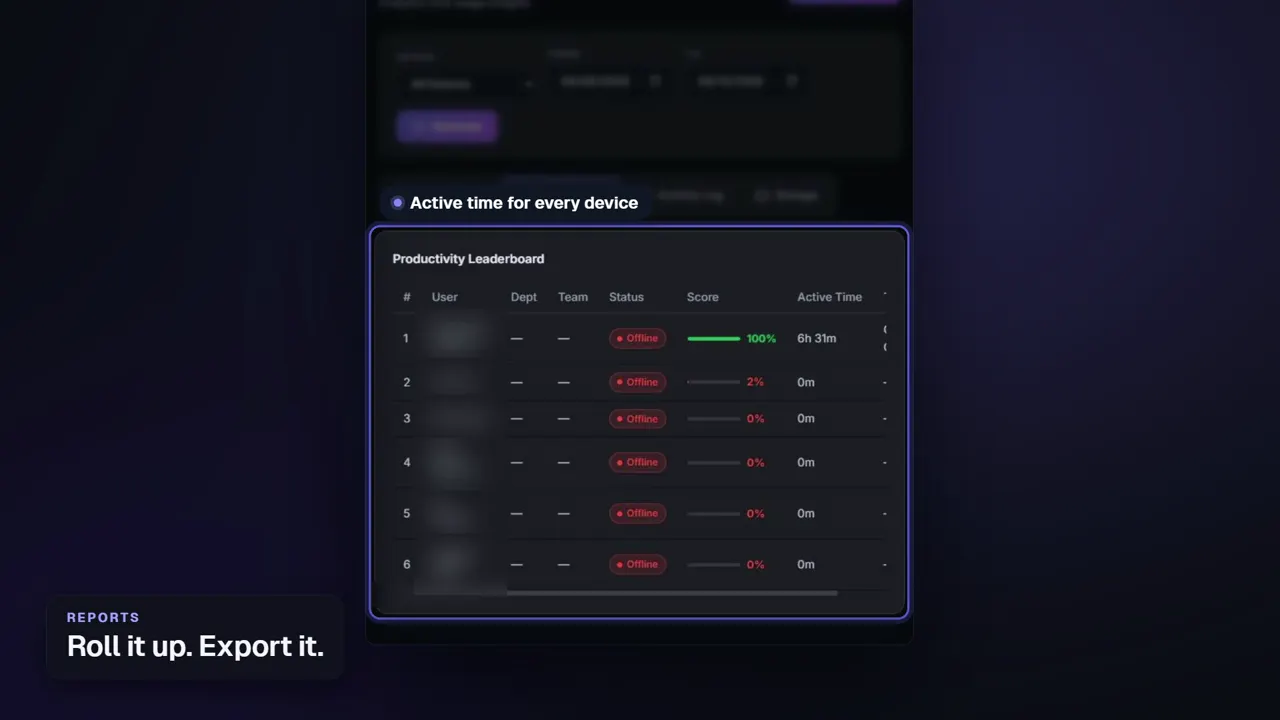 Duration 0:26Play video: Reports
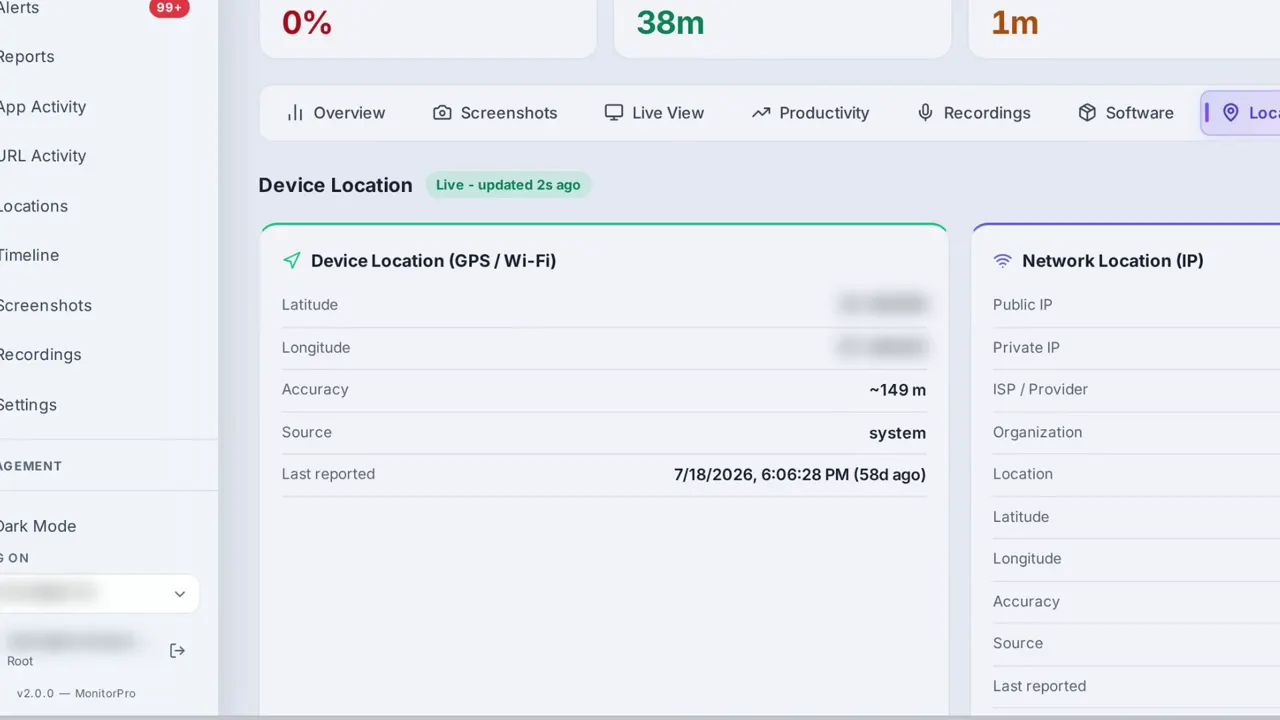 Duration 0:28Play video: Device Location
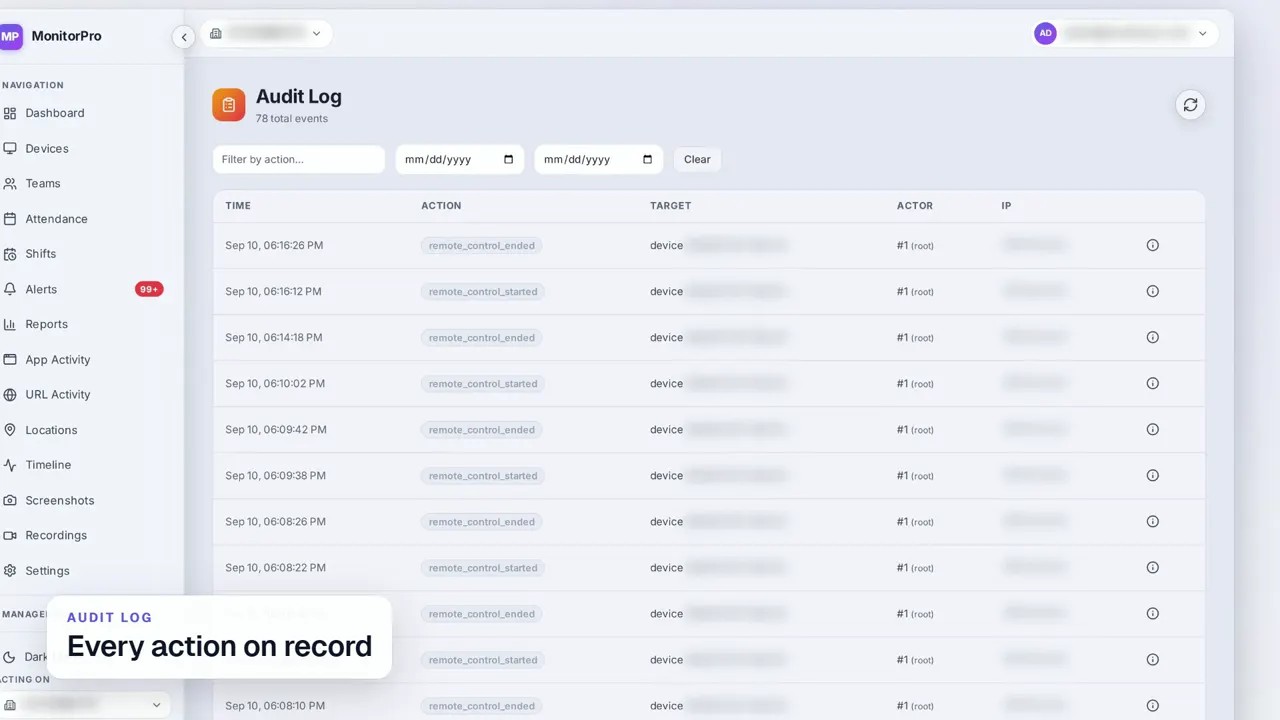 Duration 0:30Play video: Access Control & Audit Log
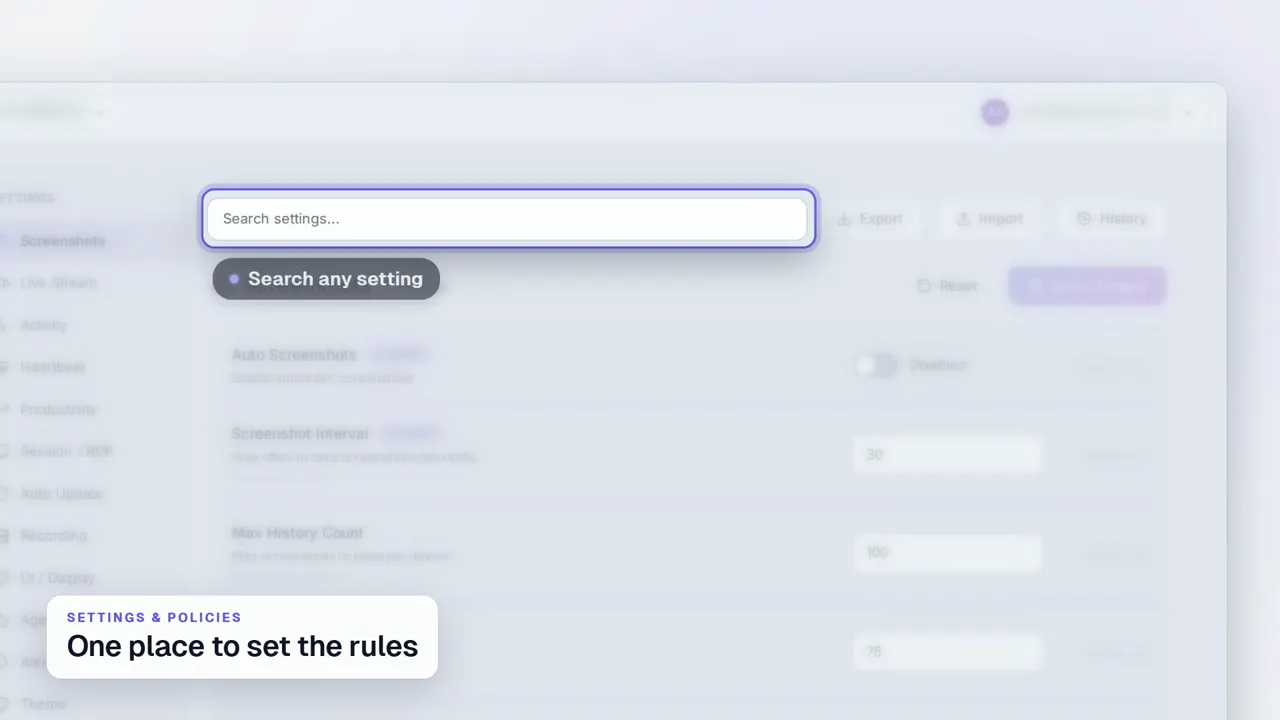 Duration 0:29Play video: Settings & Policies
 Duration 0:31Play video: Multi-Company Management
See MonitorPro on your own devices.
MonitorPro runs entirely on a server you control. A demo walks through the same screens on a live deployment.