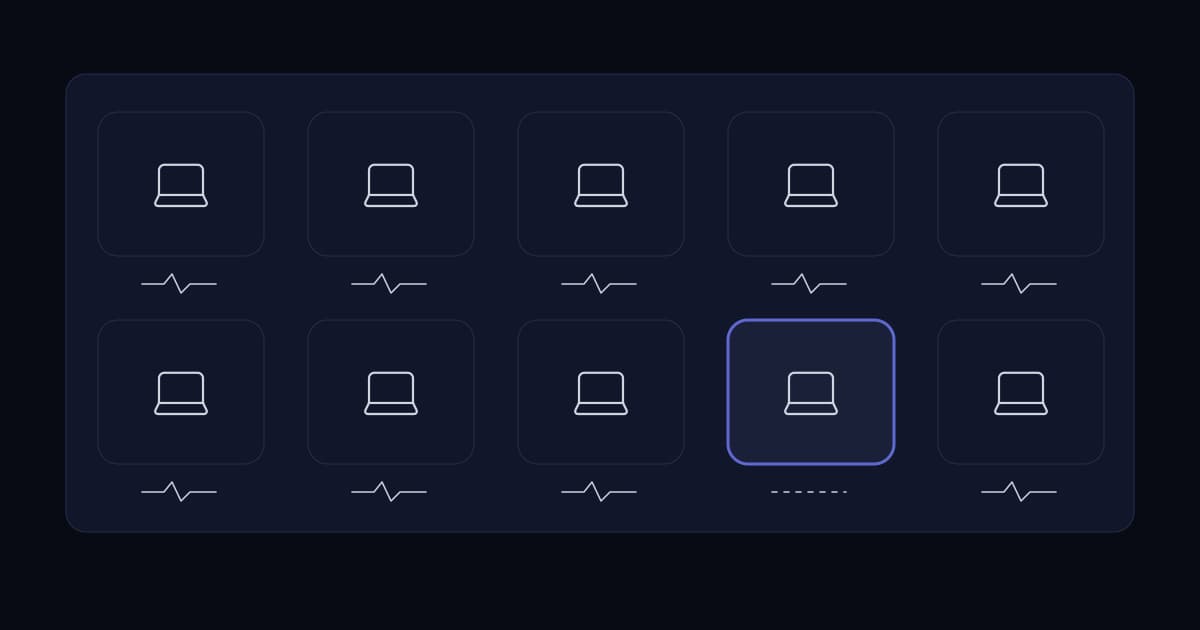
Ask a growing business about endpoint security and the answer is usually that antivirus is deployed, it came with the laptops or with the Microsoft licensing, and the console is green.
Two things are wrong with that answer, and neither is about which product was chosen. The console is green for the machines that report in, which is not the same set as the machines that exist. And the product is looking for malicious files, while a large share of modern intrusions do not involve one.
Both gaps are closable, neither is expensive to close, and closing them is worth considerably more than replacing one product with a better-marketed one.
The coverage problem, which comes first
Before any question about detection quality, there is a question about arithmetic. Take the number of machines reporting into the endpoint console this week, and compare it to the number of machines the business actually has.
These two numbers are almost never equal, and the difference is the real exposure. Every machine in the gap is unprotected, and nobody knows which ones they are, which means nobody is looking at them.
- Machines rebuilt by someone in a hurry, where the agent was never reinstalled.
- Laptops that have not been on the network since the last agent update and are now too far behind to check in.
- Servers excluded during a performance investigation and never re-included.
- Contractor and personal devices that were given access without ever being enrolled.
- Machines where the agent is installed and silently failing, which reports as absent rather than as broken.
This is why an asset inventory is the first control in the CIS list and endpoint protection is the tenth. Protection you cannot deploy consistently is protection with holes in an unknown shape, and the inventory is what tells you the shape.
Why signature detection is no longer sufficient on its own
Traditional antivirus answers one question: is this file known to be malicious? That worked when intrusions arrived as files and the files were reused across victims.
It is still worth having, because commodity malware still exists and blocking it cheaply is genuinely valuable. But an attacker who has stolen valid credentials and is using the tools already installed on the machine presents nothing for a file scanner to examine.
The MITRE ATT&CK framework is useful here because it describes intrusions as a sequence of tactics rather than as a file. Its enterprise tactics run from reconnaissance and initial access through execution, persistence, privilege escalation, credential access, discovery, lateral movement, collection, command and control, exfiltration and impact.
Read that sequence against a file scanner and the limitation is obvious. A scanner has a chance at the execution stage, if a file is involved. It has nothing to say about an attacker who logs in with valid credentials, enumerates the network with built-in tools, moves laterally over legitimate protocols, and copies data out over an ordinary encrypted connection. Every one of those steps uses software that is supposed to be there.
| Attack behaviour | Signature AV | EDR | Application control |
|---|---|---|---|
| Known malware file | Yes | Yes | Yes |
| Novel or repacked malware | Sometimes | Often | Yes |
| Stolen credentials used normally | No | Behavioural signals only | No |
| Built-in tools used maliciously | No | Yes, if tuned | Partially |
| Persistence via scheduled task or service | No | Yes | No |
| Lateral movement over legitimate protocols | No | Yes, if tuned | No |
| Data staged and exfiltrated | No | Yes, if tuned | No |
The repeated qualifier in the EDR column is the honest part of this table, and the next section is about it.
What EDR actually is, and what it demands
Endpoint detection and response records what happens on a machine — process launches, network connections, file and registry changes, authentication events — and evaluates that stream for behaviour consistent with an intrusion rather than for known-bad files.
That is a genuine capability improvement and it is why EDR has largely replaced plain antivirus in serious deployments. It also comes with an obligation that is frequently not budgeted for.
EDR produces alerts that require judgement. A legitimate administrator running a network scan and an attacker running one look similar in the telemetry, and something has to decide which it was. That something is either a person or a service.
- 1
Decide who responds before buying
An unread EDR console is worse than plain antivirus, because it costs more and produces the same detection outcome — none — while creating a belief that the problem is handled.
- 2
Be honest about out-of-hours
Intrusions do not run to business hours, and the interval between detection and response is what decides how far an attacker gets. If nobody is available at 2am, either accept that as a stated risk or buy a managed service. Both are legitimate; assuming it is covered is not.
- 3
Budget for a tuning period
Out of the box, EDR alerts on things your business does routinely. The first weeks are spent establishing what normal looks like here. Skipping this produces alert fatigue, and alert fatigue produces a missed real alert.
- 4
Enable response actions deliberately
Automatic isolation of a suspicious machine is powerful and occasionally isolates a machine that is doing its job. Decide in advance what is isolated automatically and what waits for a human.
The controls that cost nothing and are usually missing
Several endpoint controls require no additional product and close routes that endpoint software struggles with. They are worth doing before any purchase.
- Remove local administrator rights from daily-use accounts. A large share of what an intrusion needs to do requires elevation, and this is the single most effective endpoint control that costs nothing.
- Enable full-disk encryption everywhere. It does nothing against an intrusion and everything against the far more common event of a laptop being left somewhere.
- Turn on the operating system's built-in firewall with a default-deny inbound policy. It limits lateral movement between workstations, which is a route almost nothing else covers.
- Block the file types that carry payloads at the mail gateway, and disable macros from the internet by policy.
- Patch the applications, not only the operating system. Browsers, PDF readers and runtime environments are the common initial access route, and operating system patching alone leaves them.
- Ensure endpoint logs reach somewhere central. Logs on the compromised machine are logs the attacker can delete.
Removing local administrator rights deserves the emphasis. It is resisted because it is inconvenient, and the inconvenience is real. It is also the control that most reduces what a successful intrusion can do next, and the resistance is usually about a handful of specific applications that can be handled individually rather than by giving everyone permanent elevation.
Servers are endpoints too
Endpoint protection is discussed as a laptop problem and deployed as one. Servers are frequently excluded — sometimes explicitly, during a performance investigation that was never revisited.
This inverts the risk. The laptop holds one person's work; the file server holds everyone's, and the domain controller holds the credentials to reach all of it. An estate with comprehensive workstation coverage and excluded servers has protected the low-value targets and left the high-value ones open.
If a genuine performance exclusion is needed, scope it to a specific path rather than to the whole machine, write down why, and put a review date on it.
How to assess where you actually are
- 1
Count the gap
Console device count against directory computer accounts active in the last thirty days. Name the machines in the difference.
- 2
Check the servers are in scope
Including domain controllers, file servers and hypervisor hosts. Find any exclusions and establish who set them and why.
- 3
Find out when the last alert was actually investigated
Not raised — investigated, by a named person, with an outcome. If there is no such record, the detection capability is unverified.
- 4
Test the out-of-hours path
Trigger a benign detection at an inconvenient time and measure how long until a human responds. That interval is your real detection-to-response time.
- 5
Count accounts with local administrator rights
If it is everyone, that is the highest-value finding on this list and it costs nothing to fix except negotiation.
- 6
Confirm endpoint logs leave the endpoint
And that they are retained long enough to investigate an intrusion discovered months after it began.
Is antivirus still necessary if we have EDR?
Most EDR products include or replace the signature-scanning function, so running a separate traditional antivirus alongside is usually unnecessary and can cause conflicts. What matters is that the file-scanning capability exists somewhere in the stack, because commodity malware is still common and blocking it cheaply is worthwhile. Check what your EDR product includes rather than assuming either way.
What is the difference between antivirus and EDR?
Antivirus answers whether a file is known to be malicious. EDR records system behaviour — process launches, network connections, file and registry changes, authentication events — and evaluates that stream for activity consistent with an intrusion. The difference matters because an attacker using stolen credentials and built-in system tools presents no malicious file to detect, and that describes a large share of modern intrusions.
Does EDR need someone monitoring it?
Yes. EDR produces alerts requiring judgement, because a legitimate administrator running a network scan and an attacker running one look similar in the telemetry. Deployed without a named responder and an out-of-hours path, it produces the same detection outcome as no product at all while costing more and creating a false belief that the risk is handled. If in-house response is not realistic, a managed detection and response service is the honest alternative.
Should servers have endpoint protection?
Yes, and excluding them inverts the risk. A workstation holds one person's work; a file server holds everyone's and a domain controller holds the credentials to reach everything. Where a performance exclusion is genuinely required, scope it to a specific path rather than the whole machine, record the reason, and set a review date.
What is the most effective endpoint control that costs nothing?
Removing local administrator rights from accounts used for daily work. A large proportion of what an intrusion must do after gaining a foothold requires elevation, so removing standing elevation limits how far it gets. It is commonly resisted on grounds of inconvenience, which usually reduces to a small number of specific applications that can be handled individually rather than by granting everyone permanent administrative rights.
Sources and further reading
- A cybersecurity checklist for growing businesses— controls 1, 2 and 10 — why inventory precedes protection
- Access control and offboarding— the standing privilege this article recommends removing
- Network segmentation for growing businesses— limiting the lateral movement endpoint controls struggle to see
- Zero trust architecture for growing businesses— device posture as an input to access decisions
- Security auditing: what the words actually mean— how to verify the coverage claims made by an endpoint console
- Infrastructure monitoring that works— getting endpoint logs somewhere an attacker cannot edit them
- MITRE ATT&CK enterprise tactics— the tactic sequence used above to show what file scanning cannot see
- MITRE ATT&CK— the wider knowledge base of adversary techniques and mitigations
Services This Relates To
Written by KYCONNECTS Engineering.