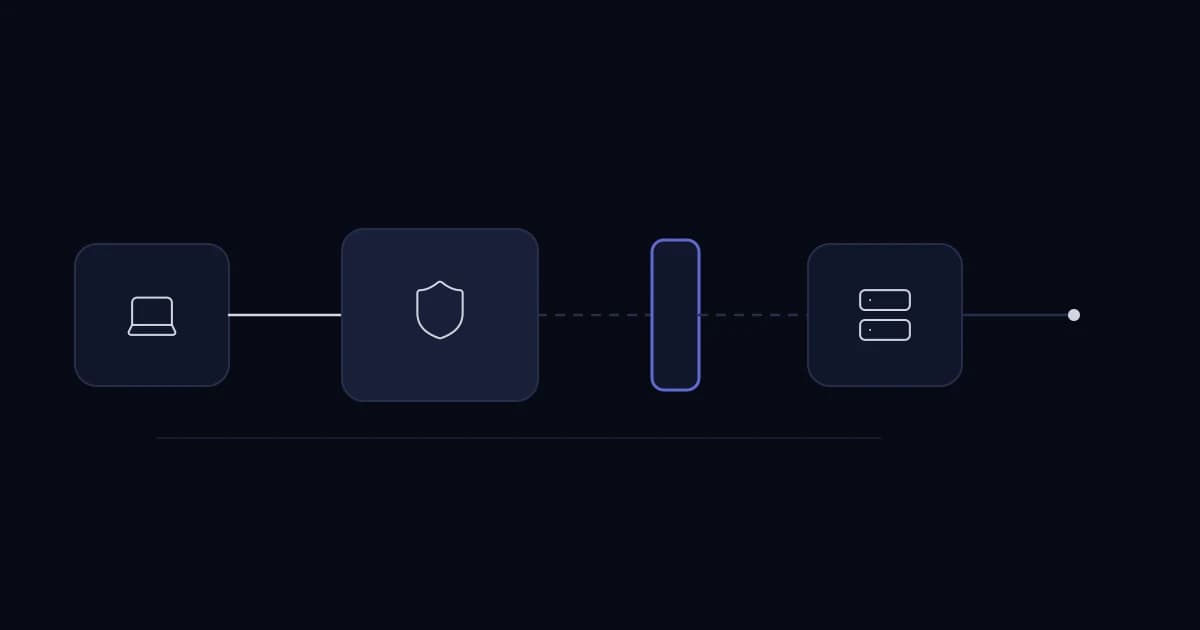
When a VPN says connected but an internal application does not load, test name resolution, the route to the target, the target's return route and the firewall rule in that order. The tunnel's up state does not prove any of these.
Establish the exact failure
Record the application hostname, resolved address, target port, user location and time. Compare a working user and failing user. If the hostname resolves to a public address over VPN, investigate split DNS before changing firewall policy. If the name resolves correctly but the port fails, continue down the path.
Name resolves? -> Route to target subnet? -> Firewall permits flow?
-> Target listens on port? -> Target has return route? -> App responds?
Check both directions
Overlapping home and office subnets can cause the client to send packets locally instead of into the tunnel. A target server with the wrong gateway may receive a request and reply somewhere else. Use route tables and packet capture at the client, VPN firewall and target to find where packets stop; a ping failure alone is not conclusive because ICMP may be blocked.
Distinguish path size from permissions
If small requests work but file uploads or larger pages hang, examine MTU and fragmentation behavior. If only one application's port fails, inspect service binding and firewall rules before changing tunnel settings. Save the evidence from each layer so a future incident starts with a known good path.
Do not rebuild a functioning VPN because one app is unreachable. Most fixes are a DNS record, route, return path or narrow policy correction. If a remote-access design regularly needs per-user exceptions, revisit the access architecture separately.
A worked diagnostic path
Suppose a laptop connects to a pfSense VPN but cannot open an internal portal at portal.internal. First resolve the name and compare the returned address with the office portal address. If DNS is correct, inspect the laptop route for that subnet. If packets enter the tunnel, check the VPN interface rule and packet capture at the firewall. If they reach the server, inspect its return gateway and local firewall.
Do not widen the rule to any-any to 'prove' the problem. A narrow temporary diagnostic rule with logging can isolate policy while preserving an audit trail. Remove or formalize it after the test. Always capture the source address seen by the target; NAT may make it differ from the laptop address.
What a successful test proves
A successful ping to the firewall proves reachability to the firewall, not to the portal. A successful TCP connection to the portal proves the port is open, not that authentication or the application works. Test the actual HTTPS route with the expected hostname after network checks pass.
If only one remote location fails, inspect overlapping subnets or local DNS. These observations narrow the layer and prevent random configuration changes.
Record the final cause and the before/after route or rule. A runbook that captures known-good DNS, route and firewall behavior saves more time next month than a screenshot of the VPN's connected icon.
Sources and further reading
Services This Relates To
Written by KYCONNECTS Engineering.