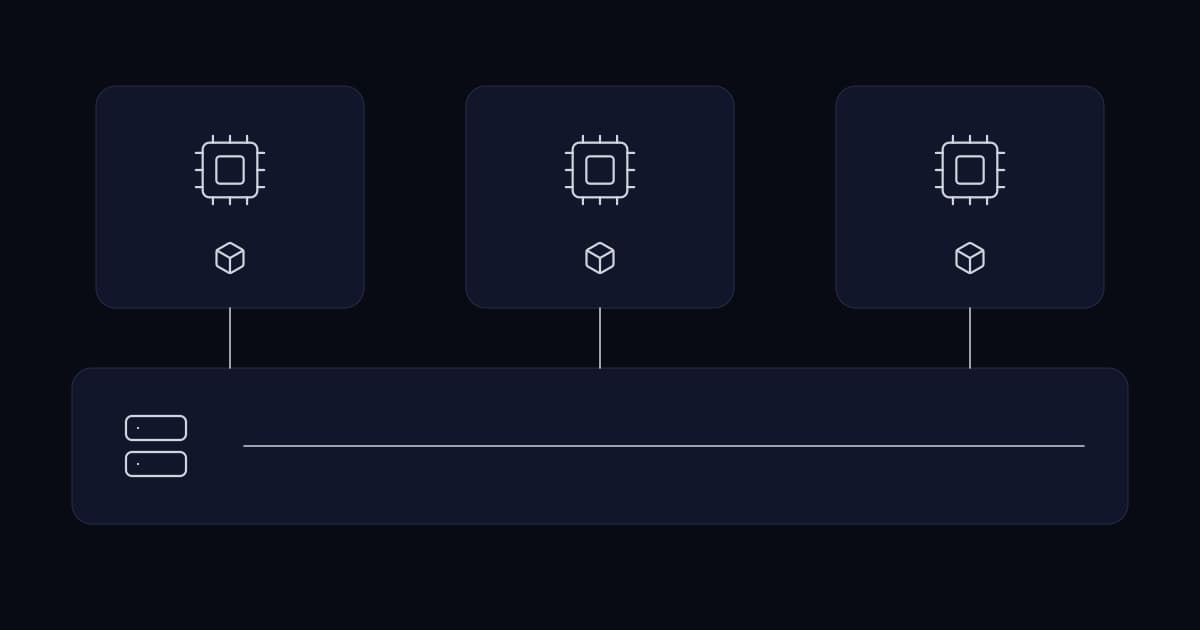
Virtualisation stopped being a decision some years ago. New physical servers running a single operating system directly are now unusual outside specific cases, and for good reasons.
What has not settled is what businesses believe it provides. Two beliefs in particular cause real damage: that a virtualised estate is inherently more available, and that snapshots are a form of backup. Neither is true, and both are usually discovered during the incident that disproves them.
What it genuinely provides
The real gains are worth stating precisely, because they are the ones to design around.
| Benefit | What it means in practice |
|---|---|
| Consolidation | Physical servers sit mostly idle. Several workloads on one host uses hardware that is already paid for. |
| Failure isolation | One workload per virtual machine means one crashing does not take the others with it. |
| Independent patching | Each machine restarts on its own schedule rather than on the intersection of every role's tolerance. |
| Hardware abstraction | A virtual machine moves to new hardware without a rebuild, which decouples the refresh cycle from the workload. |
| Fast provisioning | A new server is a template deployment rather than a purchase order. |
| Live migration | Workloads move between hosts without downtime, so host maintenance stops requiring an outage. |
Two of those are more valuable than they first appear. Independent patching is what makes proper role separation practical — the reason businesses pile roles onto one machine is usually that separating them meant buying hardware. And hardware abstraction removes the specific pain of a server refresh, which otherwise means rebuilding and re-testing every workload on new physical machines.
Snapshots are not backups
This is the single most costly misunderstanding in the subject, and it is nearly universal.
A snapshot records a point in time by capturing subsequent changes separately, so the machine can be returned to that point. It is genuinely useful for exactly one thing: reverting a change you are about to make, within minutes or hours.
It is not a backup, for reasons that are structural rather than incidental.
- It lives on the same storage as the machine. Storage failure takes the snapshot with the original.
- It depends on the original. It is a record of differences, not an independent copy — losing the base disk makes the snapshot worthless.
- It is reachable by anyone who compromises the hypervisor, which is exactly what ransomware operators target once they have administrative access.
- It degrades performance the longer it exists, because every read must reconcile the difference chain.
- Left in place for weeks it can consume enough storage to fill the datastore, which takes down every machine on it — a snapshot causing the outage rather than preventing one.
Virtualisation is not availability
Consolidating ten servers onto one host does not make them more available. It makes them share a failure. The host is now a single point of failure for ten workloads that previously failed independently.
Virtualisation makes availability achievable, which is a different claim. Clustering, live migration and replication are the features that provide it, and they must be deliberately configured. A single host with ten virtual machines and no cluster is a concentration of risk, not a reduction of it.
This matters most where redundancy was assumed. Two domain controllers, two application servers, two of anything — running on the same host, they are one hardware fault away from none. The redundancy exists on the diagram and not in the failure domain.
Sizing: the part that goes wrong quietly
Virtualisation permits overcommitting resources — allocating more to virtual machines than the host physically has — on the reasonable basis that workloads do not all peak together. How far that can be taken differs sharply by resource, and treating them the same is the usual error.
| Resource | Overcommit | What happens when you go too far |
|---|---|---|
| CPU | Yes, comfortably | Contention shows as latency before it shows as failure — recoverable |
| Memory | Cautiously | Swapping, and performance collapses rather than degrades |
| Storage IOPS | Rarely considered | The most common real bottleneck; everything slows at once |
| Storage capacity | Only with monitoring | Thin provisioning that fills takes down every machine on the datastore |
Storage is where estates actually run into trouble. CPU and memory are watched because the console displays them prominently. Storage throughput is not, and it is shared by every machine on the host, so one noisy workload degrades everything else in a way that looks like a general slowness with no obvious cause.
Thin provisioning deserves its own warning. Allocating more storage than exists works until the machines actually use it, and the failure is not gradual — the datastore fills and every virtual machine on it stops. Monitoring actual consumption against physical capacity, with enough headroom to react, is not optional where thin provisioning is used.
Where virtualisation is not the right answer
- Workloads requiring direct hardware access or precise timing. Some telephony, industrial control and specialist hardware cases still run better on physical machines, and pass-through is a partial answer with its own constraints.
- A single workload on a single machine. If the business runs one server, virtualising it adds a layer to administer and patch for no consolidation benefit. The abstraction benefit may still justify it; the consolidation one does not exist.
- Licensing that punishes it. Some vendors license by physical core on the host regardless of what the virtual machine is allocated, which can make a small virtual machine on a large host surprisingly expensive. Check before designing.
- Where the real answer is containers. For multiple instances of the same application stack, containers provide isolation with far less overhead. They are not a replacement for virtualisation — they usually run on it — but they are the better unit for that specific case.
Running it properly
- 1
Keep the host doing one job
The hypervisor host runs the hypervisor. Nothing else installed, nothing else logged into. It is the machine that can see and alter every workload you have.
- 2
Check what shares a failure domain
Anything you consider redundant should be on separate hosts, separate power and separate storage. This is the single most common design fault in virtualised estates.
- 3
Back up the guests properly, not just the host
With a backup product that understands the hypervisor and can restore an individual machine. And test that restore — the whole-estate backup that has never been restored is the same assumption as any other.
- 4
Enforce a snapshot policy
Take before a change, delete after. Alert on snapshots older than a defined age. This prevents both the storage incident and the false sense of protection.
- 5
Monitor storage throughput, not just capacity
It is the resource most likely to be the actual constraint and the one least likely to be watched.
- 6
Patch the hypervisor on a schedule
It is exposed, privileged, and frequently the least-patched software in the estate because upgrading it means moving workloads.
- 7
Document what runs where
Virtual machines are easy to create and therefore easy to forget. An estate accumulates machines nobody can identify, which are unpatched, consuming resources and holding data.
Are virtual machine snapshots a backup?
No. A snapshot records subsequent changes separately so a machine can be returned to a point in time, and it depends on the original disk rather than being an independent copy. It lives on the same storage, is reachable by anyone who compromises the hypervisor, degrades performance the longer it exists, and can fill the datastore and take down every machine on it. Snapshots should be taken immediately before a change and deleted immediately afterwards.
Does virtualisation make systems more available?
Not by itself — consolidating ten servers onto one host makes them share a failure they previously did not. Virtualisation makes availability achievable through clustering, live migration and replication, but those must be deliberately configured. The common design fault is running two supposedly redundant machines on the same host, where the redundancy exists on the diagram but not in the failure domain.
How much can resources be overcommitted?
It depends heavily on the resource. CPU overcommits comfortably, because contention appears as latency before failure. Memory overcommits cautiously, because exceeding physical memory causes swapping and performance collapses rather than degrades. Storage throughput is the most common real bottleneck and the least watched, and thin-provisioned storage capacity that fills stops every virtual machine on the datastore at once.
Should the hypervisor host run anything else?
No. The host can see and alter every workload running on it, which makes it the highest-value target in a virtualised estate. It should run the hypervisor and nothing else, with no additional roles installed and no routine interactive logins. It should also be on a patch schedule, since hypervisors are frequently the least-patched software in an estate because updating them means moving workloads first.
Should we use containers instead?
They solve a related but different problem, and they usually run on virtualisation rather than replacing it. Containers provide isolation with much less overhead for multiple instances of the same application stack, which makes them the better unit for that case. Virtualisation remains the right unit for running different operating systems, isolating unrelated workloads, and abstracting workloads from physical hardware.
Sources and further reading
- VMware vs Hyper-V— choosing the platform, and why it is now a licensing question
- High availability for business systems— what actually provides availability, which virtualisation alone does not
- Infrastructure planning for growing businesses— sizing and headroom, including the storage constraint
- Windows Server: the practices that actually matter— the role separation that independent patching makes practical
- Linux servers for business— the other half of most virtualised estates
- Data retention and archiving for growing businesses— backups that a compromised hypervisor cannot reach
- Hyper-V overview — Microsoft Learn— capability reference for the Microsoft platform
- Proxmox Virtual Environment— the open-source platform, and its documentation on snapshots and clustering
Services This Relates To
Written by KYCONNECTS Engineering.