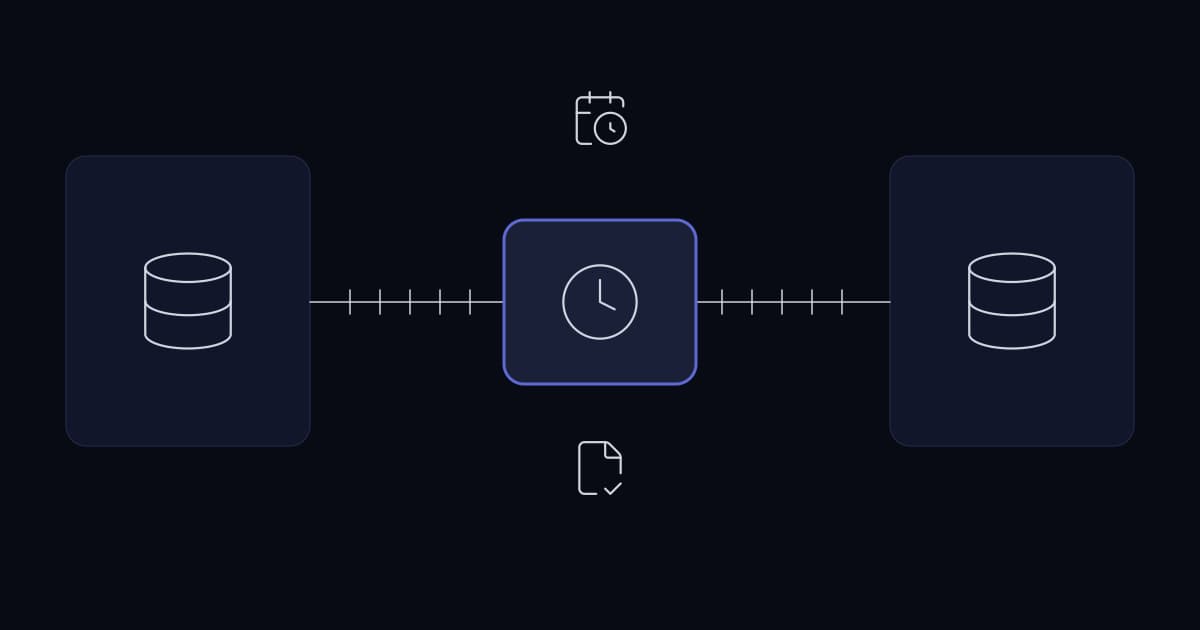
Call detail records are the only objective record of what happened on a phone floor. On most FreePBX deployments they are also the least usable data in the building: correct, complete, and effectively unreadable without work.
The deployment behind this write-up ran a floor of 100+ agents, with CDR data split across two separate MySQL servers. Supervisors assembled reports by hand from both, which meant reports arrived irregularly and in whatever format the person building them chose that day.
Why manual CDR reporting fails
It is not that the work is hard. It is that it is repetitive, and repetitive manual work degrades in a predictable way.
- Two data sources means two queries, and no guarantee both cover the same window.
- Whoever builds the report decides the format, so month-to-month comparison quietly breaks.
- Reports get produced when someone asks, not on a schedule, so nobody builds a habit of reading them.
- Timezone handling is done in someone's head, and heads are inconsistent.
The timezone problem is the real one
A PBX writes CDR timestamps in the server's timezone. If the reporting audience sits in a different timezone from the switch, every raw record is off by a fixed offset, and a shift that starts at 21:00 local shows up in the previous day's data.
This is the failure that makes people stop trusting reports. The totals are right, but the daily boundaries are wrong, so a supervisor who spot-checks one agent against their own memory finds a discrepancy and concludes the whole report is broken.
How the automation is built
- 1
Query both CDR databases
Two scheduled n8n nodes, one per MySQL server, each pulling the same corrected reporting window rather than a naive local-time range.
- 2
Apply timezone correction to the window
The window boundaries are converted before the query runs, so records fall into the right day at source.
- 3
Merge and normalise
Results from both servers are combined into one dataset with a consistent column set, so downstream steps do not care which server a row came from.
- 4
Generate pivot table summaries
Output is written as Excel pivot summaries: per-agent and per-queue totals in the same layout every time.
- 5
Deliver over SMTP
Daily, weekly, and on-demand schedules, sent to a fixed distribution list. No request step, no manual export.
Why n8n rather than a script
A cron job and a Python script would produce the same output. The reason to reach for n8n here is handover. The workflow is visible as a graph, a supervisor can see which step failed without reading a stack trace, and the client's own team can change a recipient list or a schedule without booking developer time.
That matters more than elegance. Automation that only its author can modify becomes a dependency, and a dependency on one person is not an improvement over a manual process.
Result
Reporting now runs without manual assembly. Supervisors receive a consistent format on a fixed schedule rather than requesting figures each time, and the timezone correction means the daily boundaries match what the floor actually experienced.
Sources and further reading
- One agent dashboard across multiple FreePBX servers— the same multi-server combination problem, solved as a live portal rather than a scheduled report
- Giving a shared FreePBX estate real multi-tenant isolation— a different way of getting one view over a shared FreePBX estate
- n8n workflow automation for modern businesses— the automation platform behind this workflow, in general terms
- Business process automation: what to automate and what to fix— why fixing the reconciliation rather than the reporting was the right call here
Services This Relates To
Written by KYCONNECTS Engineering. Client names are withheld under confidentiality.