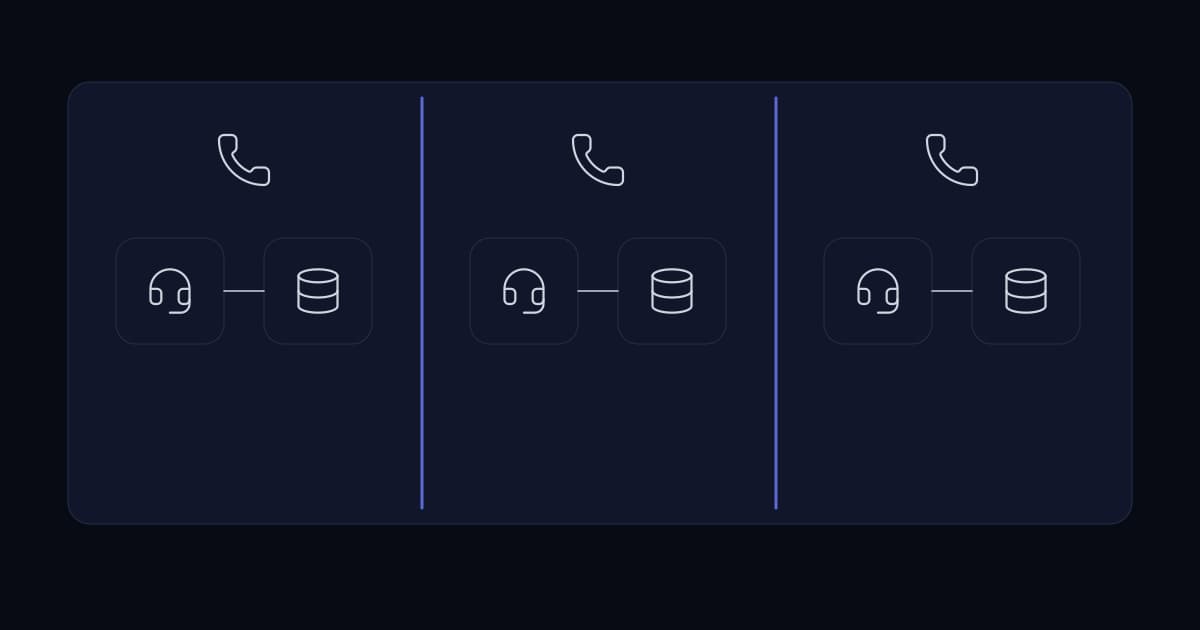
FreePBX is built to run one organisation well. Hosted operators run several on one install, and the moment they do, a gap opens: the administrative interface shows every extension, every call, and every recording in the estate, with no notion of who owns what.
That is workable while the operator is the only one logging in. It stops working the moment a client asks to see their own call history, because there is no view that shows them their data and only their data.
Why not just restrict the FreePBX interface
Because the isolation has to be enforced below the interface, not by it. Hiding rows in a UI is a presentation choice, and presentation choices get bypassed by a direct URL, a stale session, or the next upgrade that resets a template.
For an operator whose clients are competitors with each other, that is not an acceptable risk profile. The isolation needs to sit in the data layer, where every query is scoped whether or not the caller remembered to scope it.
The architecture
- 1
A separate portal, not a FreePBX skin
A Laravel 11 and Vue 3 application alongside the PBX, so the tenancy model belongs to the portal rather than being retrofitted into FreePBX.
- 2
Enforced tenant scoping
Data isolation is applied at the query layer, so a tenant identifier is a required part of every read rather than a filter someone has to remember to add.
- 3
Extension synchronisation
Extensions are synced from the FreePBX user manager tables, so the PBX stays the source of truth and the portal does not drift out of step with it.
- 4
Browser-based WebRTC dialler
Agents place and control calls from the browser, with no desk phone and no softphone install on each machine.
- 5
Docker behind nginx, Redis for sessions and queues
Deployed as containers behind an nginx reverse proxy, with Redis handling sessions and background jobs.
Extension sync is where these projects usually break
The tempting design is to let the portal own extensions and push them into FreePBX. It reads cleanly and it fails badly, because any change made directly in FreePBX, which is where an operator's engineers actually work during an incident, silently diverges from the portal.
Syncing the other direction is less elegant and far more durable. FreePBX remains authoritative, engineers keep working the way they already do under pressure, and the portal reflects reality rather than asserting it.
Why WebRTC was worth the effort
A browser dialler removes the per-agent setup step entirely. No softphone install, no per-machine SIP credentials, no desk phone to provision, which for a floor with turnover is the difference between onboarding in minutes and onboarding as a scheduled task.
Result
Each tenant sees only its own extensions, call history, and recordings. Agents place calls directly from the browser, and the operator gained a self-service layer without exposing one client's data to another.
Sources and further reading
- One agent dashboard across multiple FreePBX servers— the shared-versus-separate deployment decision, applied to a call reporting portal
- Automating FreePBX call reporting across two MySQL servers— combining more than one FreePBX server's data by a different route
- Access control and offboarding— the account model underneath tenant-scoped access
- Server virtualisation: what it buys and what it does not— the Docker deployment this portal runs on
Services This Relates To
Written by KYCONNECTS Engineering. Client names are withheld under confidentiality.