A growing business needs a firewall that does more than the router the internet provider supplied. The quotes that come back for commercial appliances include the hardware, an annual subscription, and separate licensing for the features that were the reason for buying it.
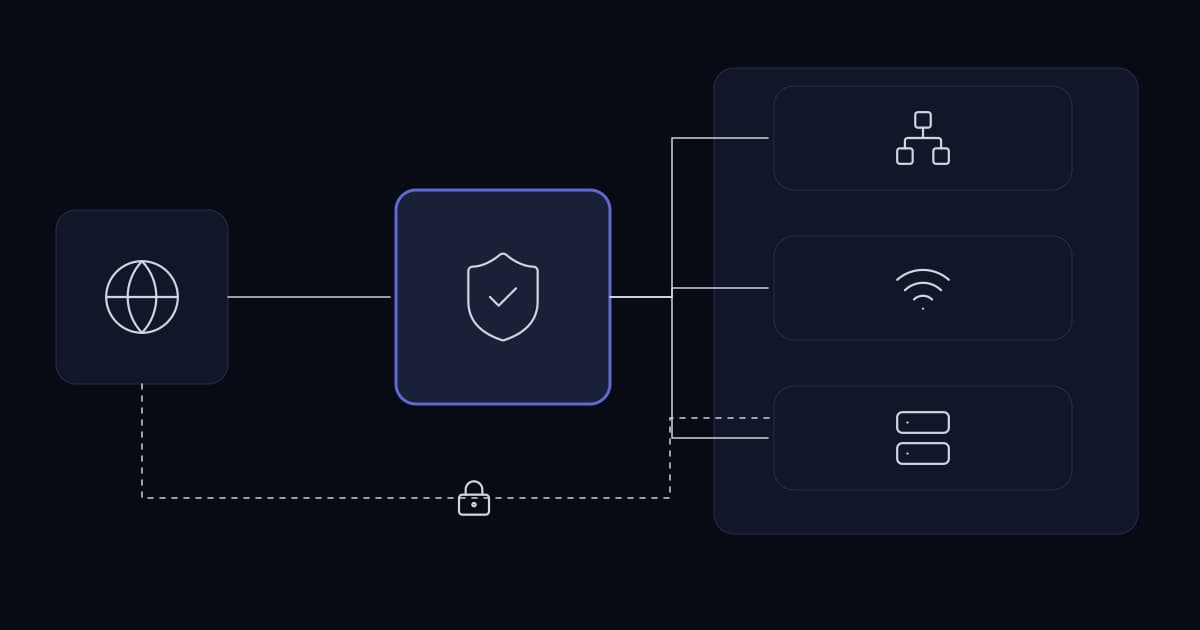
pfSense is the open-source answer to that: a firewall and router distribution built on FreeBSD, running on ordinary hardware or a supplied appliance, with the VPN, filtering and visibility features included rather than licensed separately.
It is genuinely capable and widely deployed in businesses of this size. It is also a system you own the operation of, which is the part that decides whether it is the right choice — and that decision should be made before the purchase rather than after the first outage.
What it actually replaces
The value case is usually clearer once it is expressed as a list of separate things that stop being separate.
| Function | What it replaces |
|---|---|
| Stateful firewall | The ISP router's limited filtering, or a licensed appliance |
| Remote access VPN | A separate VPN concentrator or per-user hosted service |
| Site-to-site VPN | Router-based tunnels, often with poor visibility |
| Multi-WAN failover | A separate failover device, or nothing |
| DHCP and DNS resolution | A Windows server carrying network roles it should not |
| Traffic visibility and reporting | Guesswork about where bandwidth goes |
| Certificate management for VPN | A manual process nobody documented |
Two of those rows are worth calling out because they deliver value beyond the cost saving.
Multi-WAN failover is the one businesses most often lack and most need once anything important moves to cloud. A hybrid estate makes the internet connection part of the critical path for internal work, and a single connection makes that a single point of failure for the whole business day.
Traffic visibility matters because most businesses cannot answer where their bandwidth goes, which means they cannot distinguish a capacity problem from a misbehaving host, and they buy more bandwidth in response to either.
Where it belongs, and where it does not
The honest assessment turns on one question, and it is not a technical one.
| Situation | Assessment |
|---|---|
| Someone in-house can administer FreeBSD-based systems | Strong fit |
| A managed provider will operate it under contract | Strong fit |
| Nobody owns it and there is no support arrangement | Do not deploy it |
| A regulator or customer requires a named supported product | Check the requirement first |
| Very high throughput or deep inspection at line rate | Assess capacity properly; commercial silicon may be required |
| Multiple sites needing central policy management | Manageable, but commercial platforms do this better |
The third row is the important one. A firewall is the device the entire business sits behind. If it fails at 8am and nobody knows how to recover it, the saving on the licence is repaid in a single incident. Commercial support for pfSense is available and buying it is a legitimate answer; leaving the question unanswered is not.
Designing the deployment
High availability
pfSense supports a redundant pair using CARP, with state synchronisation so existing connections survive a failover. For a business where an internet outage stops work, this is the feature that changes the risk profile, and it is worth designing in from the start rather than retrofitting.
The usual caveats about redundancy apply and are worth repeating because they are commonly ignored here. Two firewalls in the same rack on the same power feed are one power fault from none. Two WAN connections in the same duct fail together. The redundancy has to exist in the failure domain, not only on the diagram.
Sizing
- Throughput depends on what is enabled. Plain stateful filtering is cheap; VPN termination and deep packet inspection are considerably more expensive per megabit.
- VPN throughput is the constraint most often underestimated, particularly where many remote workers connect simultaneously.
- Size for peak concurrent state, not average bandwidth. State table exhaustion presents as intermittent connection failures that look like an application fault.
- Leave headroom for the features you will enable later, since enabling inspection on an appliance sized for filtering is how a firewall becomes the bottleneck.
Placement
pfSense sits at the boundary and enforces policy between segments. The segment design is a separate decision covered elsewhere, but one point belongs here: routing all inter-segment traffic through the firewall gives you enforcement and visibility, and it also makes the firewall a throughput constraint for internal traffic. That is a deliberate trade, and it should be sized for.
Operating it properly
- 1
Do not expose the web interface to the internet
Administration should be reachable from a management network or over VPN. An internet-facing firewall administration page is the most valuable target on the network advertising itself.
- 2
Back up the configuration automatically
The whole configuration is a single file, which makes this trivially easy and therefore inexcusably often not done. Restoring a firewall from a recent backup takes minutes; rebuilding one from memory takes a day.
- 3
Patch it on a schedule
It is an internet-facing device running an operating system and packages. Both need updating, and firewall updates are deferred more than any other class of device because they require an outage window.
- 4
Send logs somewhere else
Local storage is limited and lost on reinstallation. Firewall logs are among the most useful evidence in an investigation and among the least likely to be retained.
- 5
Install packages deliberately
The package system makes it easy to add intrusion detection, proxies and reporting. Each is additional attack surface, additional load and additional maintenance. Add what has a purpose.
- 6
Document the rule base as you build it
Rules accumulate, and an undocumented rule is one nobody dares delete. Descriptions written at creation time cost seconds and save the review that otherwise never happens.
The configuration backup point deserves emphasis because of how cheap it is relative to its value. A firewall configuration is the accumulated result of years of decisions, most of them undocumented elsewhere, and it fits in a file small enough to email.
VPN on pfSense
One of the strongest reasons businesses choose it is that it terminates both major VPN protocols without additional licensing, so the protocol choice can be made on technical grounds rather than on what the appliance vendor supports or charges for.
That choice — and the reasons to prefer one over the other — is a subject of its own and is linked below. The relevant point here is that pfSense removes the per-user licensing pressure that distorts the decision on commercial platforms, where the VPN is frequently the feature that costs the most.
Is pfSense suitable for business use?
Yes, provided the operational question is answered. It is a capable firewall, router and VPN concentrator widely deployed at this scale, and it includes features that commercial appliances license separately. The condition is that someone must own it — an in-house administrator comfortable with the platform, or a managed provider under contract, or a commercial support subscription. A firewall that nobody can recover is a business-wide outage waiting for a hardware fault.
Can pfSense be made highly available?
Yes, using CARP for a redundant pair with state synchronisation so existing connections survive a failover. The usual redundancy caveats apply and are commonly ignored on firewalls specifically: two units in the same rack on one power feed are one power fault from none, and two WAN connections in the same duct fail together. High availability should be designed in rather than retrofitted.
How should pfSense be sized?
By what will be enabled, not by internet connection speed. Plain stateful filtering is inexpensive per megabit; VPN termination and deep packet inspection are substantially more expensive, and VPN throughput is the constraint most often underestimated where many remote workers connect at once. Size for peak concurrent state rather than average bandwidth, because state table exhaustion presents as intermittent connection failures that get misdiagnosed as application faults.
What is the most commonly skipped pfSense practice?
Automatic configuration backup. The entire configuration is a single small file, which makes backing it up trivially easy and is precisely why it gets overlooked. That file represents years of accumulated decisions, most undocumented anywhere else. Restoring from a recent backup takes minutes; rebuilding a rule base from memory during an outage takes a day.
When is a commercial firewall the better choice?
When a regulator or customer requires a named supported product, when central policy management across many sites is needed, when throughput demands purpose-built silicon, or — most commonly — when nobody in the business will own the platform and no support arrangement exists. The licence saving on a firewall is repaid in a single incident where nobody knows how to recover the device the whole business sits behind.
Sources and further reading
- Firewall strategy for growing businesses— the policy this platform enforces, independent of vendor
- WireGuard vs OpenVPN— the protocol choice pfSense lets you make on technical grounds
- Network design for a growing business— where this device sits, and the segments it routes between
- Network segmentation for growing businesses— the boundaries the rule base is written against
- VPN deployment: a practical guide— addressing, certificates and rollout for the VPN this terminates
- Hybrid infrastructure: deciding what goes where— why multi-WAN failover stops being optional
- High availability for business systems— failure domains, applied to the CARP pair
- pfSense documentation — Netgate— installation, CARP high availability, packages and configuration reference
Services This Relates To
Written by KYCONNECTS Engineering.